.svg)

February 2026 Product Update
Client Signals from Emails, New Contact Update Capabilities & more — see what’s new in Zocks!

February was all about giving you more automation tools built on our conversational intelligence, so we launched Client Signals captured directly from emails. We also rolled out new Contact Update Capabilities, making it easier than ever to keep your client records accurate, consistent, and up to date.
Major additions and key updates for February:
- Client Signals from Emails
- Streamlined Offboarding with User Deactivation
- Customizable Meeting Processing Completion Emails
- Mobile App Updates: Multi-Language Support, Offline Improvements & MDM Upgrades
- Audit Log Updates
- Field-level Data Explainer
- Contact Deeplink
- Contact Update Change Log
Client Signals from Emails
Turn every email interaction into an actionable opportunity by capturing key life and business events that trigger automated workflows
The same powerful Client Signals that capture your clients’ important business and life events in Meetings are now being pulled from your inbox. When a client mentions a life or business event in an email, Zocks automatically detects it and surfaces the relevant Client Signal, ready to trigger an automation flow instantly. Never miss an opportunity, let an administrative task pile up, or lose track of a follow-up again.
- Full Client Signal Support: Includes all Client Signal types, from property sales to marriages and future meetings.
- Source Filtering: Filter by source to build separate flows for meeting-based or email-based conversations
- Thread Visibility: All signals that were mentioned within an email thread are surfaced in a single view for easy review.
No extra configurations are needed.
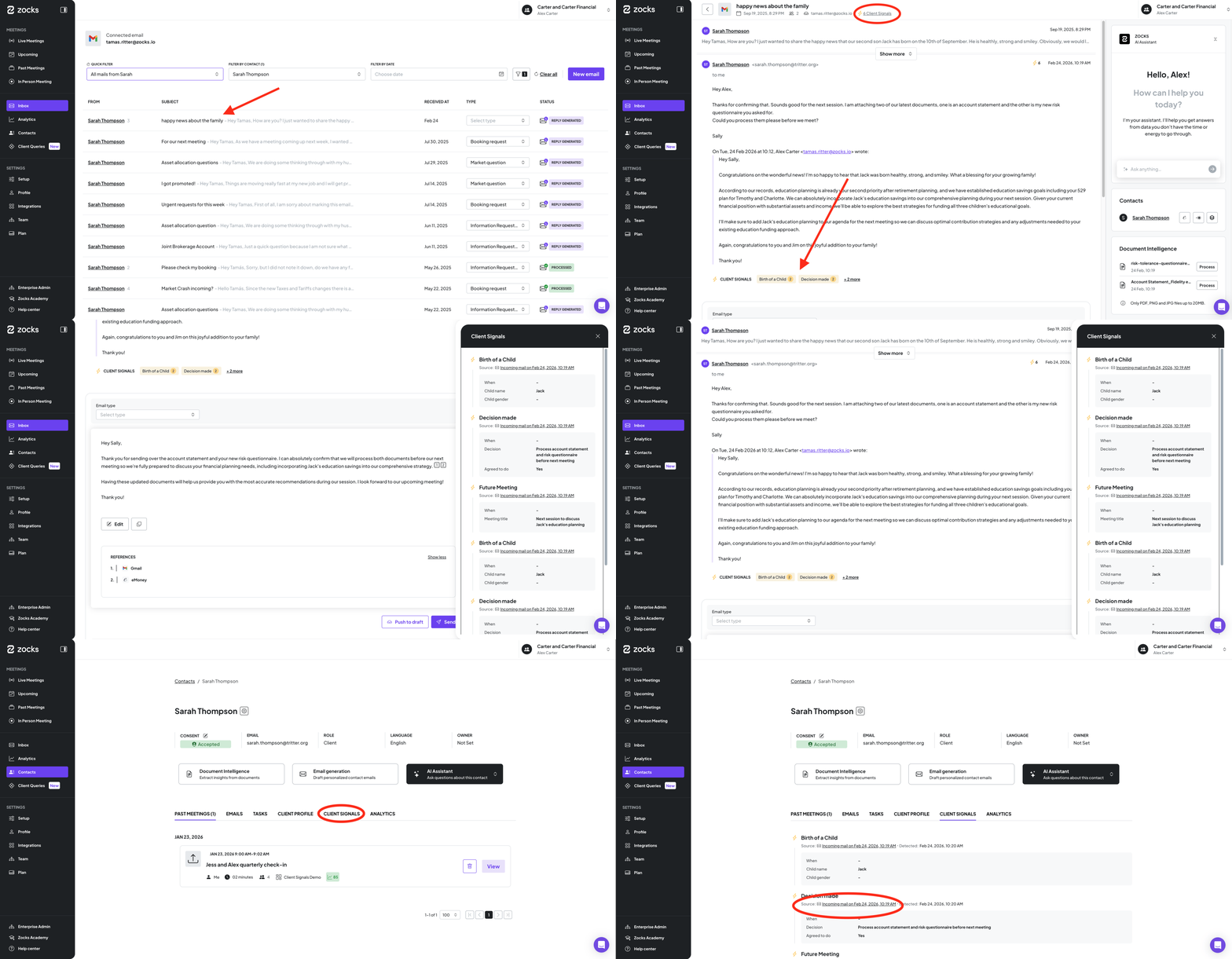
Along with new email-based signals, we’ve refreshed the email thread UI within Zocks. This makes it easier to navigate longer threads and keeps your Tasks, Contact Info, Attachments, and the AI assistant right at your fingertips.
Learn more about Client Signals here.
Zocks Inbox is available in the Ultimate subscription tier.
User Deactivation: Streamlined Team Offboarding
Simplify team transitions and safeguard your firm’s data with a structured, automated offboarding process.
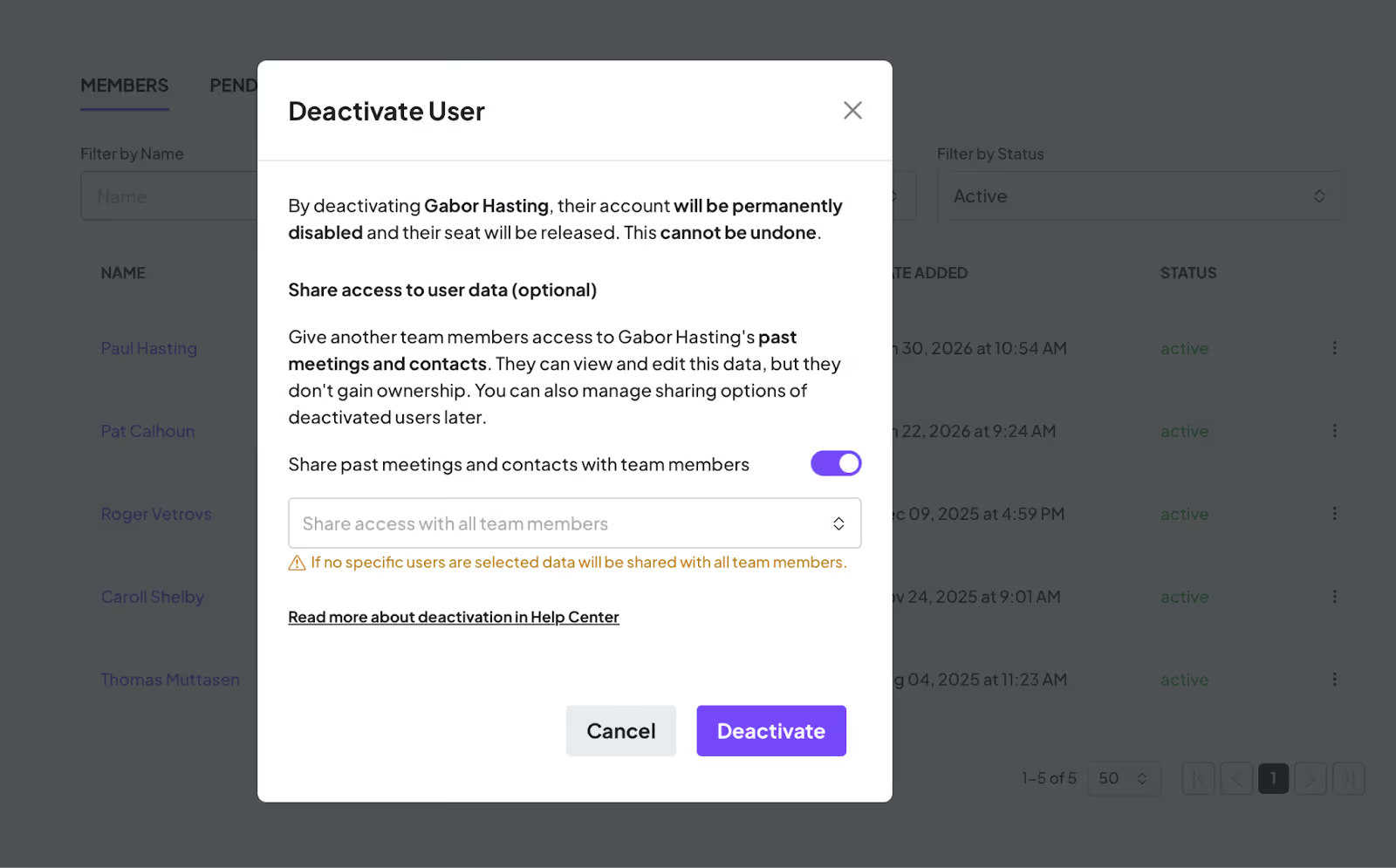
Owners and admins can now fully offboard users through a structured user deactivation process. This ensures that a departing account's data is transferred to another active user, so nothing falls through the cracks.
When an advisor is deactivated, the process automatically frees up their allocated seat, revokes login access, cleans up all connected integrations, and releases the original email address for future use. The result is a clean, complete offboarding with no manual cleanup required.
This feature is available on Pro and Ultimate plans and is designed to support the natural growth and fluctuations of your firm.
Learn more about user deactivation here.
Meeting Processing Notification Emails: Customizable Content & Recipients
Streamline your team’s focus and protect privacy by tailoring meeting notifications to include only the most relevant details and recipients.
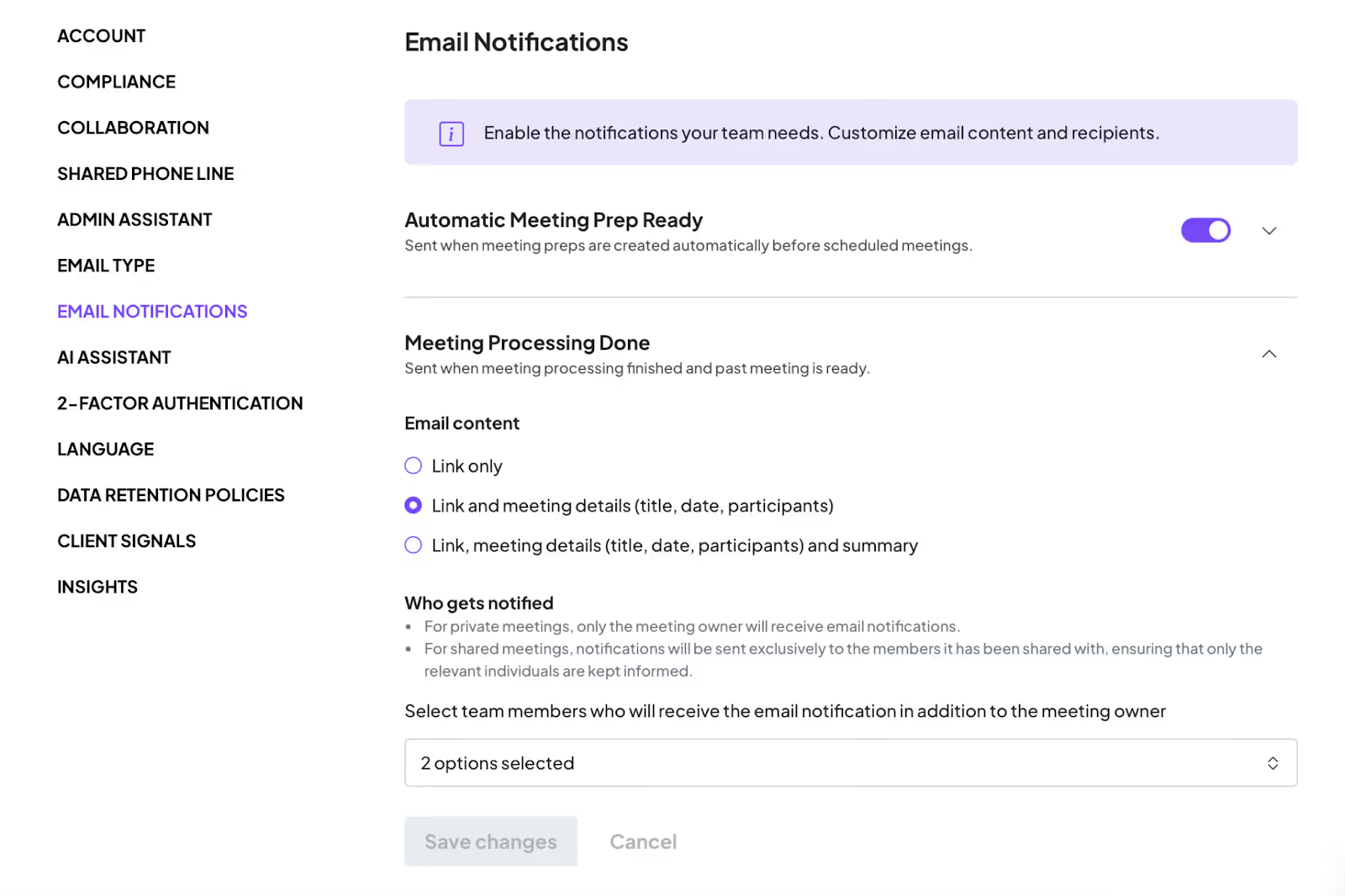
You now have more control over the content of meeting completion emails and who receives them. It is now possible to customize these emails to include Meeting Name, Date, and Participants — and optionally the Meeting Summary — tailoring the information to what matters most for your team’s workflow.
When sharing is applied to a meeting, notifications will be sent exclusively to the members it has been shared with, ensuring that only the relevant individuals are kept informed. For private meetings, only the meeting owner will receive email notifications.
Mobile App: Multi-Language & MDM Upgrades
Experience a more reliable and globally-capable mobile workflow with enhanced language support, improved offline notifications, and seamless IT deployment.
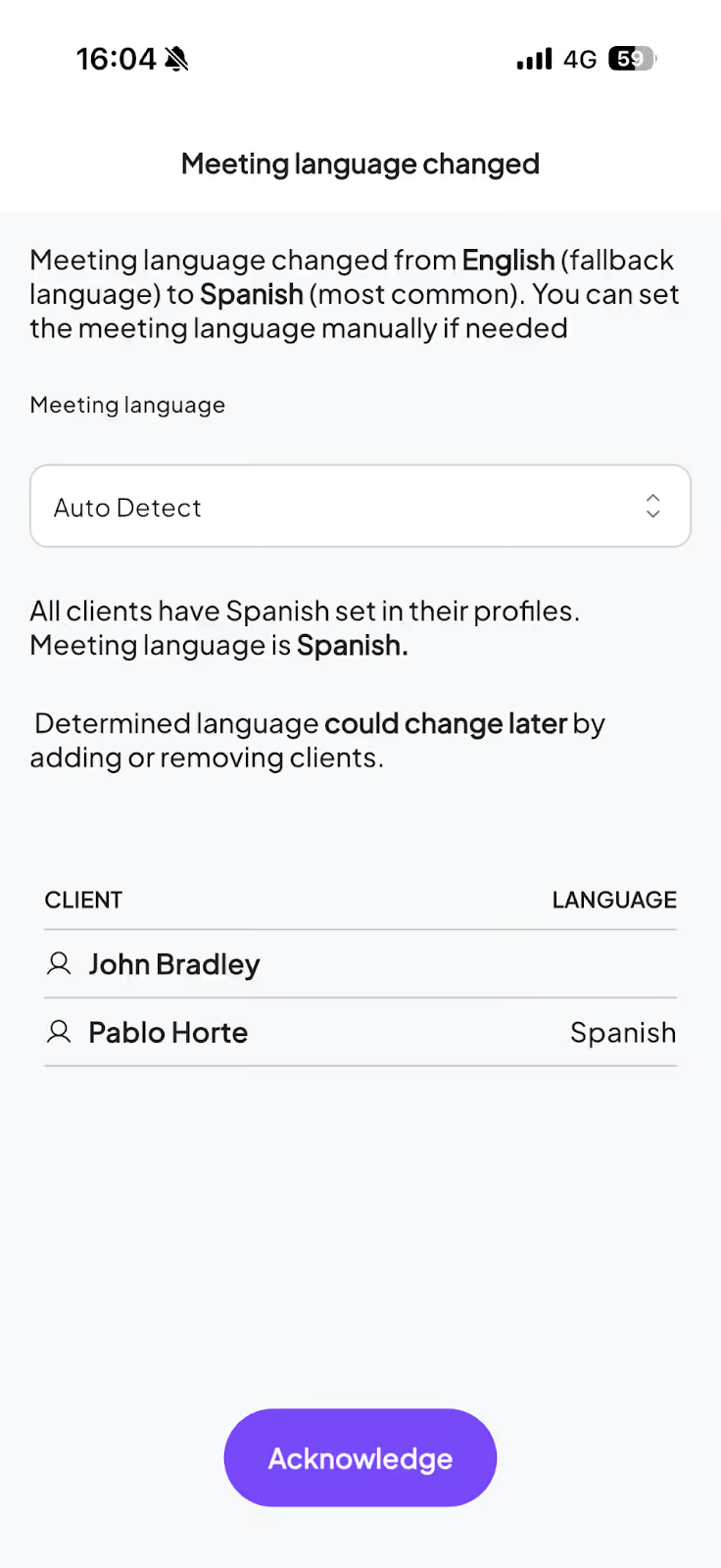
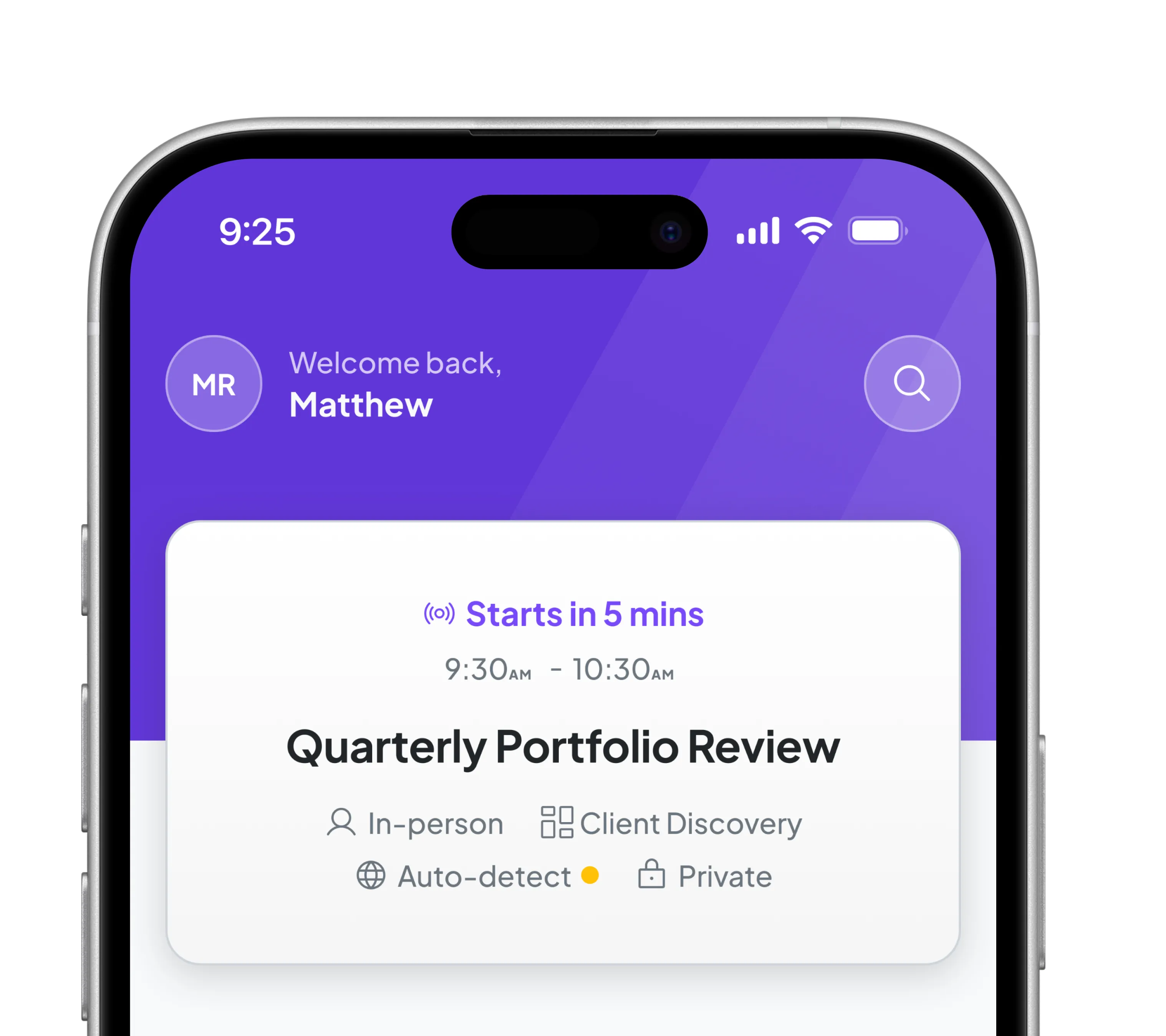
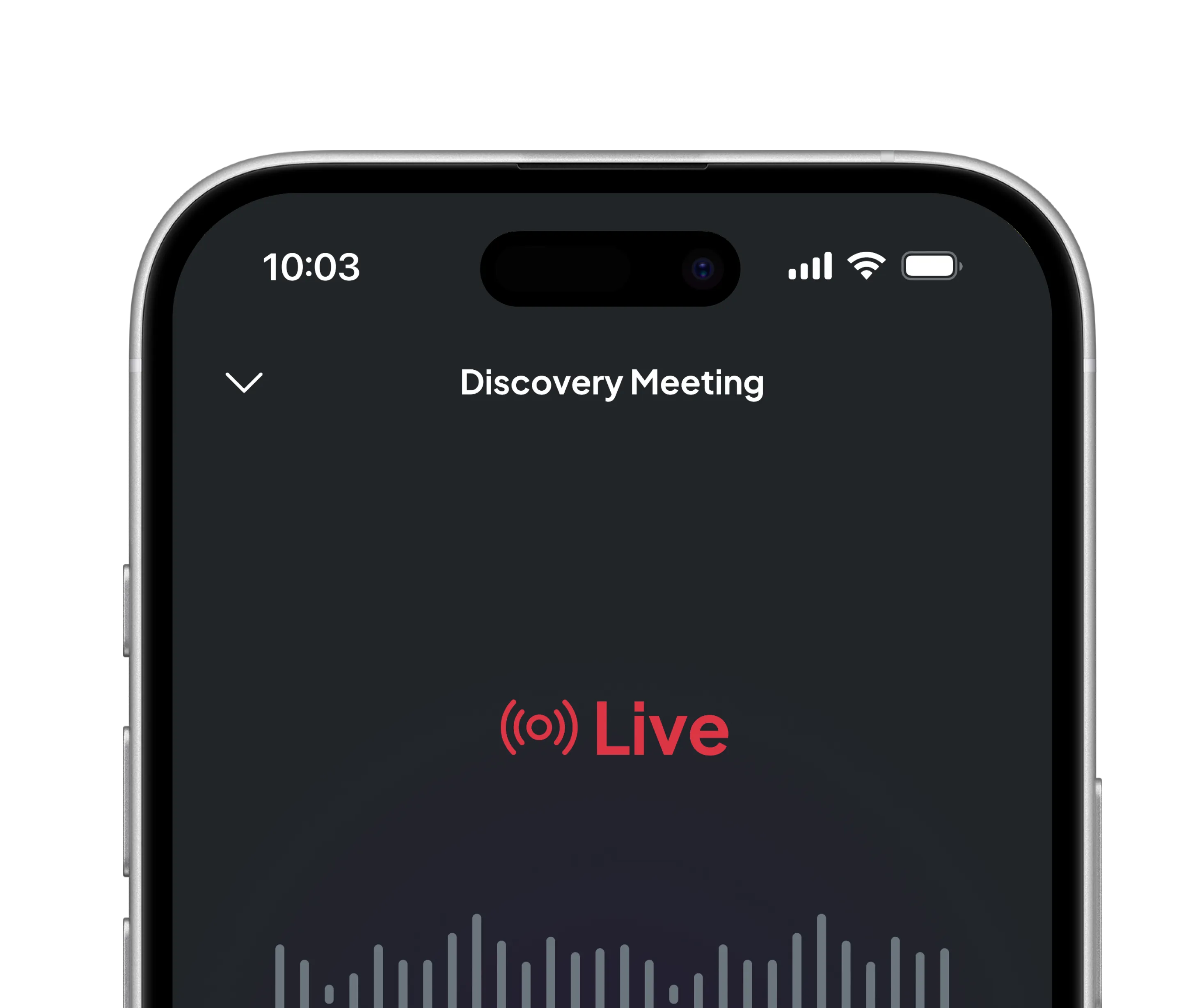
Multi-Language Support is now available on mobile, allowing users to conduct meetings in any supported language directly from the app.
Improved Offline States provide clearer meeting status indicators when a device temporarily loses connectivity. This reduces confusion and delivers a more dependable experience in low-signal environments.
MDM Compatibility has been upgraded to support AppConfig (XML). This gives IT teams the ability to configure the app securely and manage deployments centrally through their existing mobile device management infrastructure.
Audit Logs: Enhanced Compliance Monitoring
Maintain full oversight and meet compliance requirements with searchable, real-time activity tracking directly within the Zocks interface.
Originally introduced in December and running in the background, Audit Logs are now fully accessible and searchable directly from the UI to support your team's monitoring and compliance needs.
Audit Logs are enabled by default for all eligible accounts (Professional plan and above), providing enhanced visibility into platform activity.
Admin and Owner Capabilities:
- Data Retention: Set custom data retention policies (defaulting to 7 days).
- Toggle Access: Enable or disable Audit Logs as needed.
- Direct Review: Access & review logs directly within the UI, located next to Account Insights.
Over the coming months, we will continuously expand the range of actions tracked within Audit Logs to provide even deeper insights.
Data Explainer: Field-Level Source Verification
Ensure data integrity and eliminate manual verification by instantly tracing every captured detail back to the conversation.
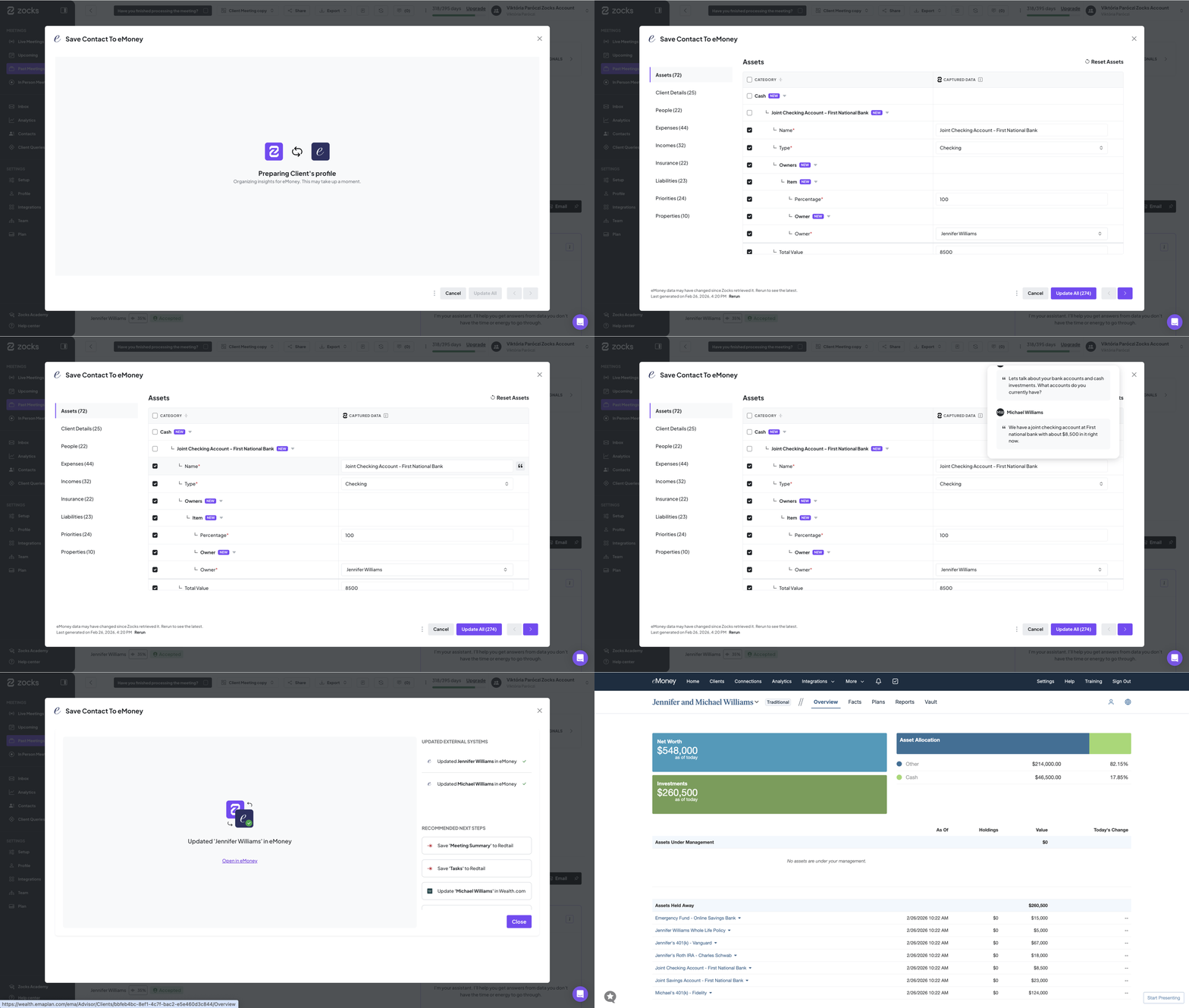
See exactly where every captured detail originated — right where you need it.When you're reviewing a contact update with hundreds of fields, it's not always obvious where a particular detail came from. The new Field-Level Data Explainer shows you precisely which part of the conversation each data point was drawn from, eliminating second-guessing and manual digging.
This is especially powerful for eMoney users, where contact updates can span 300-400 fields and the stakes for data accuracy are high. Instead of questioning whether a figure can be trusted, you can now verify it instantly with a single glance and move forward with confidence.
Available across all integrations.
Contact Deeplinks: Instant Record Access
Bridge the gap between your platforms and maintain your post-meeting momentum with instant, one-click access to your contact records.
Navigate straight to your contact in any connected system the moment it's updated.
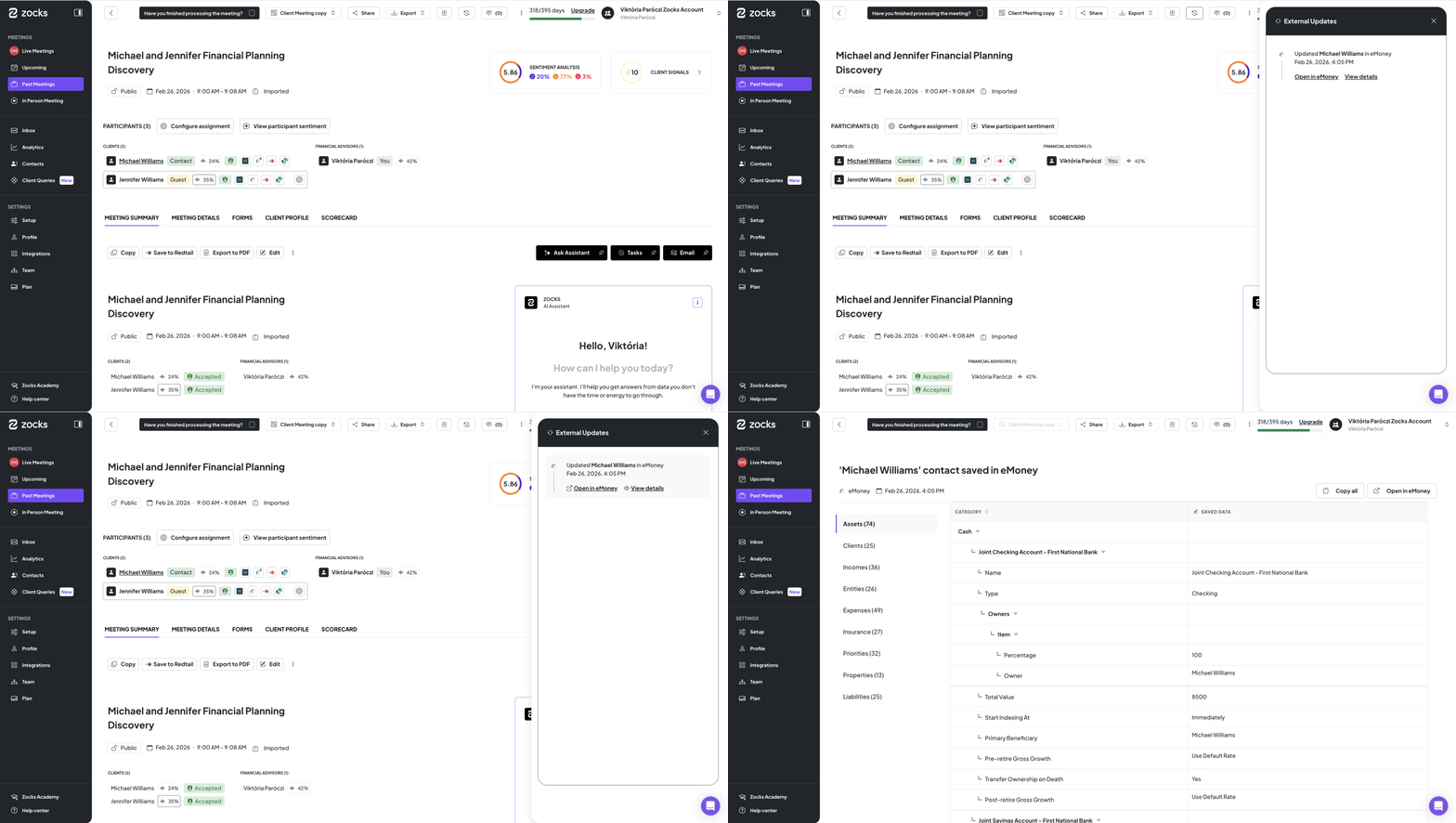
After updating a contact in Zocks, you can now navigate directly to that same record in your connected system with a single click. The deeplink is available immediately after a contact is created or updated, and can also be accessed at any time from your External Updates history.
Advisors are constantly moving between Zocks and their CRM or financial planning platforms. This feature removes a common point of friction - searching for the correct record after a sync. The path from conversation to connected system is now seamless, ensuring your workflow continues without interruption.
Contact Change Log
Simplify compliance and ensure data accuracy with a transparent, automated record of every field modified during a contact sync.
Built for advisors and compliance teams alike, Zocks now provides a complete, transparent record of every field updated during a sync. You can see exactly which fields were modified during each contact update, providing a clear and reliable history of what changed and when.
For firms with audit trail requirements, this is a significant upgrade. Compliance reviews become faster and more straightforward when the data is already documented. For advisors who want to ensure the right information reached their connected systems, the Contact Change Log offers that peace of mind without any extra steps.
Related blogs
.avif)
.avif)
Get started for free in less than 10 minutes