.svg)

Close more prospects with eMoney & Zocks
Auto-populate 370+ eMoney fields from conversations
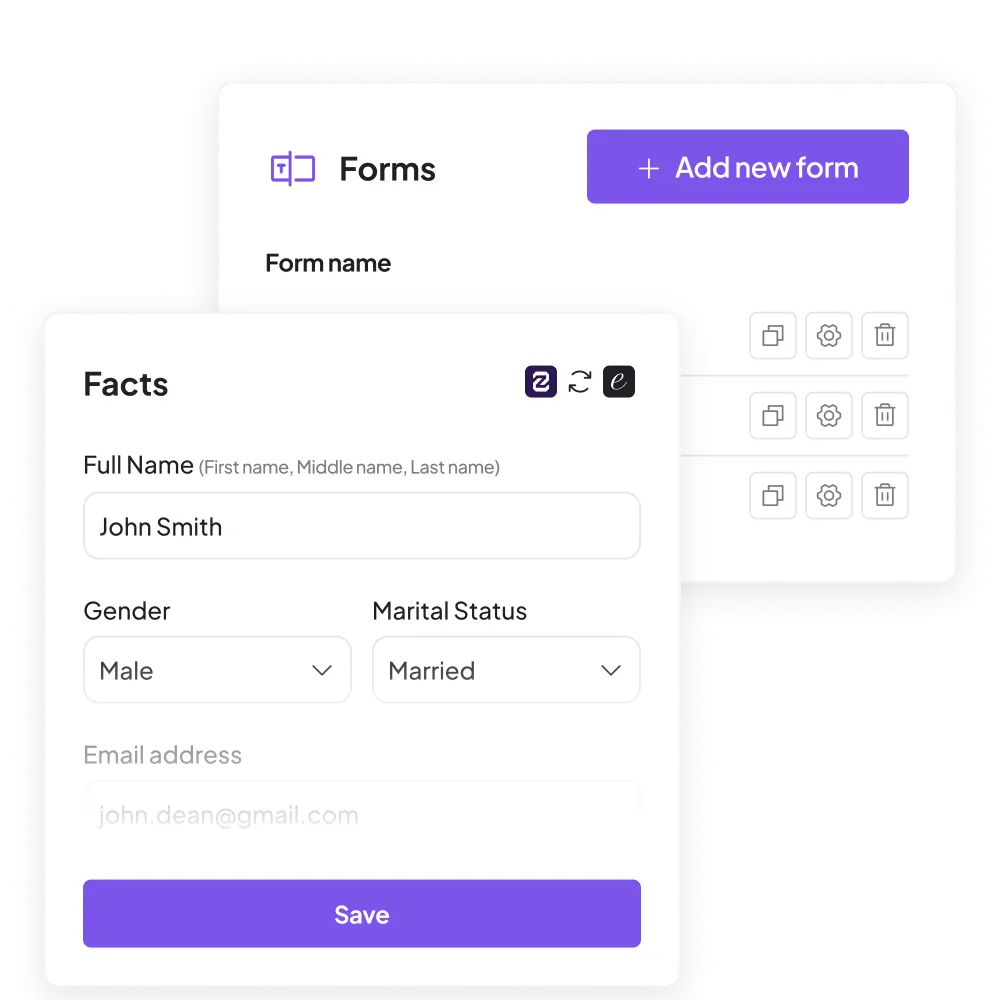
Zocks captures information from client conversations, emails, documents, and your CRM, then syncs 370+ fields directly into eMoney Facts and the Fact Finder, reducing hours of manual data entry to a single click.
Instantly update a client’s financial plan
After a check-in call or whenever a client mentions a life change, Zocks captures it and makes it easy to update their financial plan in eMoney. Without retyping notes or hunting for details.
Draft client-ready replies using live plan data
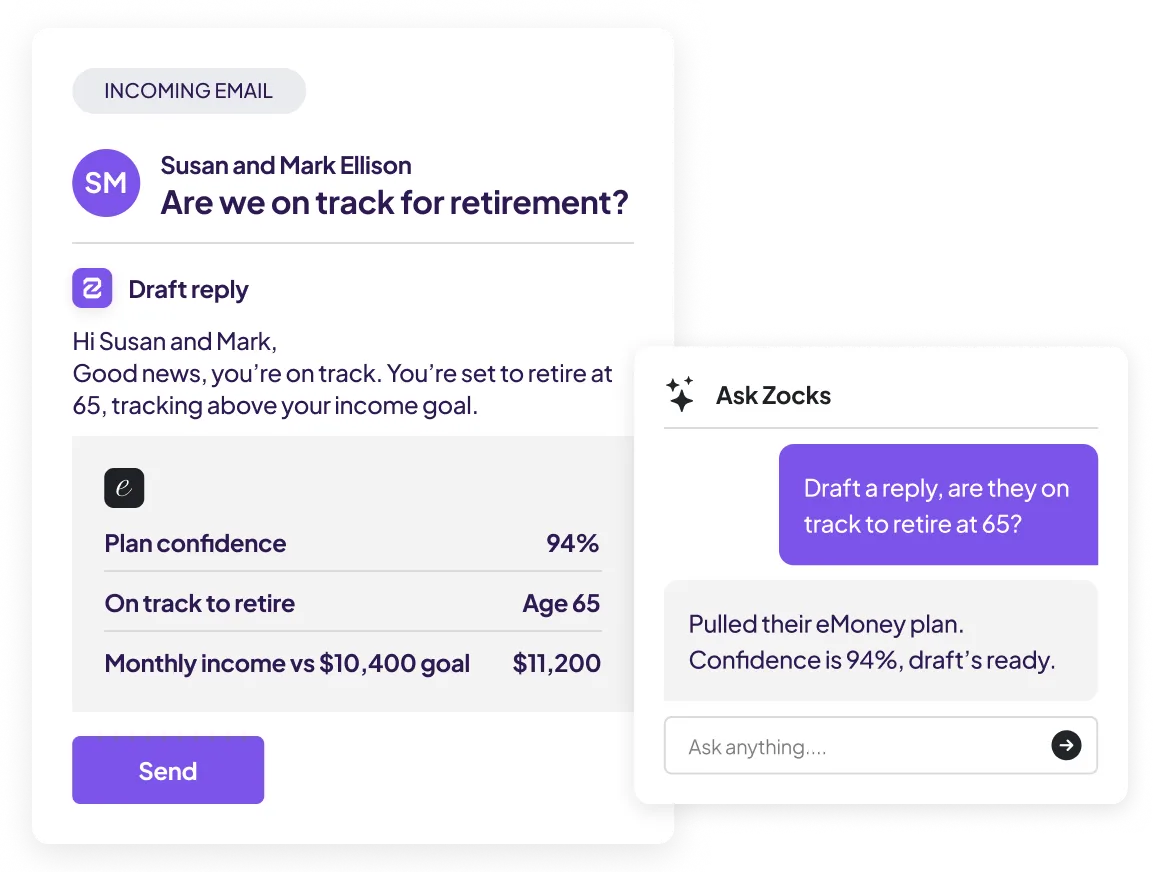
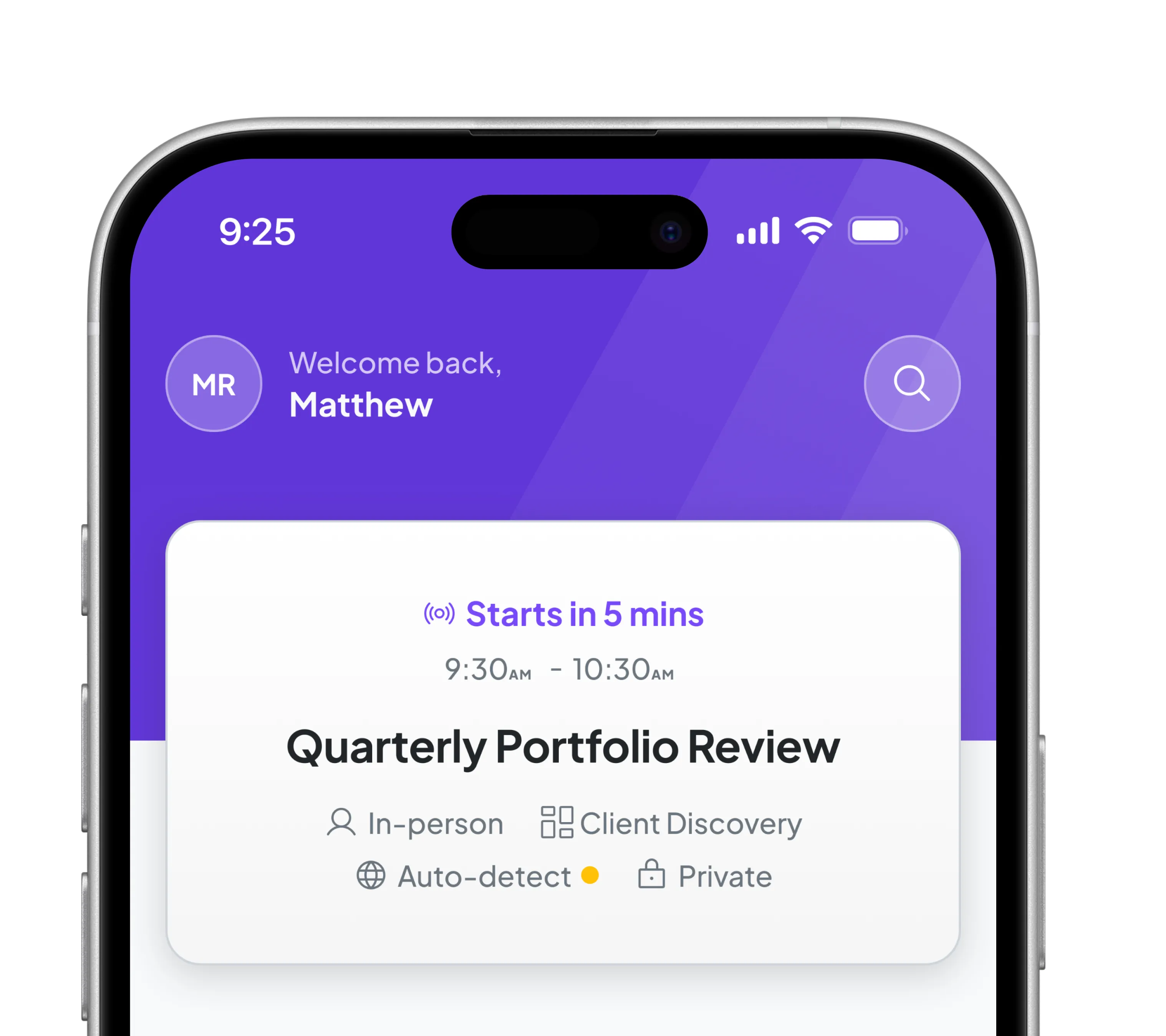
When a client asks a question like, “Are we on track for retirement?” Zocks pulls the latest data from their eMoney plan and instantly drafts a detailed, personalized email response. Review, edit, send.
Turn client documents into populated eMoney data
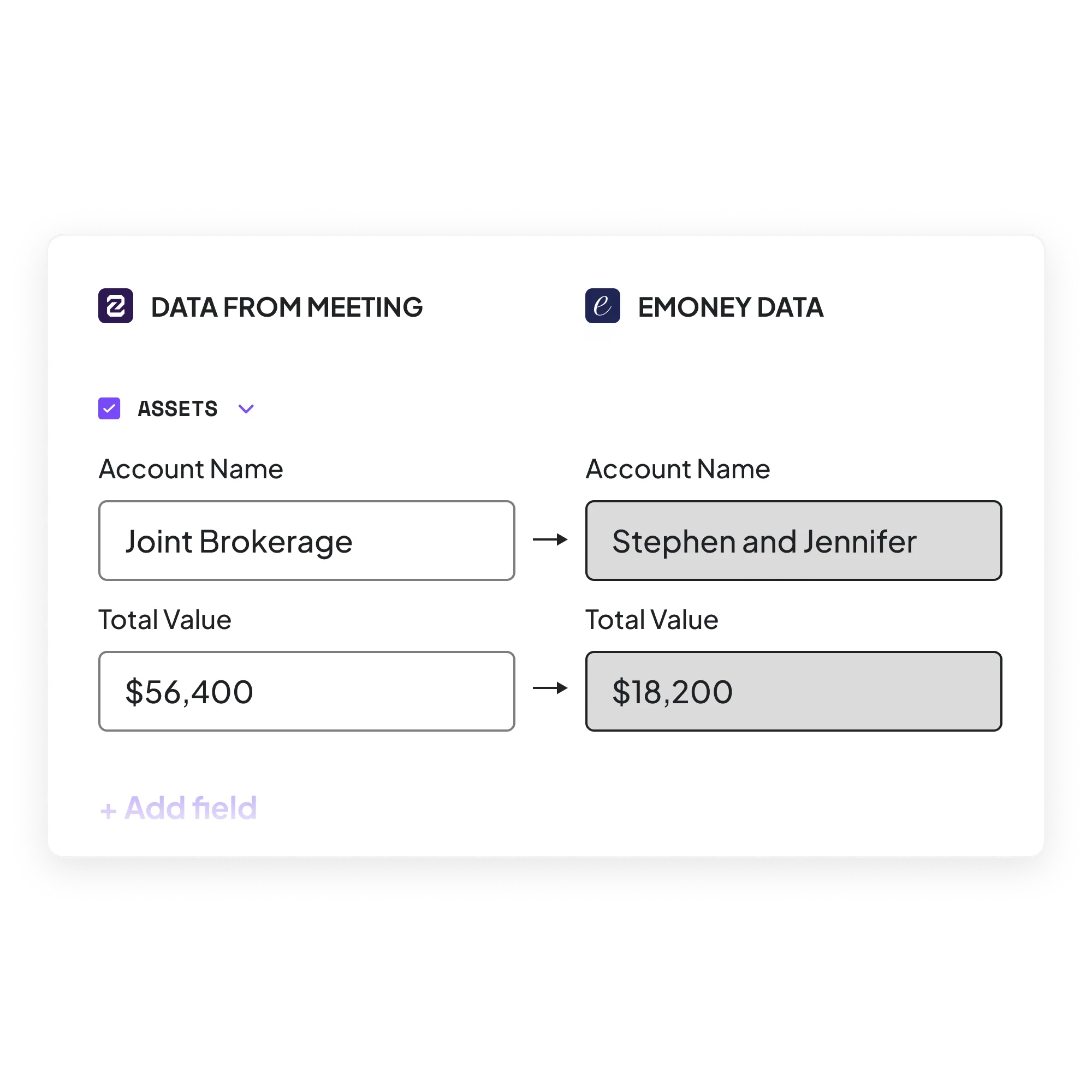
Upload any client document (brokerage statements, estate plans, intake forms, risk profiles) in any format. Zocks extracts income, assets, beneficiaries, account numbers, risk scores, and more, then syncs field-level updates directly into eMoney. Hours of manual review, done in under 60 seconds.
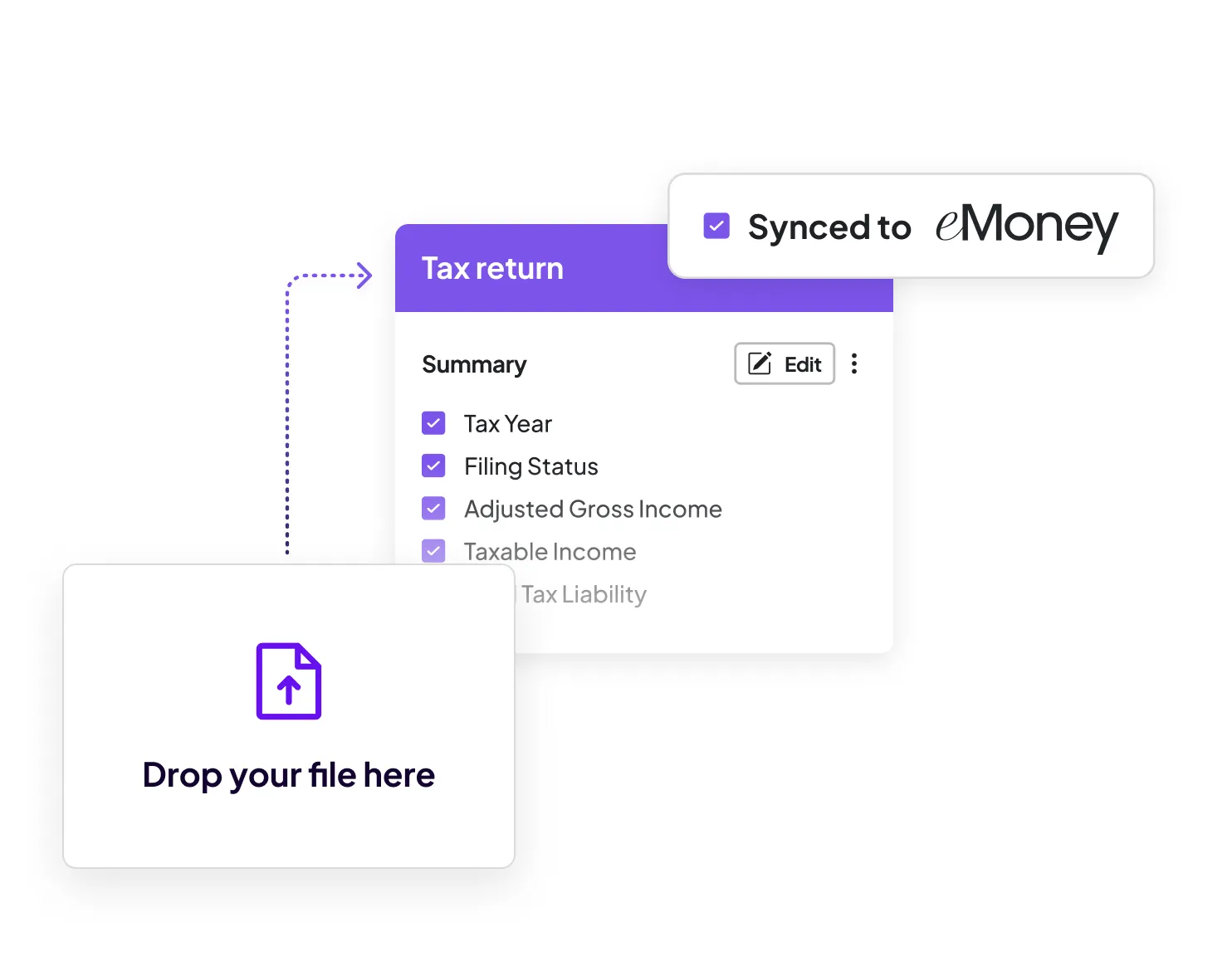
What syncs with eMoney
See how Zocks data flows into eMoney and which fields are auto-filled.

Sync Direction
Two-way data synchronization

Write to eMoney
370+ fields across eMoney Facts and Advanced Facts. Covers Personal Info, Assets, Liabilities, Incomes, Expenses. Auto-populates Fact Finder.

Read from eMoney
Financial plan data, contact/household info, asset and liability details. Used for meeting prep, email drafting, Ask Anything.

Document Intelligence
Upload documents (statements, estate plans, intake forms). Extracts data and creates field-level updates in eMoney. Any format.

Email Drafting
Generates replies using live eMoney plan data + CRM, past conversations, and email history.

Meeting Prep (Read)
Pulls eMoney financial plan details into one-click meeting prep.

Ask Anything
Query eMoney data mid-meeting or during prep. Get answers without logging into eMoney.

Setup
One-click connection in Zocks settings. Auto-contact sync available.
Here’s why we’re rated #1

Get started for free in less than 10 minutes



FAQs
Zocks captures client details from conversations, emails, and documents, then syncs 370+ fields into eMoney Facts and the Fact Finder. Also pulls eMoney plan data into meeting prep, email drafts, and Ask Anything.
370+ fields across Facts and Advanced Facts covering Personal Info, Assets, Liabilities, Incomes, Expenses. One conversation can populate most data needed to start a financial plan.
Yes. Upload any document (statements, estate plans, intake forms) in any format. Zocks extracts data and syncs field-level updates to eMoney in under 60 seconds.
Yes. Zocks pulls your client’s eMoney financial plan details into meeting prep alongside CRM data, past conversations, and email history. Also available via Ask Anything mid-meeting.
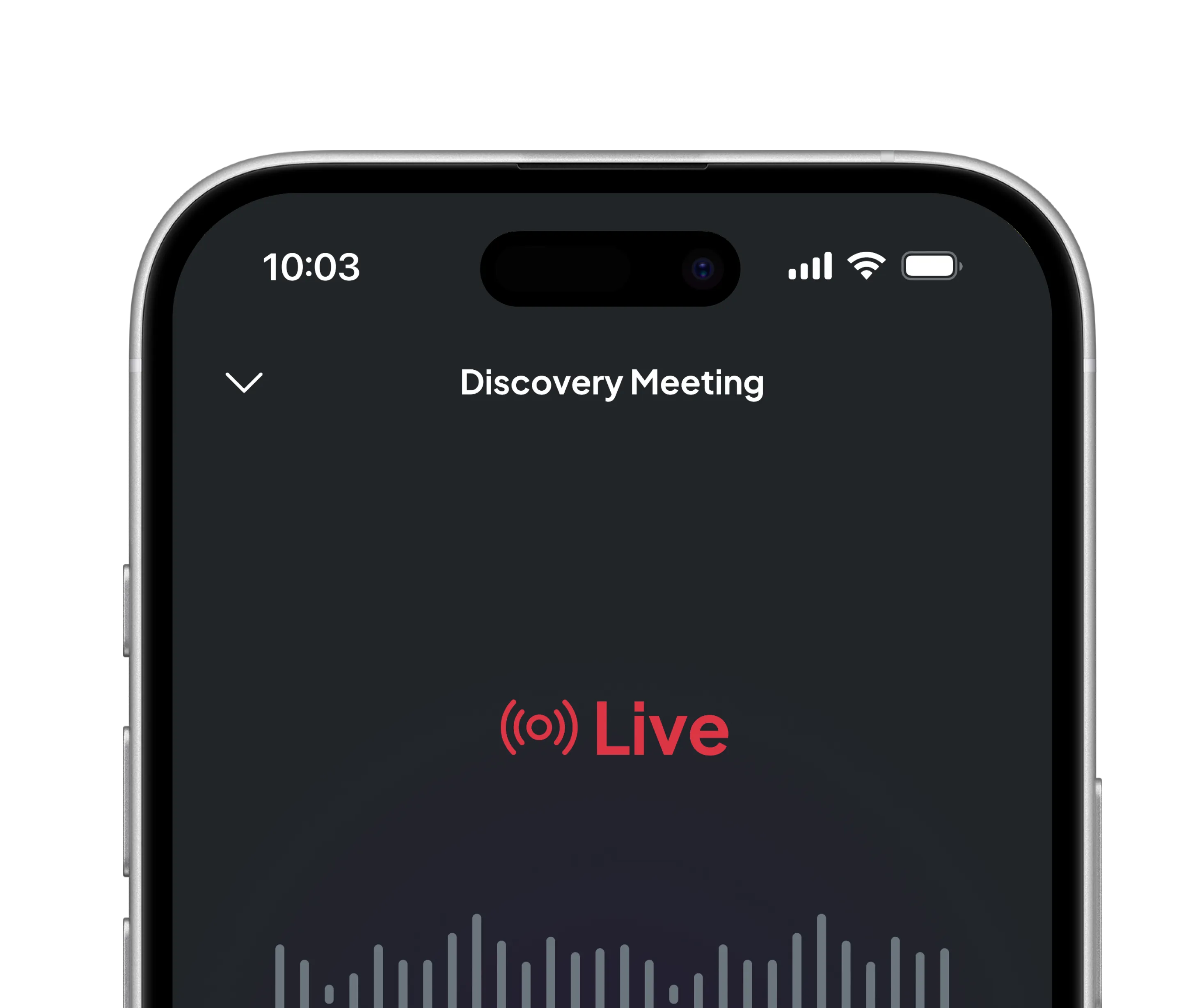
No. Zocks uses live transcription. No audio/video recording. No file to manage or archive. Avoids consent issues.
In Zocks settings, select eMoney and connect with one click. Auto-contact sync matches contacts automatically. Most advisors are running in under 10 minutes.