Find untapped growth and close service gaps across your entire book
Zocks Client Queries scans your book of business and surfaces the clients with held-away assets, unmet planning needs, or a major life event coming up. Take action on the ones who need you most in one click.


Growing AUM and closing service gaps just got easier

Heading
Lorem ipsum dolor sit amet, consectetur adipiscing elit.
Heading
Lorem ipsum dolor sit amet, consectetur adipiscing elit.
Heading
Lorem ipsum dolor sit amet, consectetur adipiscing elit.
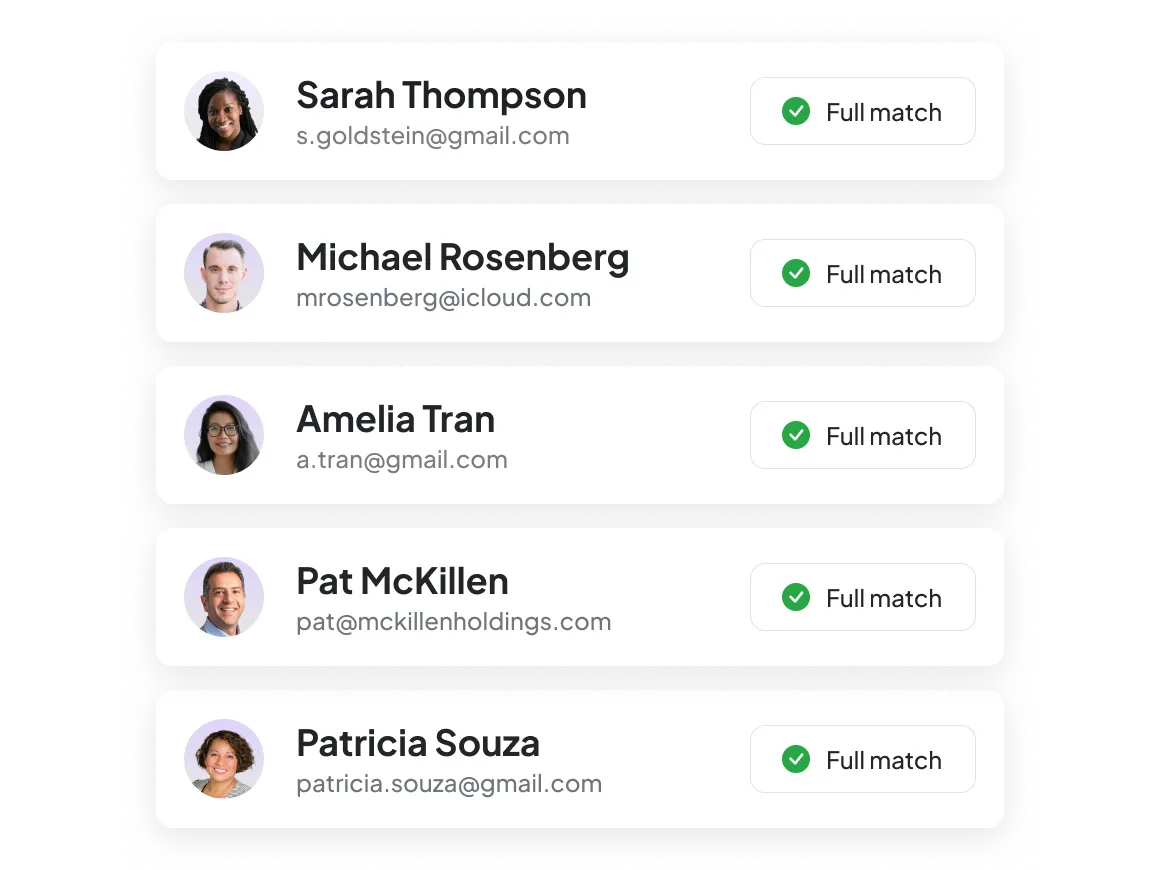
Ask a question. Get a client list.
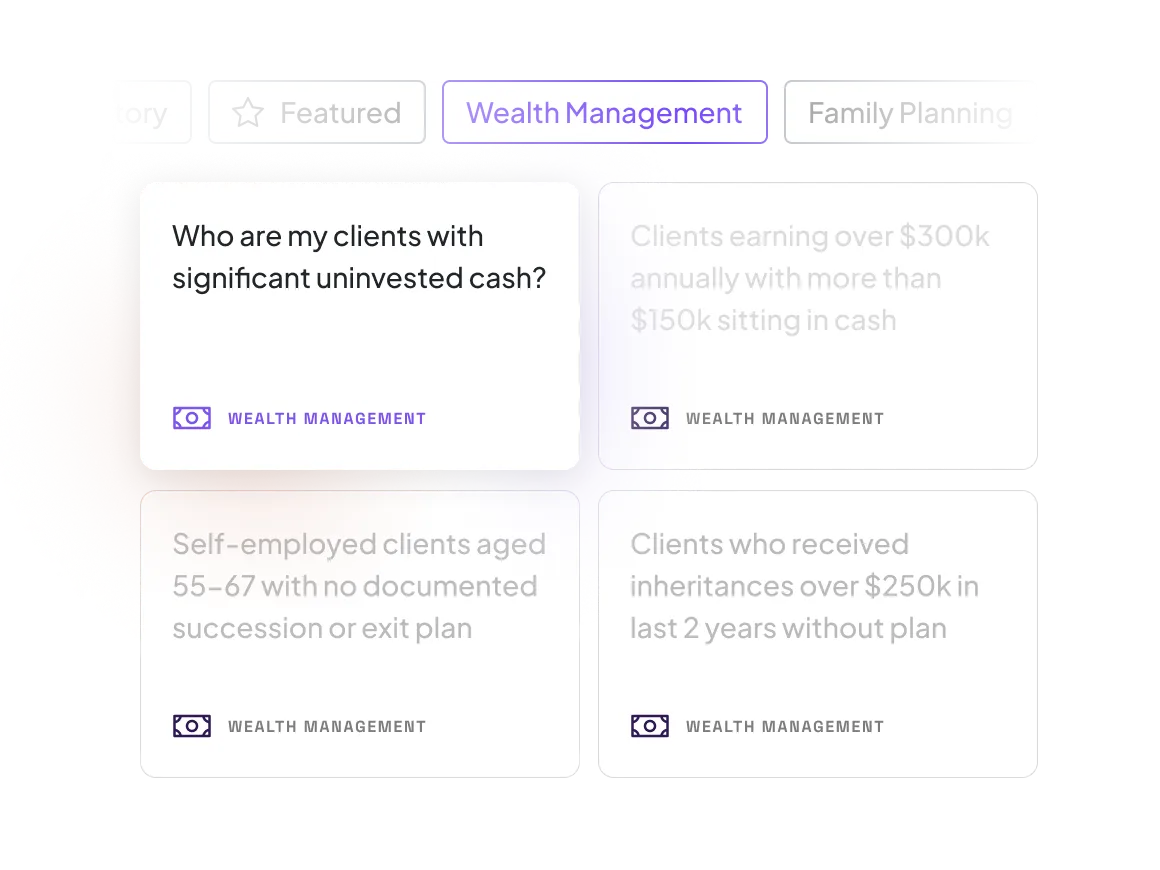
Ask a plain-language question and Zocks searches your entire book for the answer. Start with pre-built queries based on best practices from top advisory firms, or write your own. Ask questions like:
- “Who has kids but no 529 plan?”
- “Which clients are overdue for an annual review?”
- “Which clients have retirement accounts but no tax planning strategy in place?”
Search across every system at once
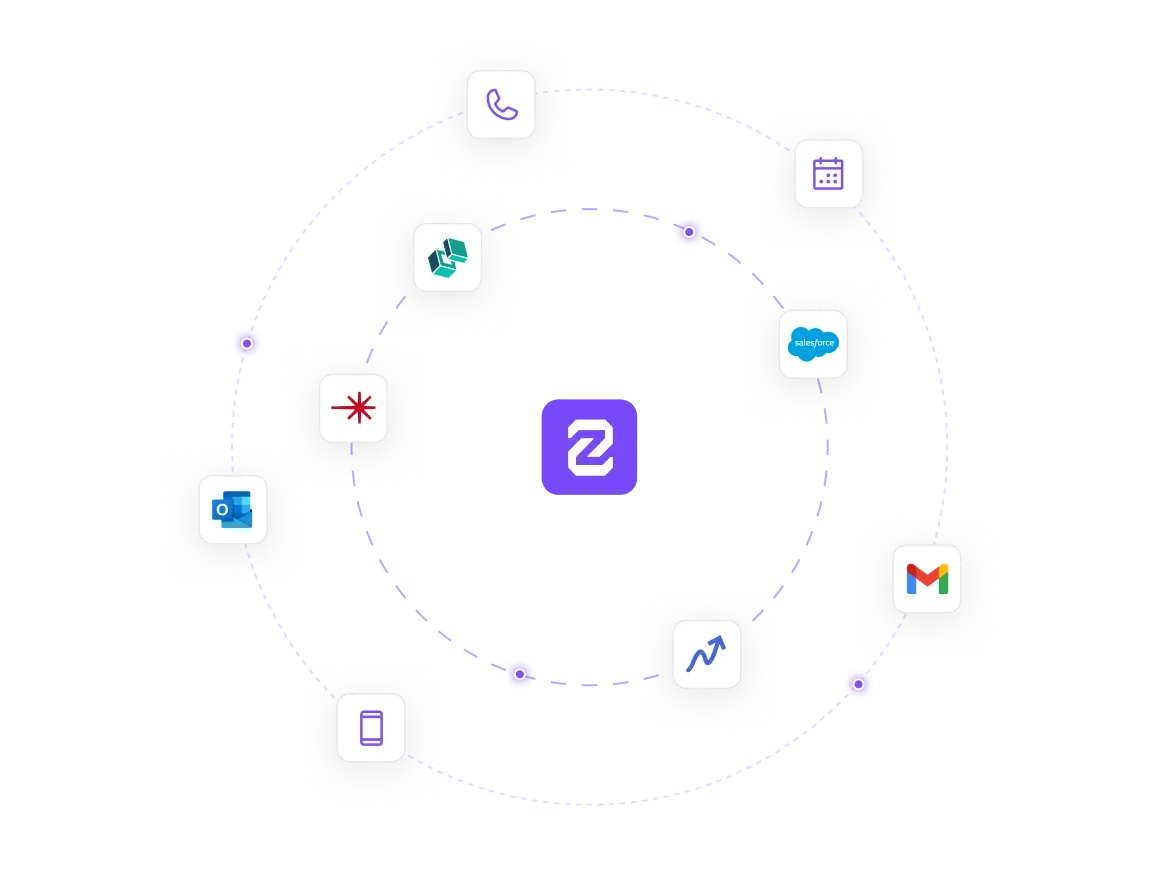
Client Queries pulls from every captured client conversation and every connected data source. Run a single query that searches across:
- CRM records
- Financial planning tools
- Custodian data
- Portfolio management systems
- Tax and estate planning
- Client onboarding
Every result comes with a next step
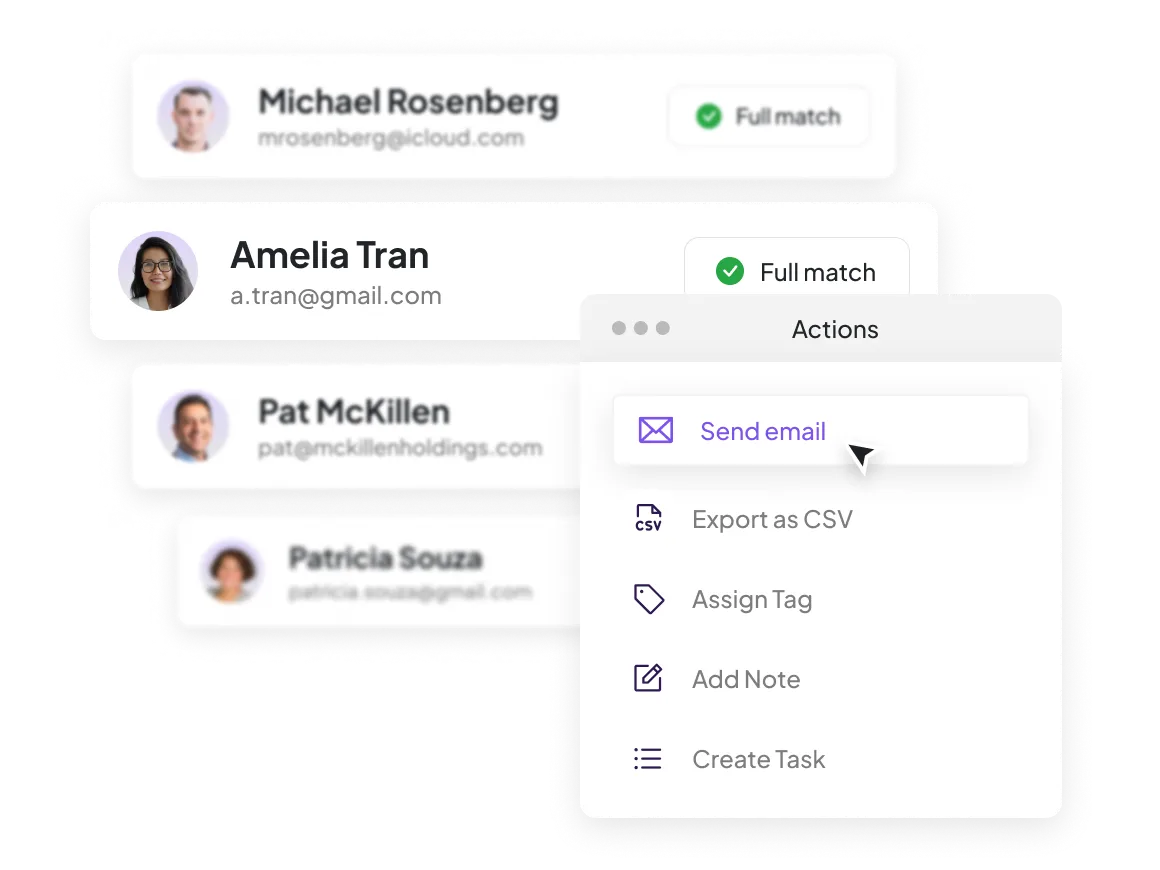
Instantly take action on your results. Every match is ranked by quality so you know exactly who to prioritize and what to do next. From any client list, you can:
- Add tags, notes, or tasks in your CRM
- Send personalized emails based on full client history
- Launch automations through Zapier
- Export the full list to a CSV
Stay ahead of your servicing calendar
Schedule recurring queries tied to your firm’s annual cadence and create repeatable systems your whole team can follow. Schedule queries like annual reviews, RMD compliance, tax-loss harvesting windows, and open enrollment prep.
Here’s why we’re rated #1




FAQs
Every query categorizes your book into full matches, no matches, and clients with incomplete or outdated records — so you can see the match quality and supporting details behind each result before you act on it. Queries that use structured system fields (like retirement plan or marital status) pull directly from your data. Queries that require reviewing notes, emails, or documents use deeper AI analysis, and Zocks flags where data may be missing or incomplete.
Client Queries searches across every system connected to Zocks — CRM, financial planning, custodian, portfolio management, tax and estate planning, forms, and client onboarding. It also searches unstructured data like meeting notes, archived emails, and stored document summaries. The more systems you connect, the more complete your results.
Client Queries uses two approaches depending on the question. For queries that can be answered from structured fields —like “which clients are business owners?” — it returns results instantly from your existing data. For questions that require reviewing notes, emails, or documents, it runs a deeper AI Analysis to extract the relevant details. Over time, as your data becomes more structured through regular use, more of your queries resolve instantly.
You control access. Client ownership, data sources, and team roles determine who can run queries and who can see results. Advisors only see clients within their authorized scope unless they’ve been granted broader visibility.
No. Client Queries works with data from any connected system — even if you’ve never run a Zocks meeting. If your client data lives in your CRM, financial planning tools, or custodian, Client Queries can search it. The more data Zocks captures from your meetings and emails over time, the richer your results become — but it’s not a prerequisite.
Client Queries is designed for that reality. Instead of requiring perfect data upfront, it shows you where your records are incomplete or outdated as part of every query result. Each query you run also helps Zocks structure and optimize your underlying data, so results get faster and more accurate over time. Most firms find that Client Queries actually improves their data hygiene rather than depending on it.
Yes. Firm-wide queries are supported, but results depend on how your systems, data sources, and permissions are configured across offices and teams. We recommend working with our implementation team to ensure the setup is optimal.
Get started for free in less than 10 minutes