Run your full meeting workflow from your phone
Stay present with every client, wherever you meet. Zocks Mobile preps you before you walk in, captures the conversation without recording, and sends the follow-up before your next appointment starts.


The full Zocks workflow wherever you are

Heading
Lorem ipsum dolor sit amet, consectetur adipiscing elit.
Heading
Lorem ipsum dolor sit amet, consectetur adipiscing elit.
Heading
Lorem ipsum dolor sit amet, consectetur adipiscing elit.
Prep, capture, and follow up before you get back to your desk
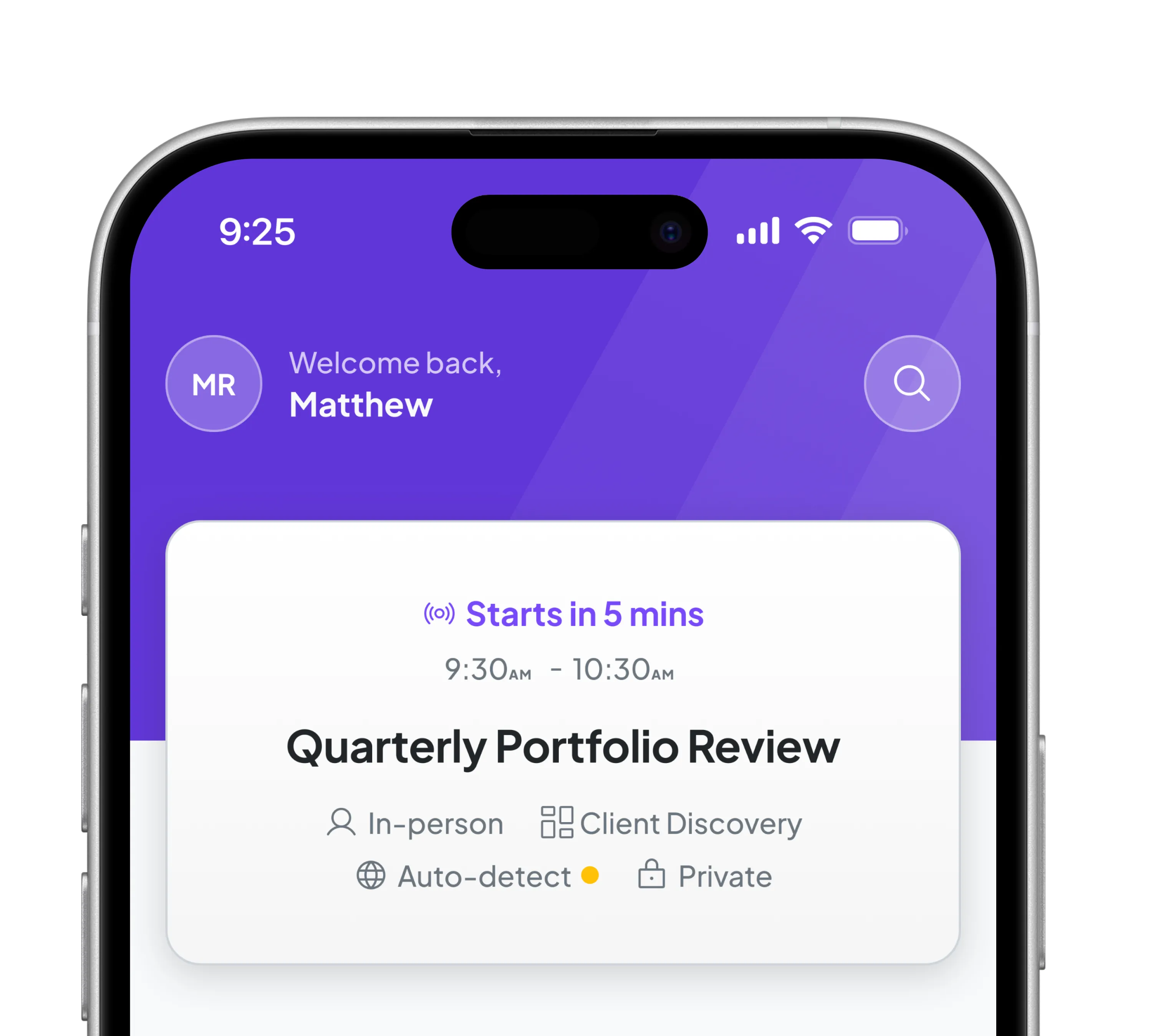
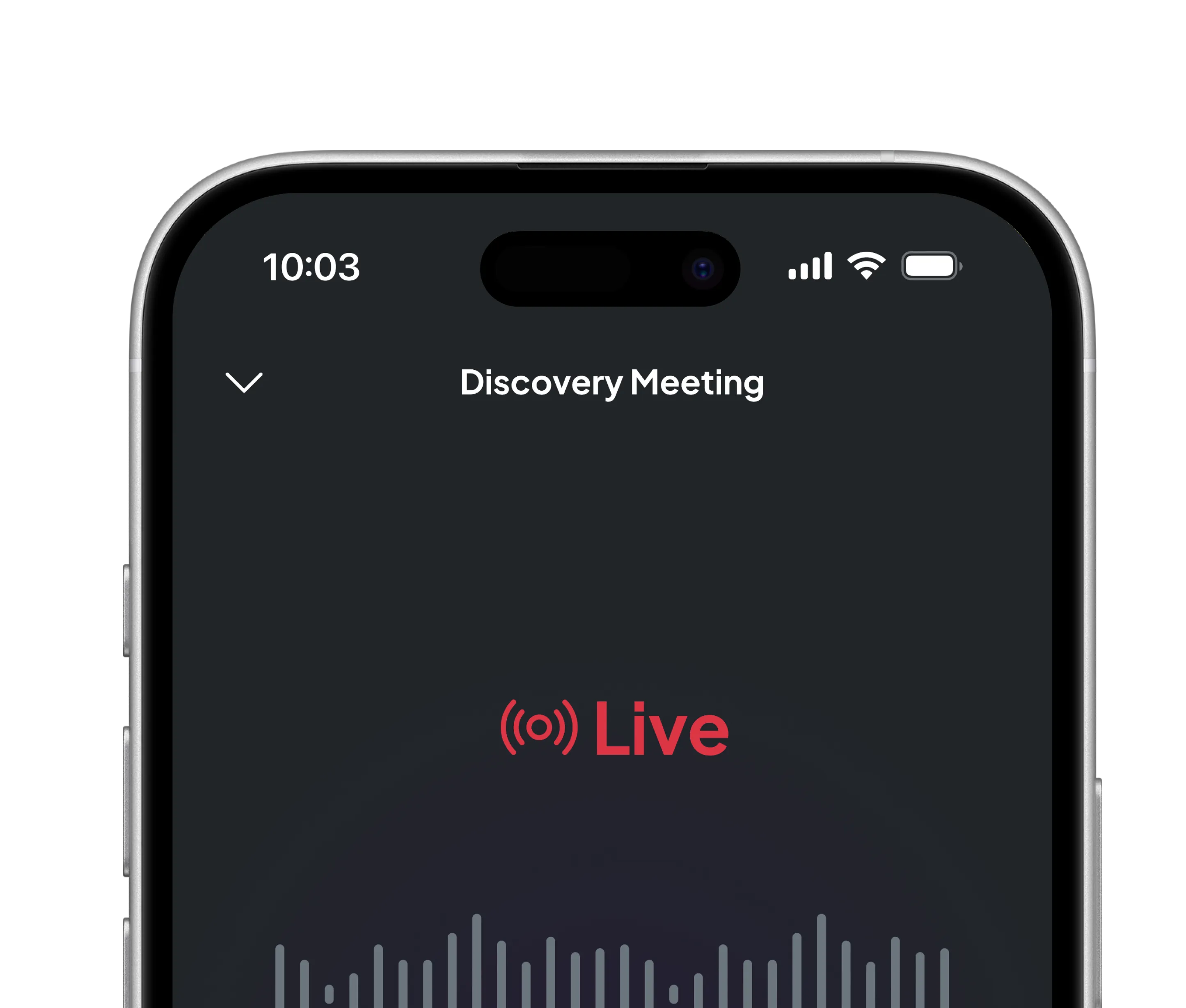
Before the meeting, review your complete meeting prep doc on your phone. During the meeting, Zocks captures the conversation without recording, even when your signal drops. After the meeting, send the follow-up before your next appointment starts.
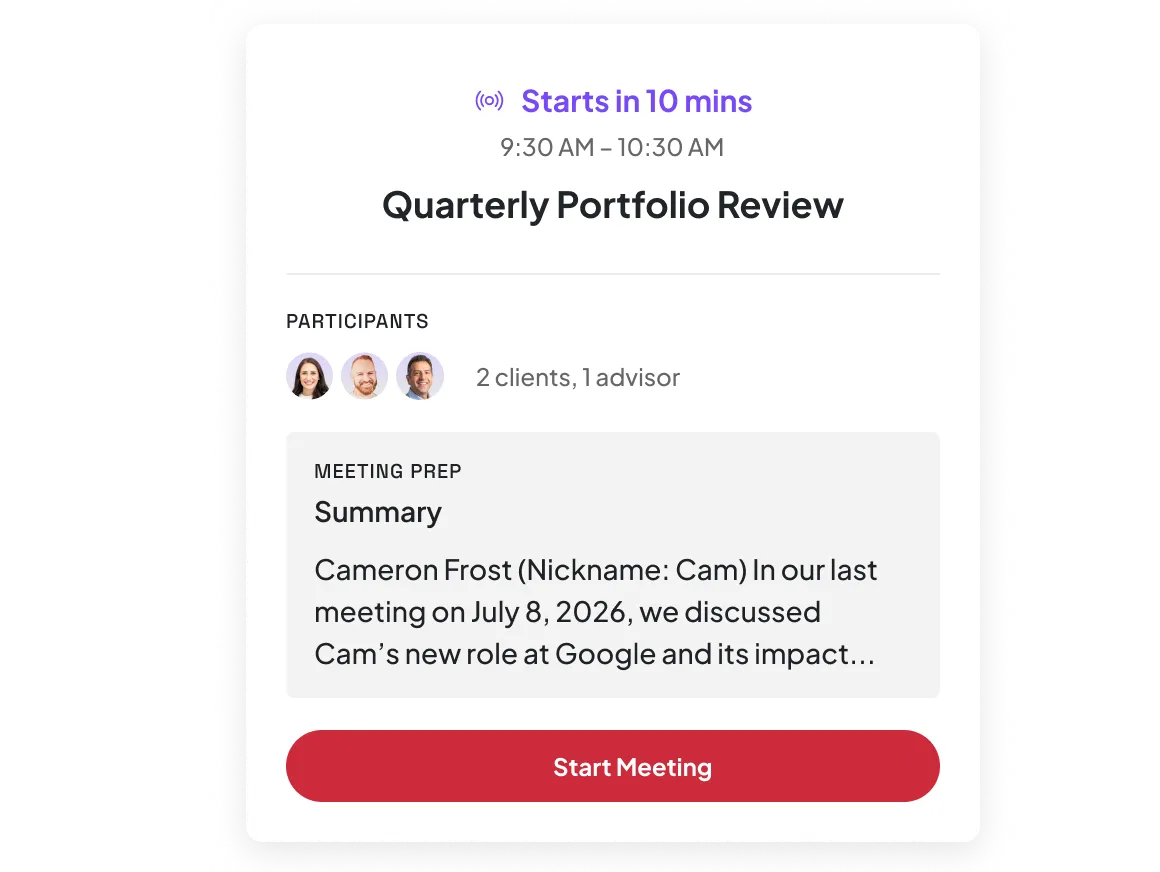
Get client answers on the go
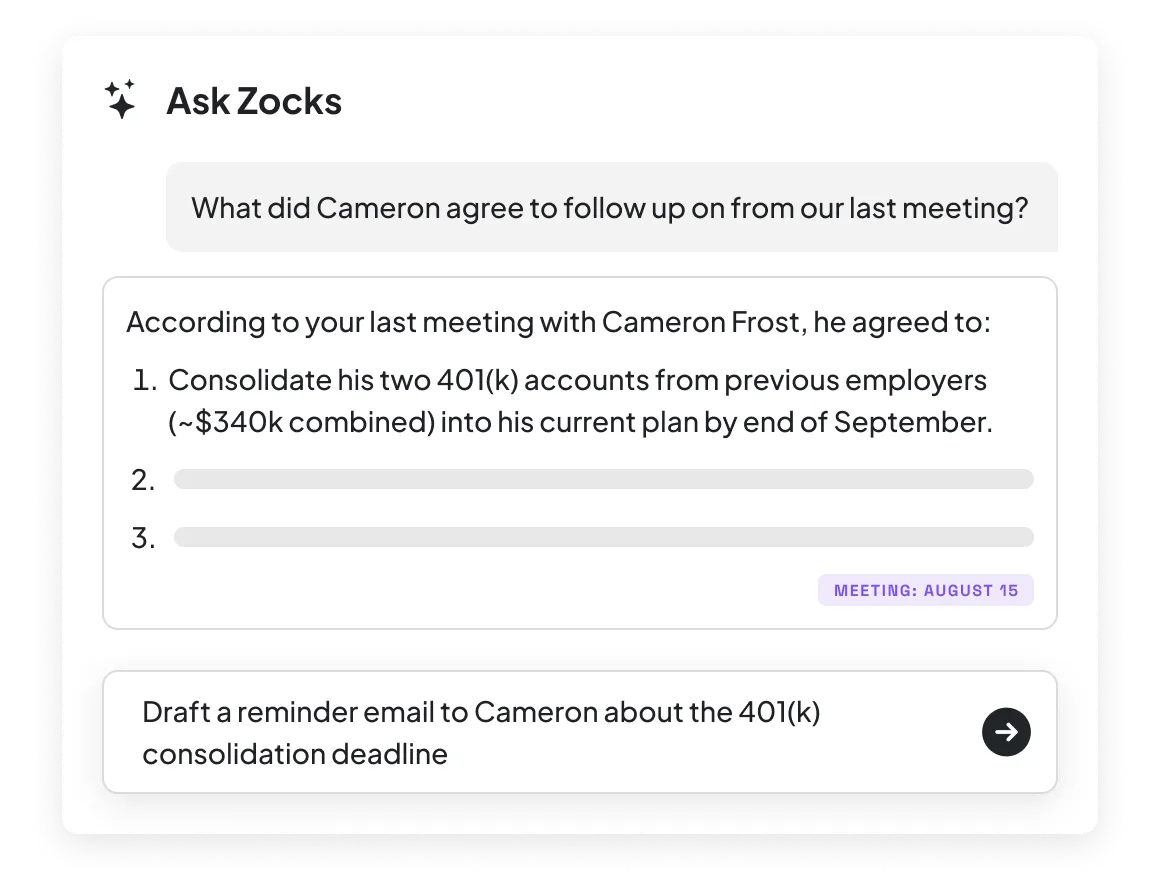
Tap the AI Assistant from any meeting on your phone and get answers from your full client history, meeting notes, and connected systems. Ask what you agreed to follow up on, pull open priorities before you walk in, or restructure a summary.
Start on your phone, finish at your desk
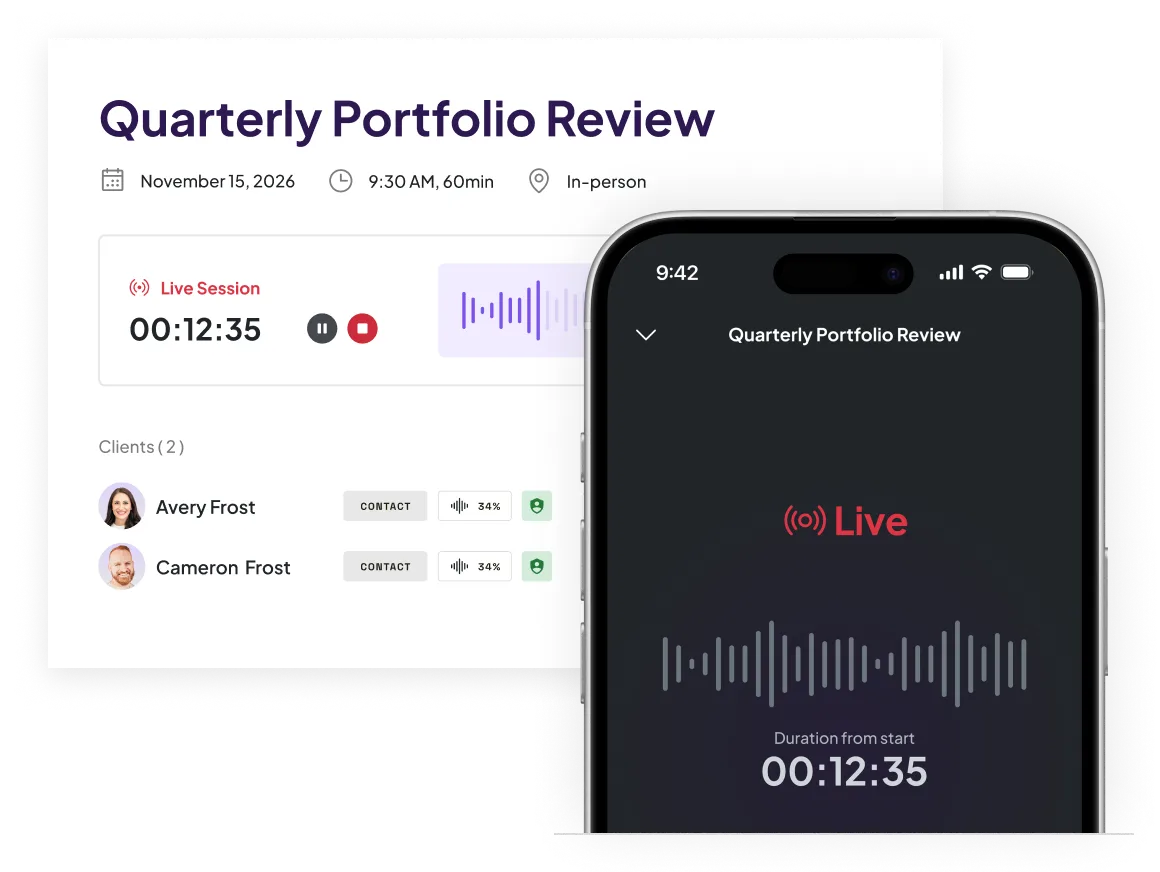
Zocks syncs your AI chat history, workflow progress, and client context across mobile and desktop in real-time. Start editing the follow-up between meetings on your phone and send it from your desktop later.
Deploy Zocks to every advisor’s phone, securely and at scale
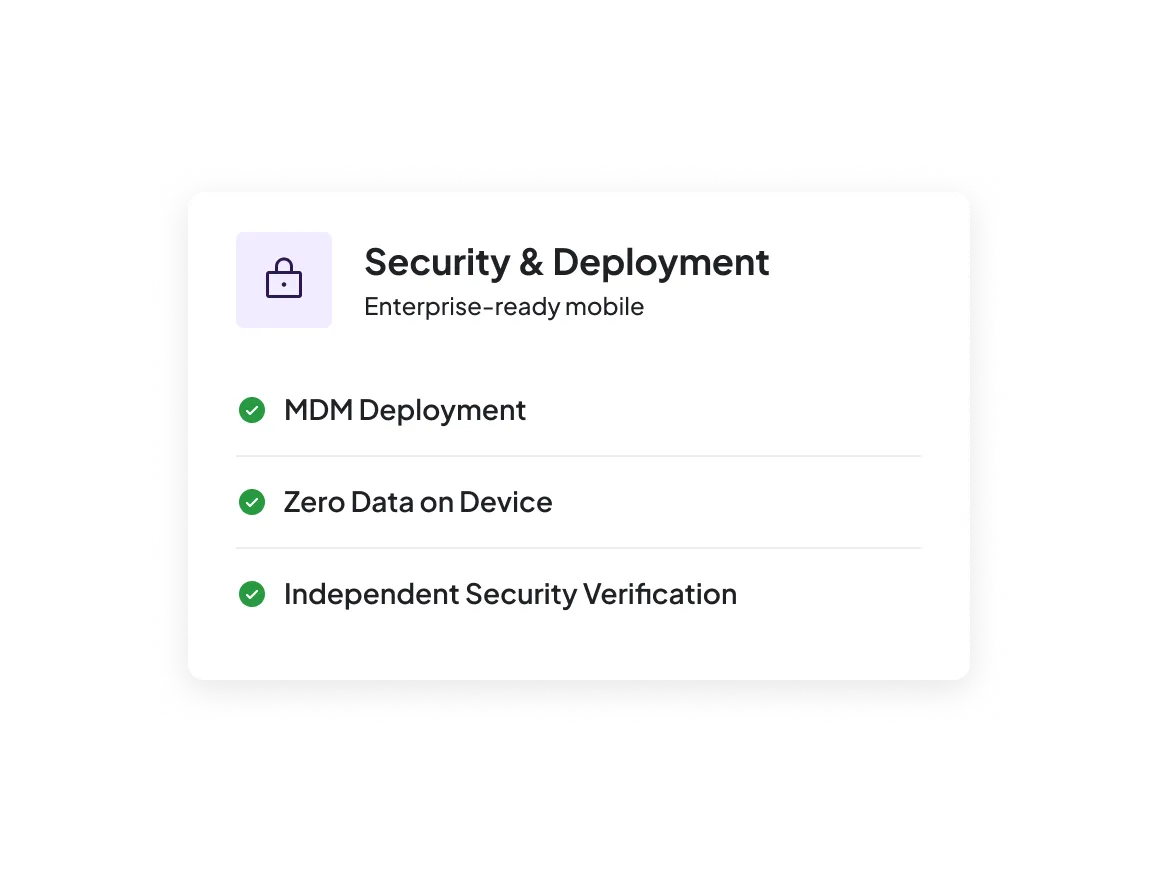
Deploy through Microsoft Intune with centralized configuration and device policies. Zocks never stores data on the device — storage works the same way as desktop, it stays on Zocks servers.


FAQs
No. Zocks never records audio or video on mobile or desktop. The app carries an Apple App Store “Data Not Collected” privacy label, and no data is stored on your device.
Capture keeps going. Zocks is built with offline-first architecture, so meeting capture continues during unstable connectivity. Once you’re back online, everything syncs automatically.
The full meeting workflow runs on mobile: prep, capture, AI Assistant, follow-up, and CRM sync. For deeper review or document processing, you can open Zocks in your device browser to access the full desktop experience.
Yes. The AI Assistant on mobile pulls from the same client history, meeting notes, and connected systems as the desktop version. It can answer questions, restructure summaries, and refine follow-up content. Chat history syncs across both devices in real-time.
Zocks supports managed deployment through Microsoft Intune with centralized configuration, device policies, and BYOD support. AppConfig-compatible configuration gives IT teams control over login behavior and app settings across every advisor’s device.
Yes. Zocks is built natively for both iOS and Android. Download today from the Apple App Store or the Google Play Store.
Get started for free in less than 10 minutes