Fill out any client form in seconds
Zocks Forms instantly fills out intake forms, fact finders, and account applications, then kicks off the workflows your firm already runs. Now you can onboard clients faster and serve them better with much less manual work.


Leave the paperwork to Zocks

Heading
Lorem ipsum dolor sit amet, consectetur adipiscing elit.
Heading
Lorem ipsum dolor sit amet, consectetur adipiscing elit.
Heading
Lorem ipsum dolor sit amet, consectetur adipiscing elit.
Turn client conversations into completed forms
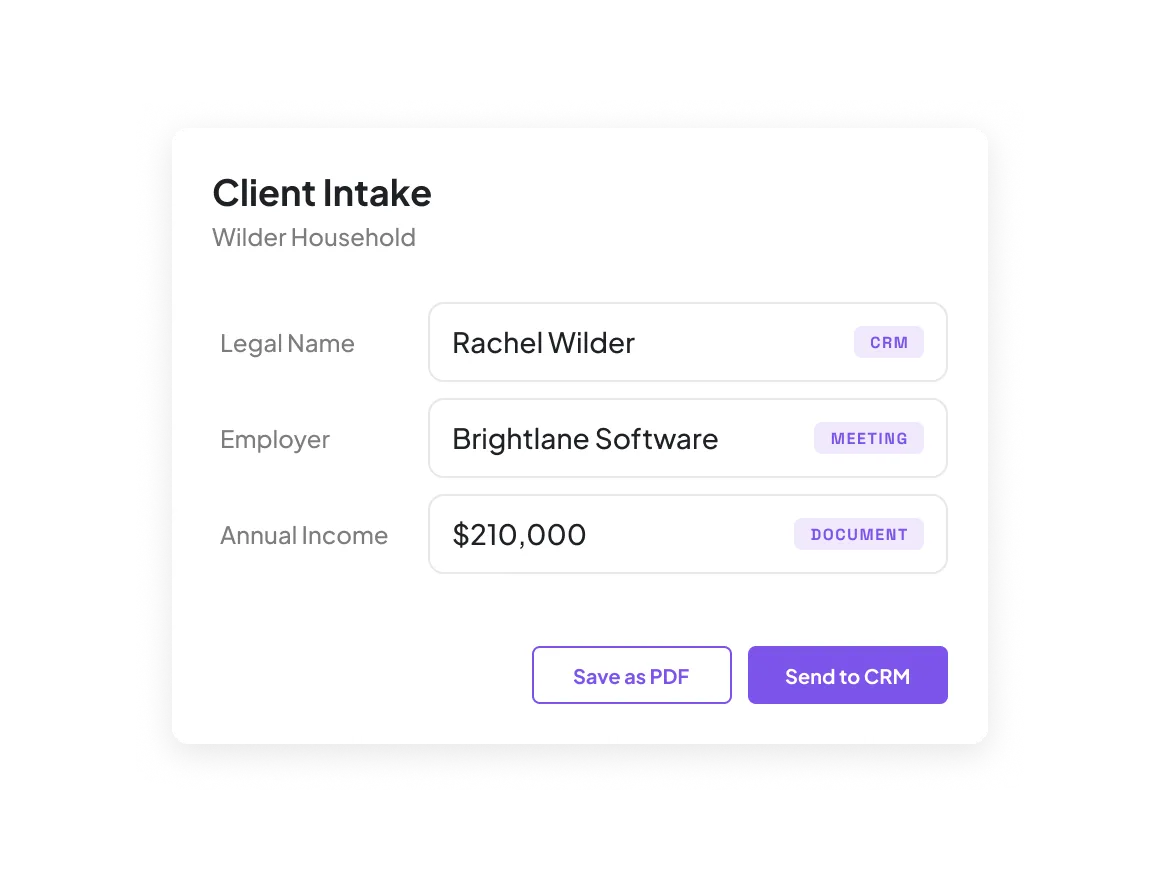
Zocks turns client conversations, emails and documents into data, combines it with your connected systems, and automatically fills out your forms. Every data point shows where it came from, so you review, then save the form as a PDF or send it to your connected systems.
Use pre-built forms or build your own
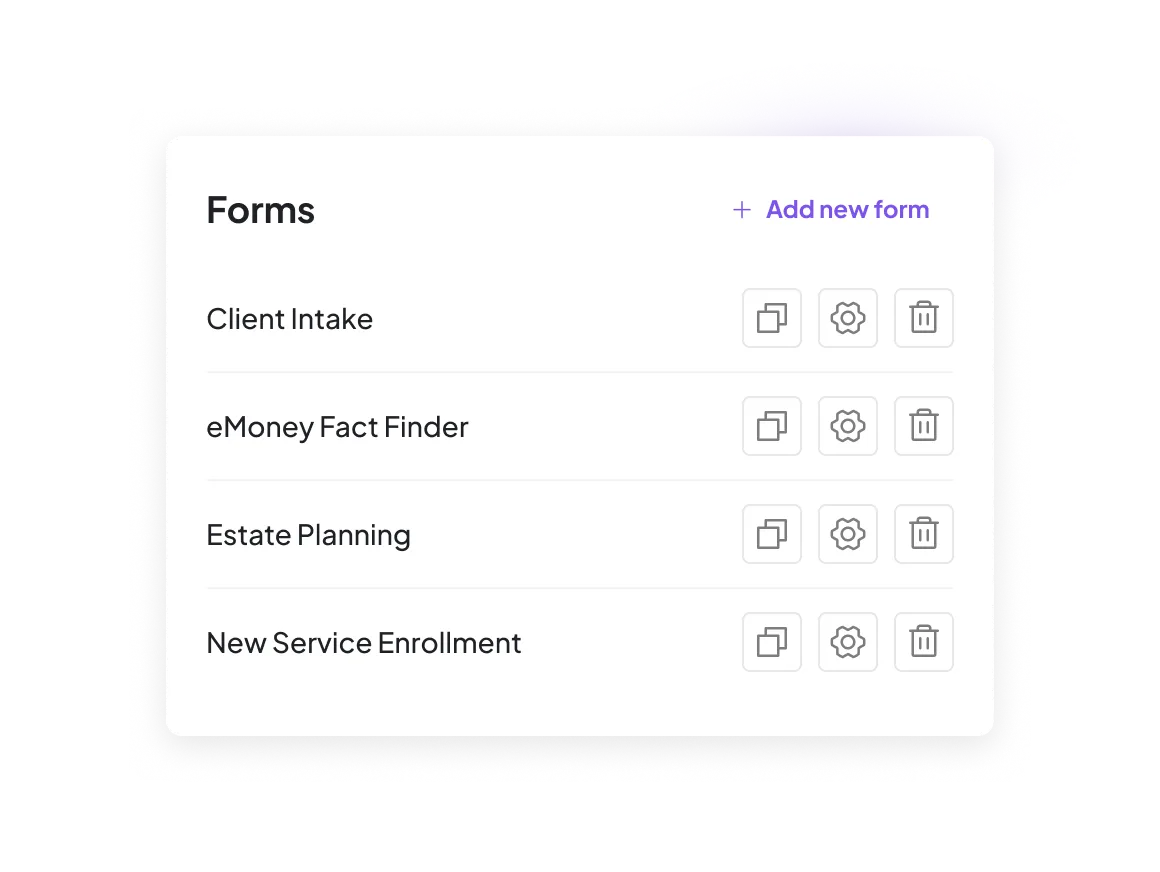
Complete pre-built planning forms like eMoney Fact Finders and PreciseFP intake, or build custom forms for any workflow, like estate planning or new service enrollment. Assign forms to specific meeting types so data is captured automatically.
Complete your firm's compliance-approved PDFs
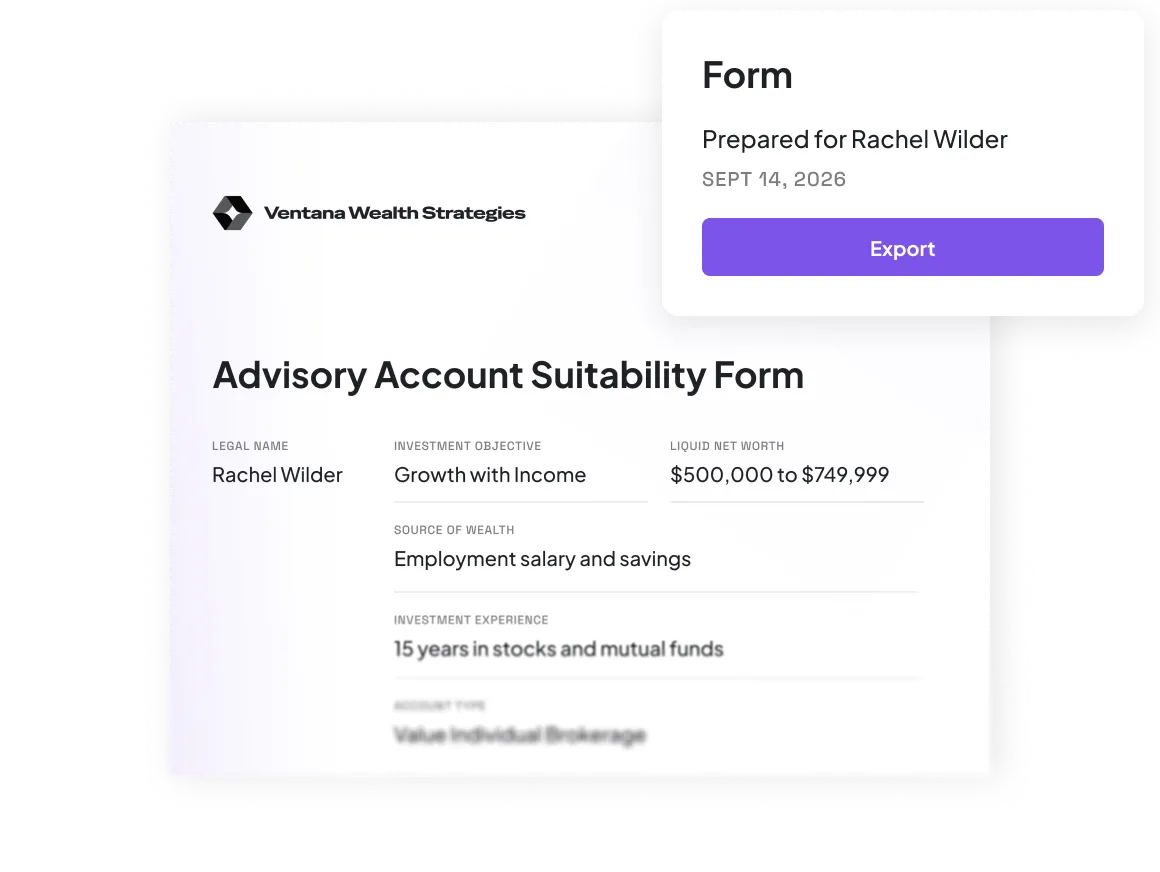
Upload the fillable PDFs your firm already uses, like client review, suitability, and KYC docs. Zocks maps every field and fills them in seconds, ready to export in your firm's approved format.
Kick off workflows from any form
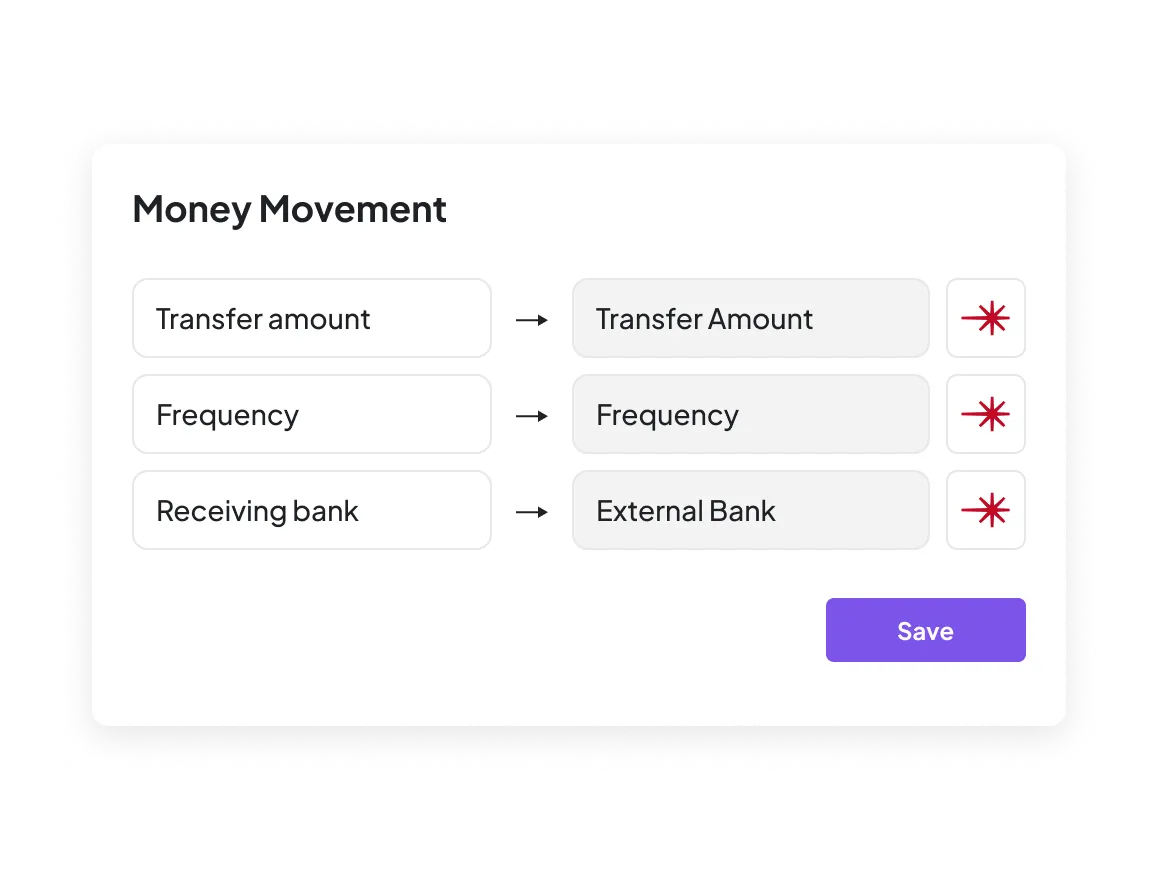
Field-level CRM mapping lands each answer where it belongs and updates the fields that trigger next steps, like account opening, money movement, or referrals, so the workflows you already run fire on their own.
Here’s why we’re rated #1




FAQs
Zocks Forms fills out client forms for you, from intake questionnaires and fact finders to account applications, suitability and KYC forms, life insurance applications, and tax and estate planning forms. You review every field, then save the form as a PDF or send it to your CRM. Web form fill, right in your browser, is coming soon.
From your client meetings, emails, and documents, plus your connected CRM and planning systems. Every filled field shows its source, so you know exactly what's on the form before it goes anywhere.
Yes. Select any client, choose the form, and Zocks fills it out from everything it already knows about them. It's an easy way to sign existing clients up for a new service or gather the details another system is missing.
Yes. When more than one client is in the meeting, you choose whether Zocks fills out a separate form for each person or one shared form for the household. Zocks knows who said what, so each spouse's income and employer land on the right form.
Yes, on the Ultimate plan. Upload a fillable version of your firm's PDF, and Zocks suggests a match for each field. Confirm the mapping once, and every future fill uses your approved template with your branding and language intact.
Yes. Start from a pre-built form, including eMoney and PreciseFP forms once those integrations are connected, or build your own. Describe each field in plain language, and Zocks uses that description to find the answer. You can set it all up yourself in a few clicks, and our team is there to help whenever you want it.
Map each form answer to a field in your CRM. When the form syncs, any workflow your CRM runs on that field, like money movement, starts on its own. For account opening, Zocks Account Opening fills out and checks each application before it's submitted.
Yes. Home offices can give every advisor the same form templates in Zocks, so the whole firm collects the same information in the same format. Each advisor's forms fill out from their own client data.
No. Clients often don't want private conversations recorded, so Zocks captures the details it needs without recording audio or video.
Zocks Forms is available on the Professional and Ultimate plans. Ultimate adds branded PDF fill, so you can fill out your firm's compliance-approved PDFs alongside every other form.
Get started for free in less than 10 minutes