.svg)

.svg)
Eliminate manual CRM data entry — and get 10+ hours back every week
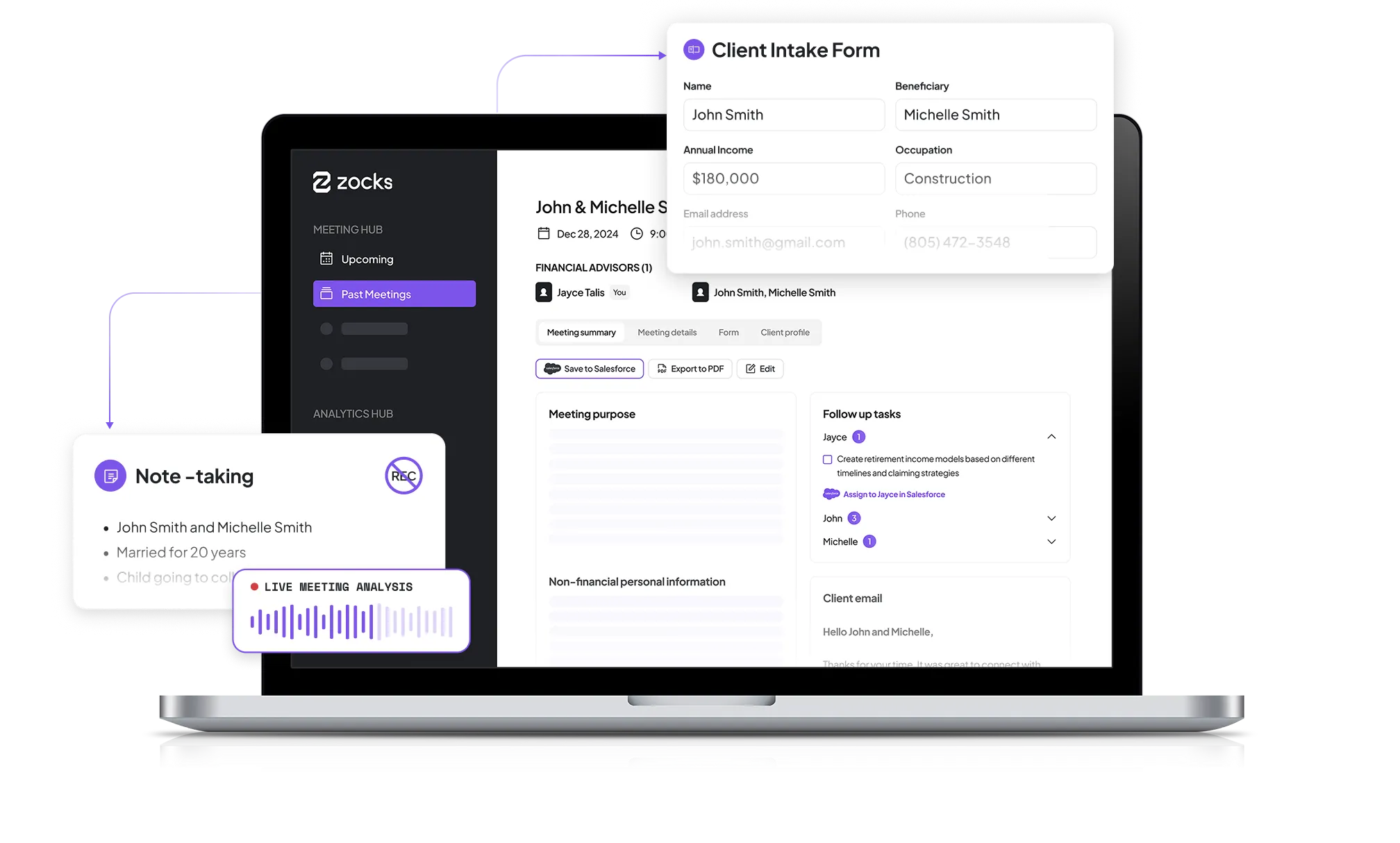
After every client conversation, Zocks automatically captures structured notes, creates tasks, and updates AdvisorEngine — so your CRM stays current without extra work.
Trusted by thousands of advisors and firms of every size







.webp)












Stop spending hours updating your CRM after every meeting
You just finished a client meeting.
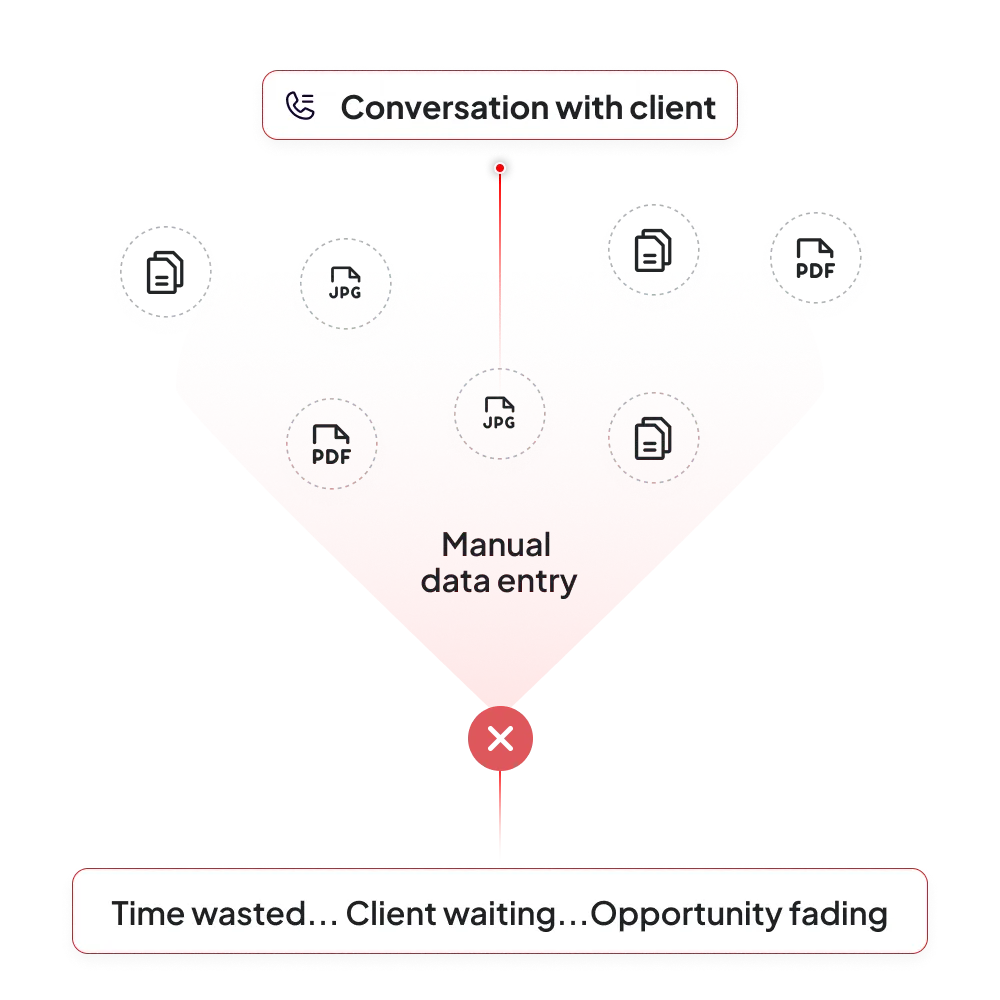
Now comes the part advisors dread: typing notes into AdvisorEngine, creating follow-up tasks, and updating client records from memory.
That manual work adds up fast — 10–15 hours every week spent on CRM admin instead of clients or growth.
And when it gets skipped?
CRMs fall out of date. Follow-ups get missed. Teams lose visibility. Compliance risk rises.
Zocks removes the manual bottleneck between client conversations and AdvisorEngine — keeping your CRM accurate, your team aligned, and your time where it belongs.
A CRM that updates itself — without changing how you work
Finish every meeting knowing your CRM is already handled.
Automatically capture structured meeting notes
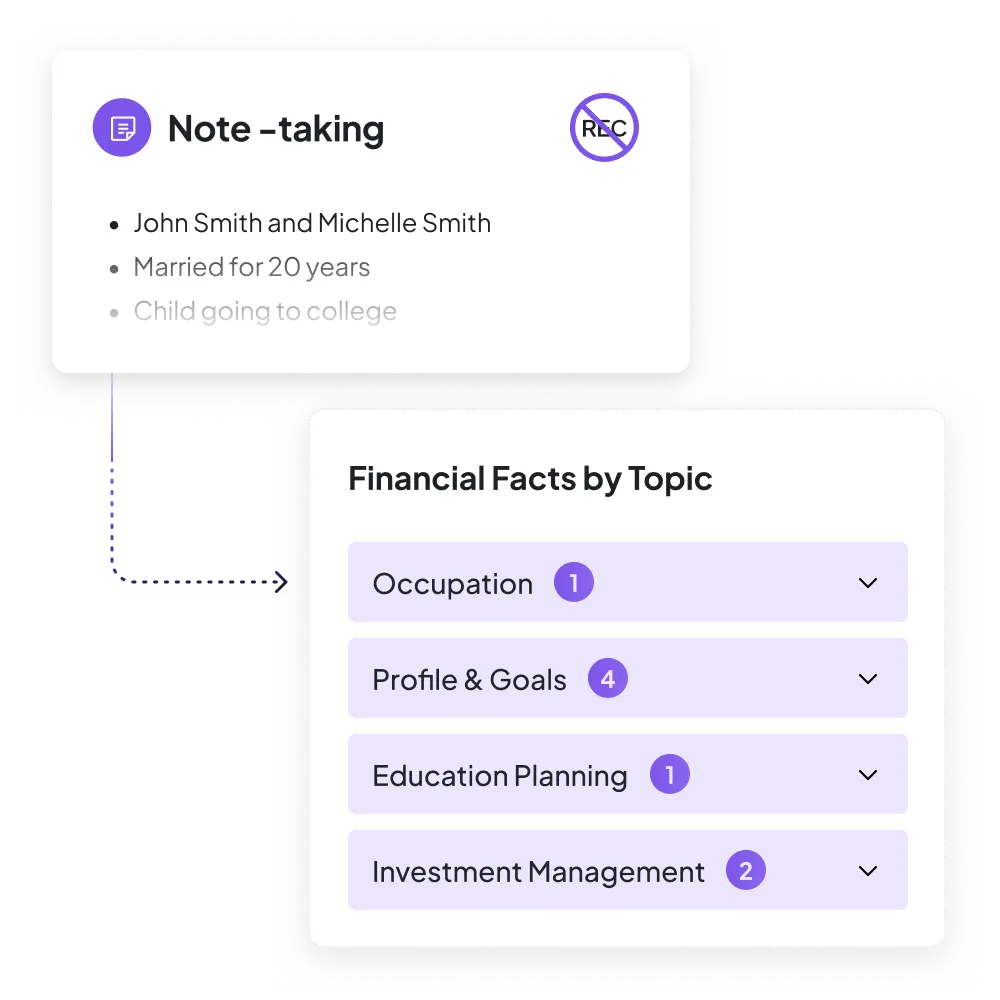
After every meeting or call, Zocks captures comprehensive, advisor-ready notes — structured for real CRM workflows, not raw transcripts.
Meeting summaries are saved directly to the contact or household in AdvisorEngine, giving your entire team instant visibility into what was discussed.
- Clean, structured meeting summaries
- Zero manual typing
- A CRM your team can actually rely on
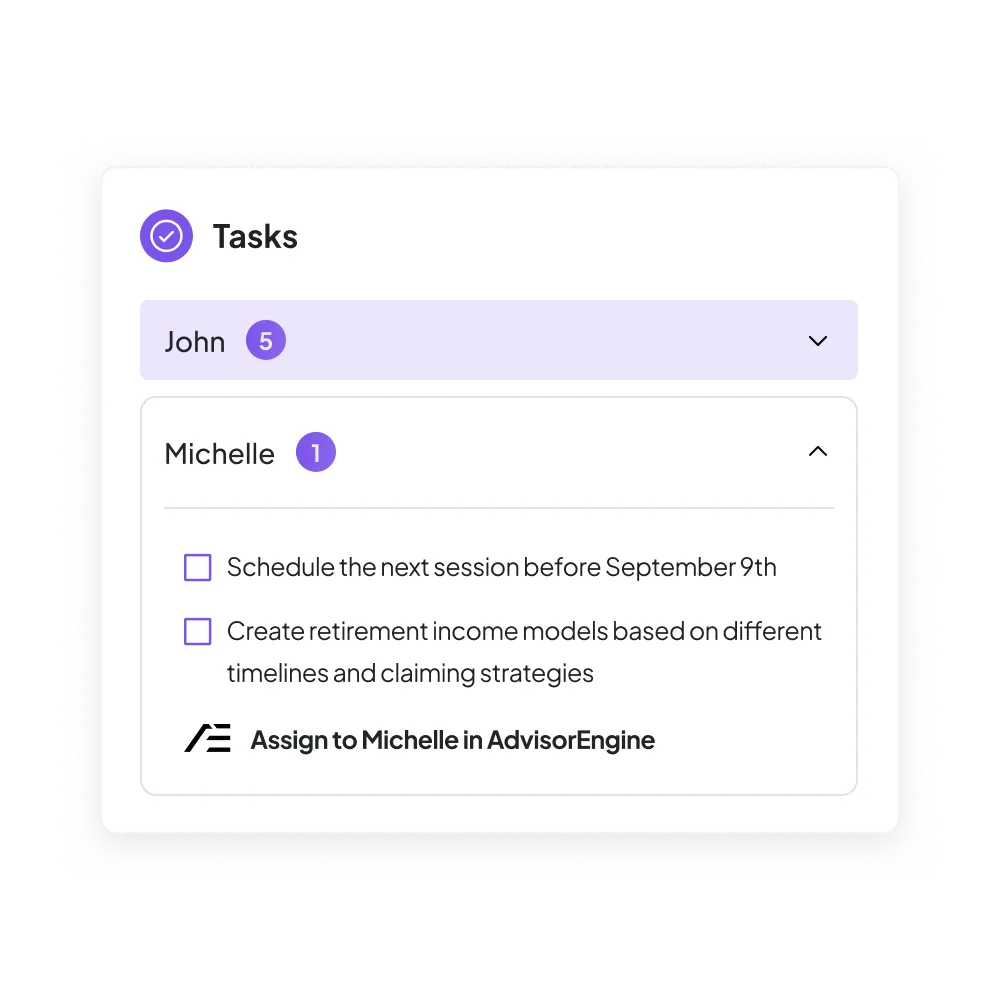
Never miss a follow-up with automatic task creation
Zocks identifies action items as they happen and automatically creates follow-up tasks in AdvisorEngine — tied to the right client, with the right context.
- Tasks created straight from conversations
- Clear ownership and accountability
- Consistent follow-through without effort
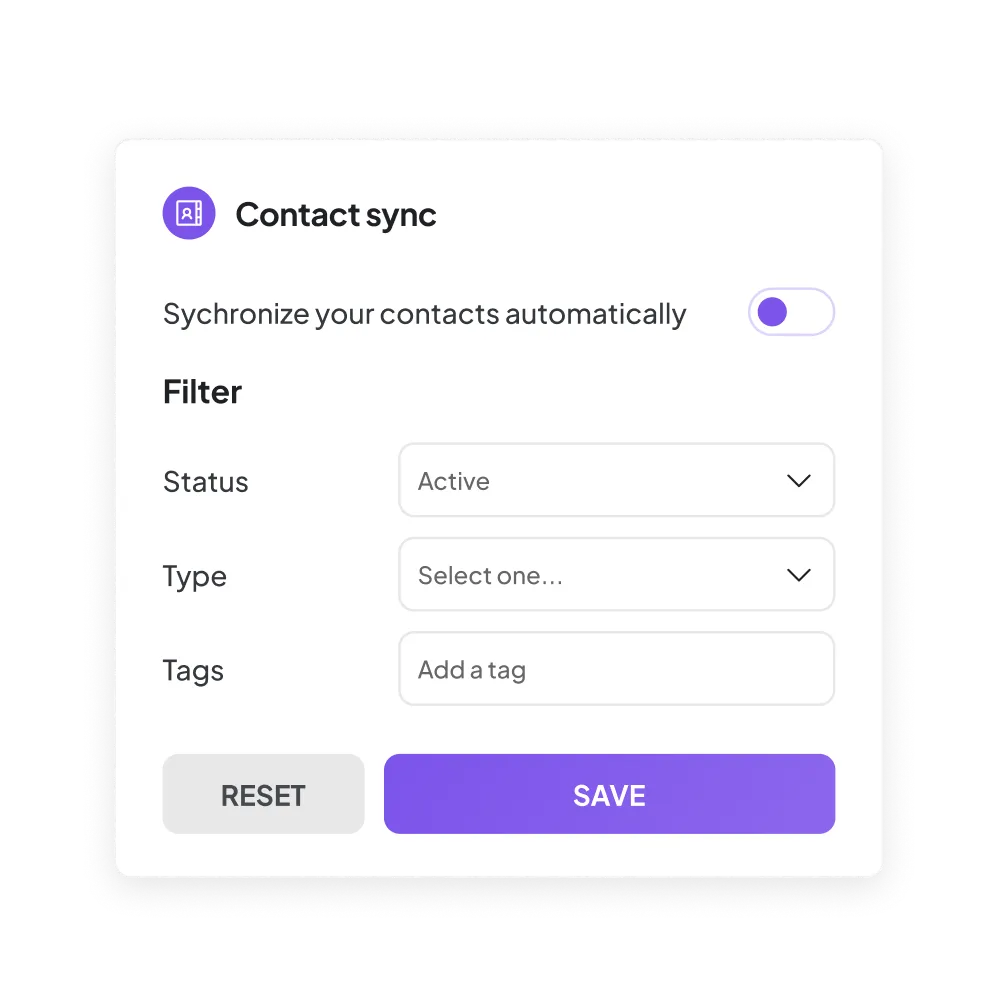
Sync contacts and keep client data current
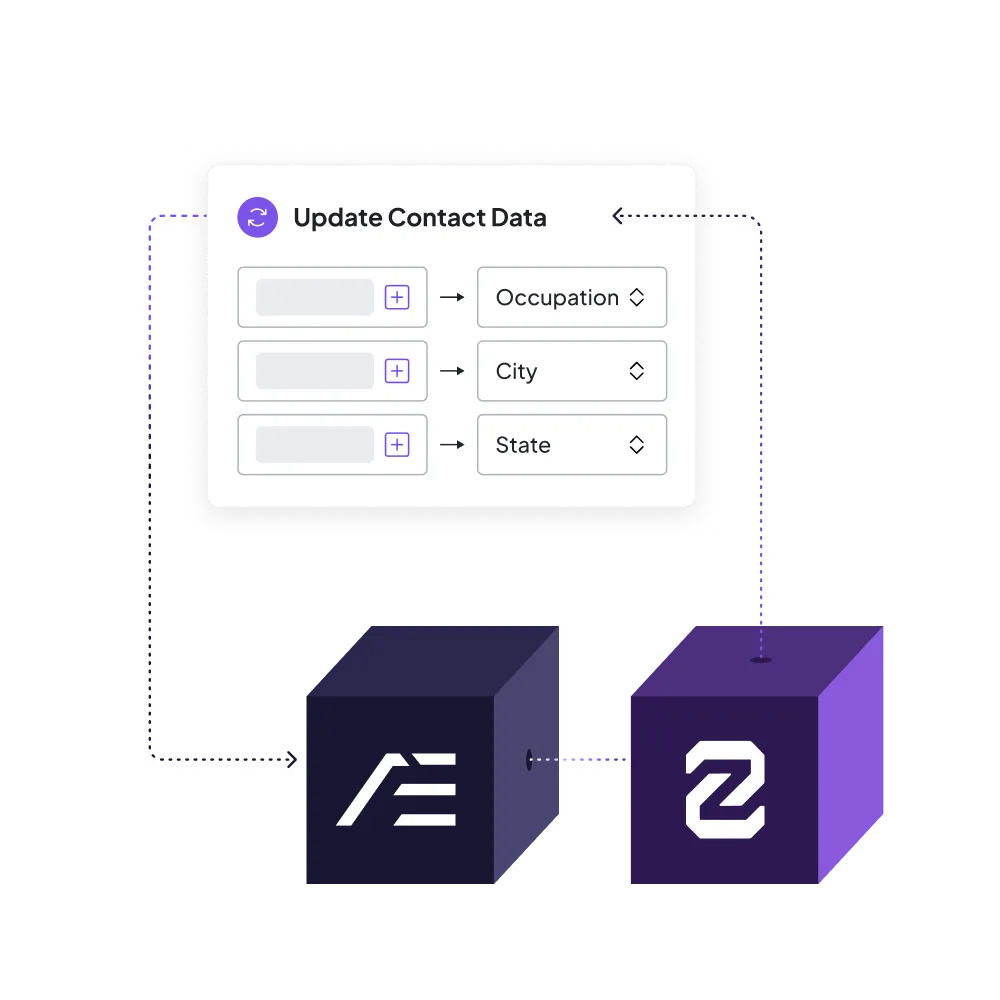
Zocks syncs contacts from AdvisorEngine into your workflow and keeps client records up to date as new information comes up in conversations.
You review and approve changes — or let Zocks handle it automatically with smart defaults.
- Accurate client records
- Fewer data gaps
- Full control over what syncs
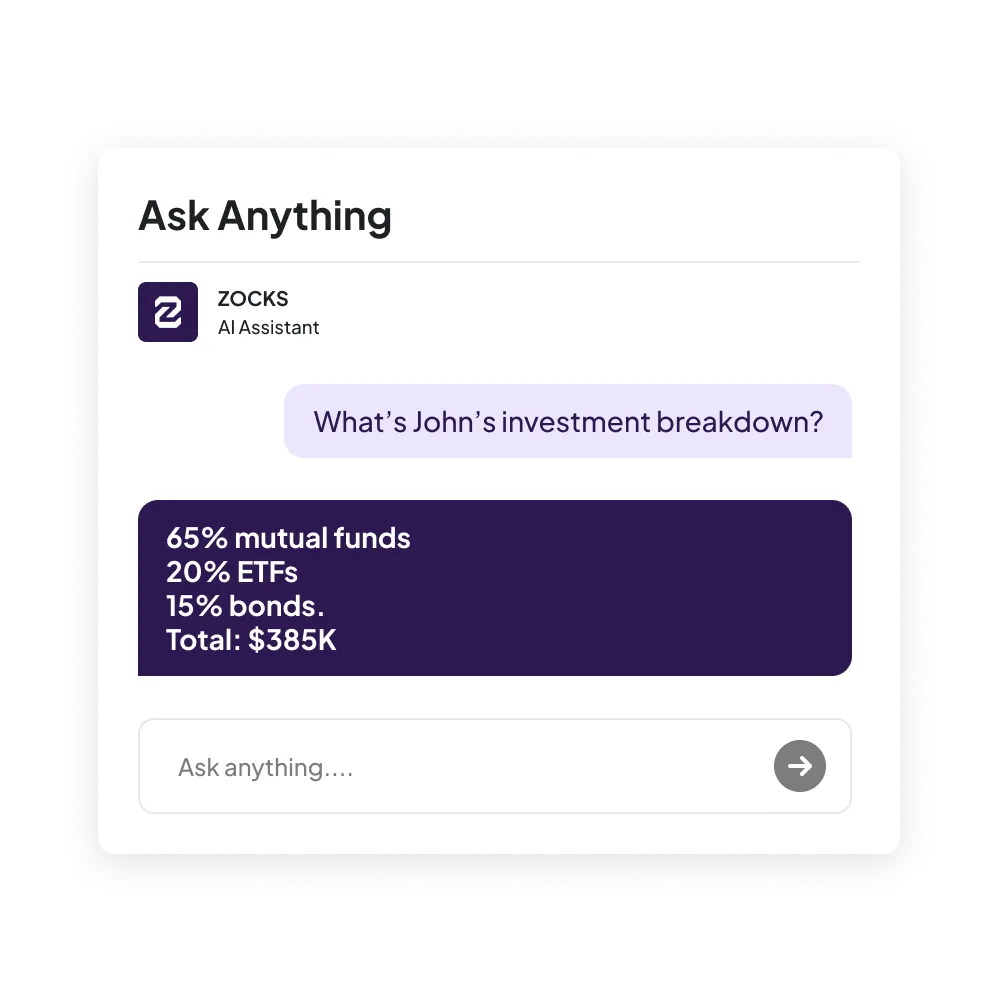
Asks Zocks AI Anything
Ask Zocks lets you get instant answers about client details using natural language — powered by structured notes and AdvisorEngine data.
No searching through records or relying on memory during prep or follow-ups.
- Instant answers across notes, tasks, and client records
- Faster meeting prep and follow-through
- Full context without logging into AdvisorEngine

Zocks seamlessly integrates with your tech stack


























.webp)








.webp)

























Get started for free in less than 10 minutes