.svg)

Financial Advisor Productivity: Time Management Guide 2026
Manage your time better in 2026. See how to audit hours, delegate, and use AI to reclaim capacity.


Financial Advisor Productivity: Time Management Guide 2026
Better financial advisor productivity comes from a better schedule design. Kitces Research found that typical advisors spend roughly 17% of their time in actual client meetings, while top performers reach about 24%.
Lower-value work, like meeting prep, compliance documentation, data entry, and follow-up emails, often takes up a big part of the remaining time because it's urgent and easy to start. High-value work gets pushed aside because it requires focus.
This guide covers how to audit where your time goes, the four levers that move financial advisor productivity, how to structure your week, where AI fits, and how to keep it all sustainable.
Key Takeaways
- Most advisors spend only 17-24% of their time in actual client meetings. A two-week time audit shows exactly where the rest goes.
- Delegation is the highest-impact lever available. Technology comes second.
- A well-structured week protects high-value time and keeps burnout from eating into your practice.
The Productivity Paradox: Why Busy Advisors aren't Productive
Kitces Research puts the average advisor workweek at around 43 hours. Still, many advisors feel like they can never catch up.
Data shows that top-performing advisors spend roughly 24% of their time in client meetings, compared with 17% for typical peers. That 7-point gap amounts to a significant revenue difference over the year. The difference is that these top performers identified the highest-value activities that drive AUM growth and client retention, and built their schedules around them.
Real advisor workflow optimization comes from delegating low-value work so high-value time expands.
Where Your Time Actually Goes: The Advisor Time Audit
Most advisors have a general sense that they're spending too much time on the wrong things, but few have actually mapped it with any precision. Here’s how to audit what you’ve been doing:
How to Run a Two-Week Time Audit
Track time in 30-minute blocks for two full working weeks. Toggl Track works well, or a basic spreadsheet. Put each block into one of three categories from Kitces Research's task framework:
- Front-office work covers client meetings, prospect conversations, and relationship-building
- Middle-office work covers financial planning, investment analysis, and proposal development
- Back-office work covers CRM updates, compliance paperwork, meeting documentation, and email triage
Advisors spend only about 24% of their time in actual client meetings, with the remaining spread across middle- and back-office work. Time audit data measured against industry benchmarks gives you a clear baseline for advisor productivity improvement.
Calculating Your Revenue-Per-Hour by Task Type
Divide your annual revenue by your total hours worked. That gives you a rough hourly rate. Then look at your task list and ask which tasks are actually worth spending that much money per hour for someone.
Kitces Research found that adding one support hire moves a solo advisor's average revenue from $182,500 to $591,000, a more than 3x jump. The revenue-per-hour case for delegation is clear, whether or not you're ready to hire.
The Four Productivity Levers That Move the Needle
The audit shows where your hours go. Here are four productivity levers to help you focus more on your clients, based on Kitces Research's 2024 findings.
1. Build and Use Support Staff
Delegation is the highest-impact lever you have. Having paraplanners free up advisor capacity for relationship-building and business development because the paraplanner can handle financial plan prep and analysis for you. In fact, Kitces Research found that clients of advisors who use paraplanners receive 22 hours per year of direct advisory activity, versus 14 hours with solo advisors.
Having a client service associate (CSA), on the other hand, manages scheduling, document follow-up, and CRM updates. Your time stays on judgment, relationships, and advice.
But finding reliable support staff takes more effort than it used to. In such cases, you can also use AI tools like Zocks to automate back-office work. Together, lower-value tasks disappear through delegation and workflow automation, which keeps your most expensive hours on the work only you can do.
2. Protect Client-Facing Time with Structural Design
Dedicate specific days to client meetings and keep others for administrative work. Block your mornings for deep planning work. Limit meeting windows to specific time slots instead of leaving the calendar fully open. Tools like Calendly can help you enforce these booking windows without the manual back-and-forth.
A daily structure built around deep-work blocks for high-value client work reduces decision fatigue. It also reduces context switching through time blocking and single-focus task batching.
3. Upgrade Your Client Mix Deliberately
Allocate your time to the relationships that generate the most value. Review your roster every year. Reprice or transition clients whose fees don't match the time they take.
4. Set Minimum Fees and Enforce Them
Set minimums and stick to them. Pricing and capacity planning decisions keep the business aligned with your actual hourly value and directly affect how your service model evolves.
How to Structure a Week That Protects What Matters
Build your calendar around your priorities. Here's how a well-structured week might look:
A Model Weekly Calendar Architecture
Set specific days, such as Tuesday and Thursday, as client meeting days. Keep no-meeting mornings on other days open for planning work. Give email two windows per day. Use one end-of-week block for CRM updates, compliance tasks, and scheduling.
Administrative and compliance tasks batched into dedicated blocks protect your client-facing time. This structure also builds a weekly planning ritual that aligns daily tasks with quarterly revenue and growth goals.
Energy Management, Not Just Time Management
Schedule your hardest work during your highest-energy hours. Reviews, email triage, and routine admin go in lower-energy periods.
Fidelity's Advisor Insights research found that thriving advisors score high on job satisfaction and low on burnout, right alongside their revenue metrics.
Where AI Tools Fit Into a Productivity System
AI can handle specific back-office tasks. The best application of AI for financial advisors right now is AI assistants. They capture data from client conversations, generate structured summaries, and sync relevant fields directly to CRM systems and other tools like financial planning, tax, estate, and portfolio management platforms. Workflow automation tools cut administrative time, remove post-meeting data entry, and perform many other time-consuming tasks.
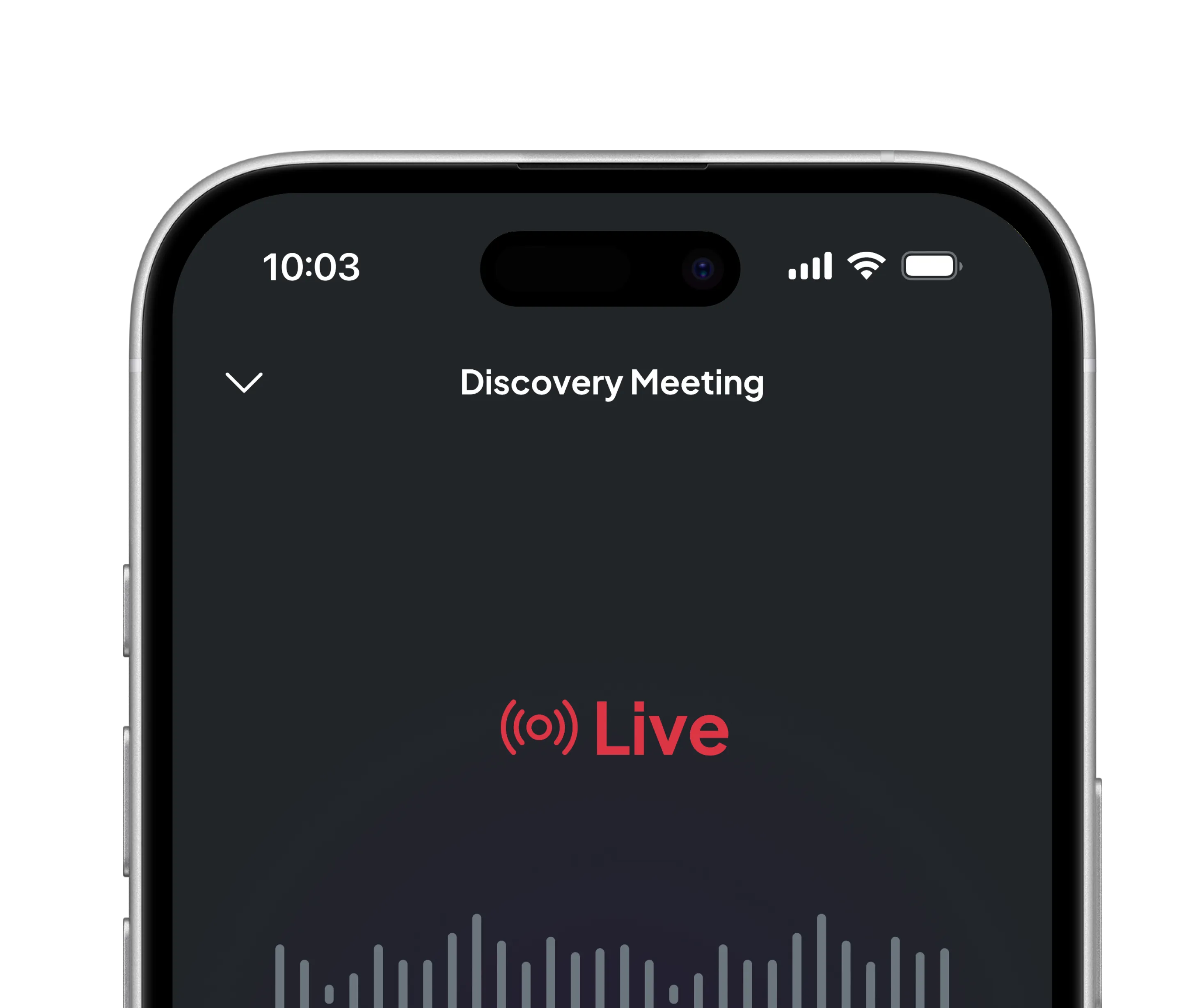
Zocks is built specifically for financial advisors. It captures conversation data from virtual, in-person, and phone meetings, then syncs that data across your CRM, financial planning tools, portfolio management systems, and tax planning software. Your calls stay unrecorded, and your client conversations stay private.
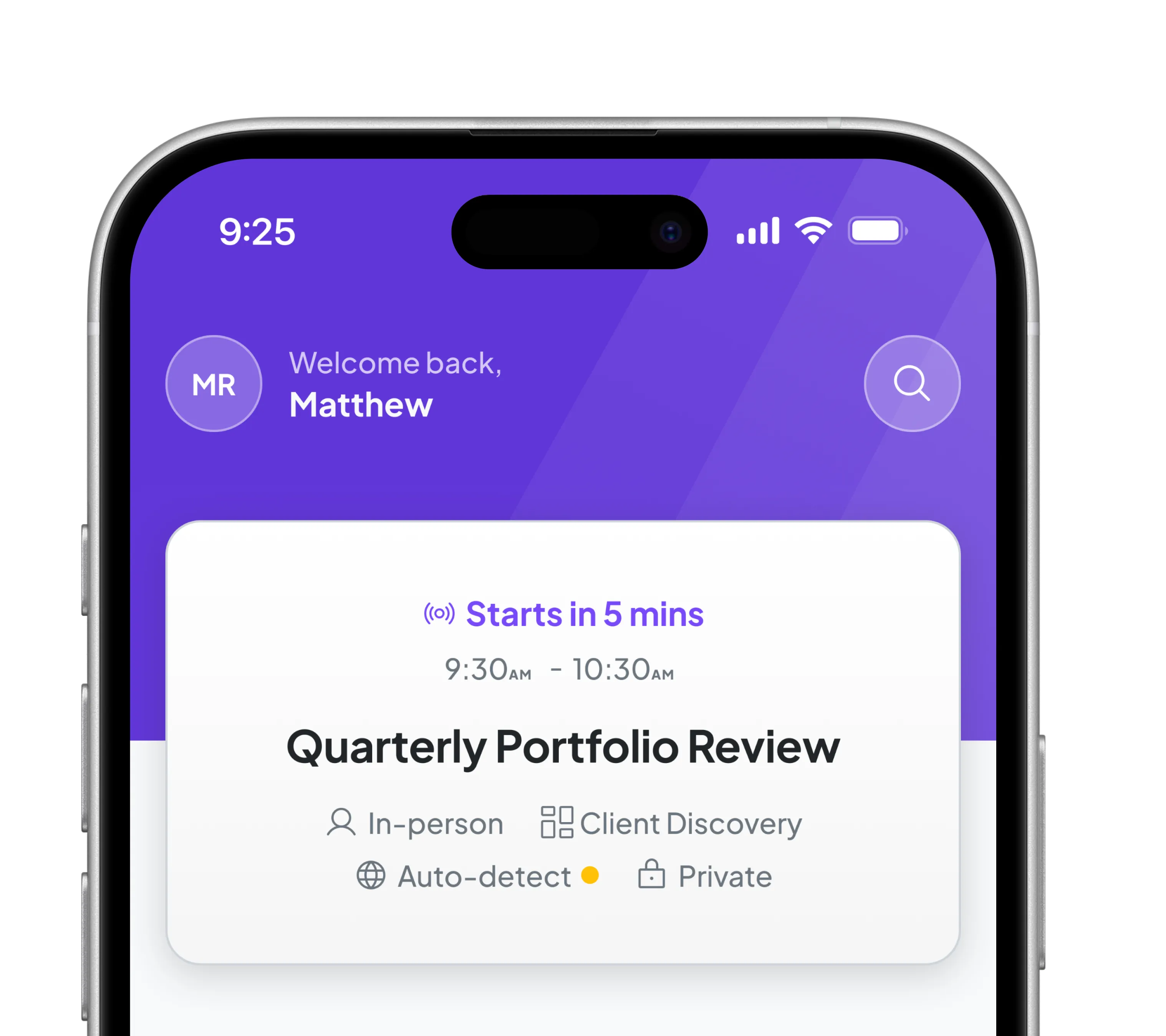
Before a meeting, Zocks pulls client history, open tasks, and data from connected systems like eMoney and RightCapital. You go into every meeting prepared.
After each meeting, Zocks drafts a follow-up email in your tone and syncs completed action items across your full tech stack, including your CRM, planning tools, and beyond. That keeps your client communication cadence consistent across all relationships and reduces unnecessary real-time meeting volume over time. Osaic Advisors Ft. Lauderdale saved $125k with 2,000+ hours of staff time saved using Zocks.
For a full comparison of your options, this guide breaks down AI transcription tools versus AI meeting assistants and what each one actually does.
One compliance note: AI-generated meeting notes may fall under the SEC Books and Records Retention Rule requirements for RIAs. Check with your compliance officer on how AI-generated outputs are stored and reviewed before you deploy firm-wide. The Zocks platform demo covers a practical setup walkthrough.
Avoiding Burnout: Sustainability as a Productivity Strategy
A 2024 Kitces Research study found that 68% of advisors report moderate to high burnout symptoms. Burned-out advisors make worse decisions and give clients less attention.
To avoid burnout, set daily communication cutoffs. Add no-meeting days to your weekly structure. A scalable advisory practice comes from systematizing every repeatable workflow.
Metrics That Tell You Whether It's Working
Four numbers show whether your system is actually improving.
- Client-facing time percentage. Aim to move this above 20% within 90 days.
- Revenue per client. Check that your clients justify your hourly rate.
- Administrative hours per week. After delegation or AI adoption, this number should fall.
- Advisor well-being score. Track this monthly. A steady drop means something needs to change.
Every hour you reclaim from admin is an hour you can put toward the work that actually grows your practice. Your clients hired you for your judgment, your relationships, and your advice. The more of your day you can dedicate to those three things, the stronger your practice gets.
Frequently Asked Questions
How many clients should a financial advisor manage?
Financial advisors without support staff can effectively manage 50–75 clients. Advisors with support staff can handle significantly more without sacrificing service quality.
What is the biggest time drain for most financial advisors?
Back-office admin is the biggest time drain for financial advisors. Meeting documentation, data entry, compliance paperwork, and report formatting consume the majority of advisor hours.
Does technology actually make advisors more productive?
Yes. Technology improves the quality and depth of client service. Advisors who see the biggest gains pair technology with strong delegation and a deliberate client mix.
How do I know if I'm burned out versus just having a busy week?
Acute overload is temporary and situational. It resolves when the workload drops. Chronic burnout, on the other hand, is sustained exhaustion, diminished engagement, and declining work quality that persists regardless of workload.
Where should I start if I want to improve my productivity?
Start with a two-week time audit before making any other change. Without knowing exactly where current hours go, any change is nothing more than a guess. After the audit, that’s when you decide if you need to hire, buy tools, or restructure your calendar.
Ask AI About this Topic
ChatGPT | Claude | Perplexity | Grok | Google AI Mode
Related blogs


Get started for free in less than 10 minutes