.svg)

How to Automate Client Onboarding for Financial Advisors
Automate financial advisor onboarding: use digital intake, e-signatures, and CRM workflows.

For most firms without automation, onboarding a new client takes two to three weeks, according to industry data. That's because document requests go out manually, and data gets entered by hand. Follow-ups depend on someone remembering to take the next step.
It's never a good look to leave a new relationship on hold for three weeks, but financial advisors who want to automate client onboarding also don't know where to start.
This guide walks you through digital client onboarding step by step. You'll find out which parts of your registered investment advisor (RIA) onboarding workflow are worth automating, which tools handle each one, and how to wire them together. You'll also learn which compliance requirements to plan for from day one.
Key Takeaways
- Manual onboarding takes two to three weeks on average, and that window of friction is the highest-risk period in the client relationship.
- Five workflows drive most of the improvement: welcome sequencing, digital intake, e-signature delivery, CRM record creation, and intake meeting capture.
- Automation can only handle timing, data transfer, and document delivery. Human review still owns judgment, compliance confirmation, and anything client-facing.
Why Manual Onboarding Slows Practice Growth
The 21-day window between a client signing and their account funding is the highest-risk period in the client relationship. As many as 23% of prospective clients disengage entirely during a lengthy onboarding process. For RIAs, a slow, manual process gives a new client time to reconsider a decision they were already confident about.
The same dynamic shows up earlier in the pipeline. Recent research suggests advisors who respond to inquiries within five minutes are 100 times more likely to connect with a prospect than those who wait 30 minutes. Manual workflows make it nearly impossible to hit that window consistently.
The third cost is internal. Client service associates (CSAs) spend hours chasing signatures, re-entering intake data into the CRM, planning tools, and portfolio systems, and tracking document status across spreadsheets. That work lands in Wealthbox, Redtail, eMoney, or other systems only after someone has already touched it twice.
Automation addresses all three, allowing faster response times and shorter onboarding timelines. The time you spend on all that manual work could go toward planning conversations or even business development.
What Automated Onboarding Actually Looks Like
Manual onboarding is linear by nature: one step waits on the previous one. Automated onboarding, on the other hand, doesn't work that way. A week of administrative work runs in the background before anyone picks up the phone. Here’s how it works:
The moment a client signs, multiple workflows fire at once. A welcome email goes out with a secure portal link and a document checklist. The system schedules reminder messages for day 3 and day 7 if items stay incomplete. The CRM record starts populating from the first interaction.
But of all the onboarding touchpoints, the intake meeting is where automation does its heaviest lifting. A good automated workflow improves client experience through proactive scheduling and preparation rather than reactive workflows. So by the time the advisor sits down with a new client, the groundwork is already done.
Take Chris Arnold, Lead Advisor at Refresh Wealth, who reported a 20% reduction in client discovery and onboarding time after running this type of sequence. That only shows what's possible when the process eliminates repetitive admin tasks through workflow automation.
Recommended Read: How AI Saves Financial Advisors 10+ Hours Per Week
5 Onboarding Workflows Worth Automating
Not every part of onboarding needs automation, but five areas account for most of the delays, errors, and manual effort that slow the process down. These are the ones worth building first.
1. Scheduling and Welcome Sequencing
The moment a prospect agrees to move forward, an entire sequence fires automatically: a personalized welcome email, a Calendly link, and a document checklist. Zapier connects all these pieces.
This single handoff reduces meeting preparation time through systematized client review workflows and templates from the very first touchpoint.
2. Digital Intake and Data Collection
Emailing a PDF intake form and waiting for it to come back is one of the slowest parts of onboarding. A secure, mobile-friendly link lets clients complete their intake on their own time.
Tools like PreciseFP, Nitrogen, eMoney Advisor, and RightCapital handle this natively. Client-entered data flows directly into CRM fields and planning tools, which eliminates transcription errors at every handoff. That same data can later auto-populate custodian account-opening forms, which some tools handle automatically. Every submission is automatically timestamped, creating a clean audit trail without extra documentation.
Zocks' Document Intelligence takes this further: scanning intake forms and account statements to create contact records and sync extracted data directly to your CRM and planning systems.
3. E-Signature and Compliance Document Delivery
Bundle Form ADV 2A, Form CRS, the advisory agreement, and the custodian account-opening forms into a single digital envelope and send it the moment onboarding kicks off. DocuSign, Dropbox Sign, OnBord, and Docupace all handle this natively for advisory firms. Zocks data can also trigger DocuSign workflows directly through a Zapier connection.
E-signatures are legally valid under the ESIGN Act for most advisory agreements. That said, specific custodians and state regulators carry their own requirements. Verify with your compliance officer and custodian before finalizing this part of your build.
4. CRM Record Creation and Task Assignment
Wealthbox, Redtail, and other CRM tools both support native workflow automation that creates the client record, populates fields from form data, and generates a structured task list.
Zocks handles this at a deeper level. It monitors meeting notes and tasks synced to the CRM with full field-level data, and lets operations teams adjust assignees and due dates before anything is finalized.
5. Intake Meeting Capture and CRM Sync
Most advisors treat the intake meeting as a conversation, but it's actually the richest data collection point in the entire onboarding sequence. It's just that most of that data disappears into handwritten notes or a CSA's memory.
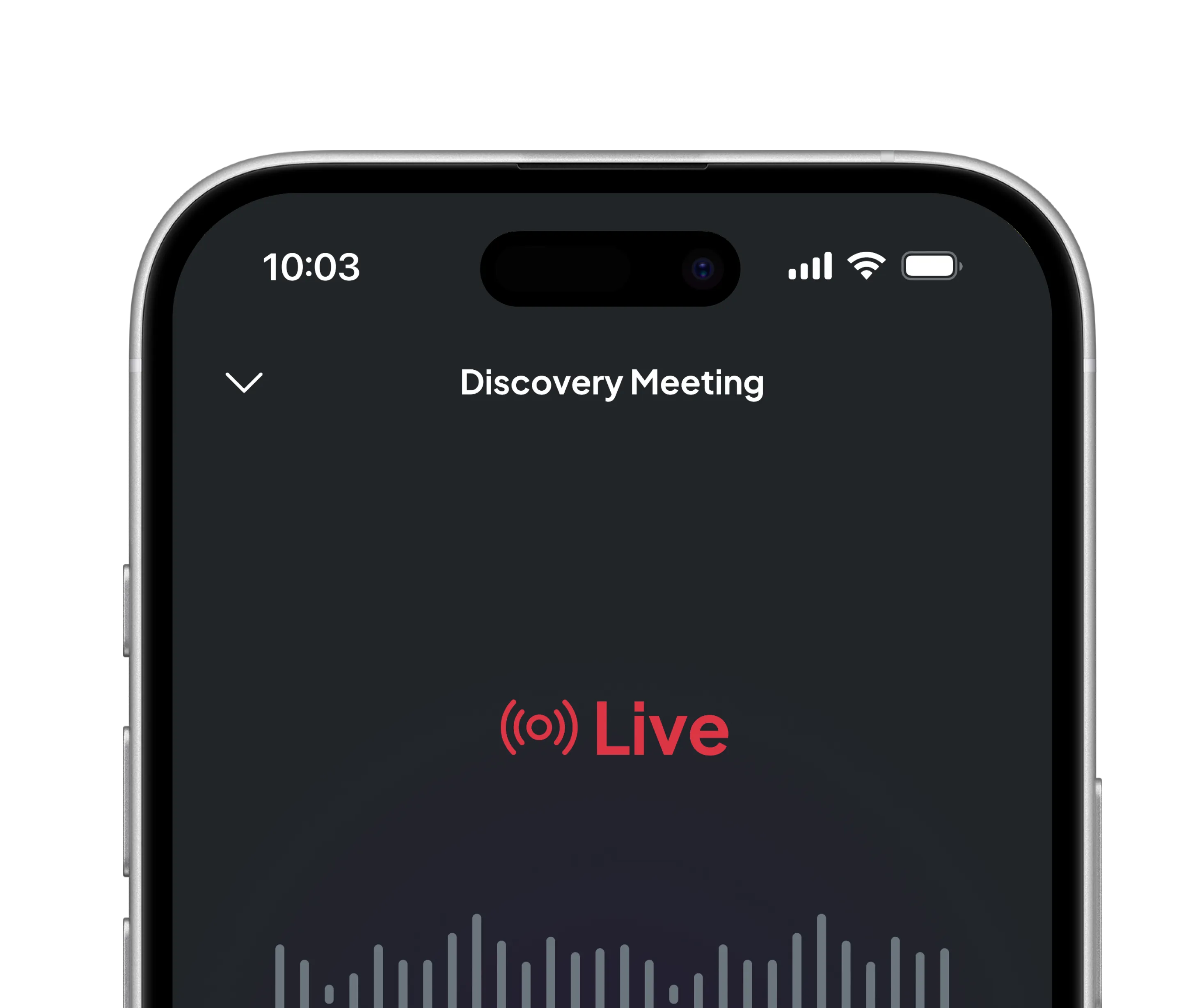
An AI meeting assistant like Zocks captures financial goals, family details, risk concerns, and account information from every conversation, starting at the first discovery call. By the time the intake meeting happens, the advisor already has a structured record to work with. The intake meeting expands and syncs data into the CRM, planning tools, and portfolio systems.
From there, the intake meeting can kick off form fills, populate planning system fields, and trigger task assignments, compressing steps 2, 3, and 4 into one automated sequence.
How to Build Your Automated Onboarding System
Firms that wire everything together at once end up with a system that breaks at every connection point. Automation builds a scalable advisory practice model by systematizing every repeatable workflow and process, one layer at a time.
Step 1. Map What You Currently Do
Before touching any tool, write down every step in your current onboarding process. Who owns it? How long does it take? Advisors find that most of the onboarding tasks are purely administrative, so those are your automation targets. The rest stay with the advisor, like suitability assessments and investment recommendations.
Step 2. Fix the CRM First
Every workflow in this guide either pulls from or pushes data into the CRM as a starting point. If client data lives across spreadsheets, email threads, and disconnected files, automation won't fix that. It often just creates duplicate records faster.
Clean up the data model first. Confirm that contact records, pipelines, and task templates follow a consistent structure before building anything on top of them.
Step 3. Build One Workflow at a Time
Start with the welcome sequence because it has the clearest trigger (signed agreement) and the most visible payoff. Once that workflow runs reliably for 10 or more clients, add digital intake. Then, CRM task automation. Then the post-conversion meeting capture.
Step 4. Define the Human Review Points
Automation handles timing, distribution, and data transfer. But it does not (and never will) handle judgment. Before any workflow goes live, define exactly where a human reviews before the next step fires. At a minimum, the compliance document package and the AI-generated meeting summary. Build those checkpoints into the workflow.
Compliance and Data Security: Non-Negotiable Guardrails
The most common reason advisors hesitate to automate onboarding is the fear that something slips through. But a properly configured automated workflow is actually more consistent than a manual process, which depends on someone remembering the next step, and leaves wider room for human error.
Four guardrails shape a compliant build:
- Data security: Any tool handling client data should carry SOC 2 certification and comply with Regulation S-P's requirements around client privacy.
- Recordkeeping: SEC rules require advisors to retain client communications and agreements.
- Consent for recorded meetings: Recording or transcribing client meetings is subject to jurisdiction-specific requirements.
- Compliance document delivery: Form ADV 2A and Form CRS should be sent automatically at the appropriate time, but a CSA or compliance officer should confirm delivery before the workflow closes. KYC/AML requirements apply throughout.
Key Metrics to Track After Launch
You won't know if the system works until you measure it. Track these four numbers before you launch and again at 60 days.
- Signed-to-funded timeline: How many days between a signed agreement and a funded account? This is your baseline, so every workflow improvement should move this number down.
- Document completion rate at day 7: What percentage of clients complete their intake documents within the first week? Low completion rates point to friction in the intake experience.
- Staff time per onboarding: This metric measures advisor productivity through revenue-per-hour and capacity utilization. How many hours does your team spend per new client?
- Client satisfaction at day 30: A short survey at the 30-day mark captures the new client's first impression while it's still fresh.
Frequently Asked Questions
How long does it take to set up an automated onboarding workflow?
A basic welcome sequence and document processing workflow can be operational within a day if your CRM is already configured and relevant tools are connected. A full sequence (intake forms, CRM task automation, and AI meeting capture) typically takes two to four weeks to configure, test, and refine.
Can automation replace a client service associate during onboarding?
No. Automation handles timing, reminders, data transfer, and document processing and delivery. Client service associates (CSAs) handle judgment calls, client questions, status escalations, and compliance reviews. All of that work requires a person.
What changes is how much time a CSA spends per onboarding. A well-configured workflow reduces time spent on administrative tasks through CRM automation and workflow tools.
Is it safe to use AI to capture the intake meeting with a new client?
Safety depends entirely on the tool. Before deploying any AI meeting assistant, verify SOC 2 compliance, confirm the vendor does not use your client data to train its models, and check that the tool meets your firm's requirements. Disclosing AI-assisted note capture at the start of every meeting is a best practice regardless of jurisdiction. It builds trust and sets expectations clearly.
What should I automate first if I'm starting from scratch?
Start with the welcome sequence. That’s the automated email that fires when a prospect agrees to move forward, with a scheduling link, a document checklist, and a secure portal link. It requires minimal technical setup and produces results you can measure immediately. It also targets the highest-value activities that directly drive AUM growth and client retention.
Do clients resist automated onboarding?
Most clients don't notice the automation. What they notice is the experience. A fast, organized, mobile-friendly process reads as professional. In fact, a 2024 J.D. Power study found that 67% of wealth management clients consider data security extremely important when evaluating their advisor relationship. A secure digital client onboarding process directly addresses that concern.
Ask AI About this Topic
ChatGPT | Claude | Perplexity | Grok | Google AI Mode
Related blogs

Get started for free in less than 10 minutes