.svg)

Answer Client Tax Questions Instantly with Holistiplan and Zocks
Zocks brings your Holistiplan tax analysis into meeting prep, live conversations, and client emails, so you can act on tax insights without switching tools. Connect once and tax data flows both directions
AI-powered tax insights you can use before, during, and after every meeting
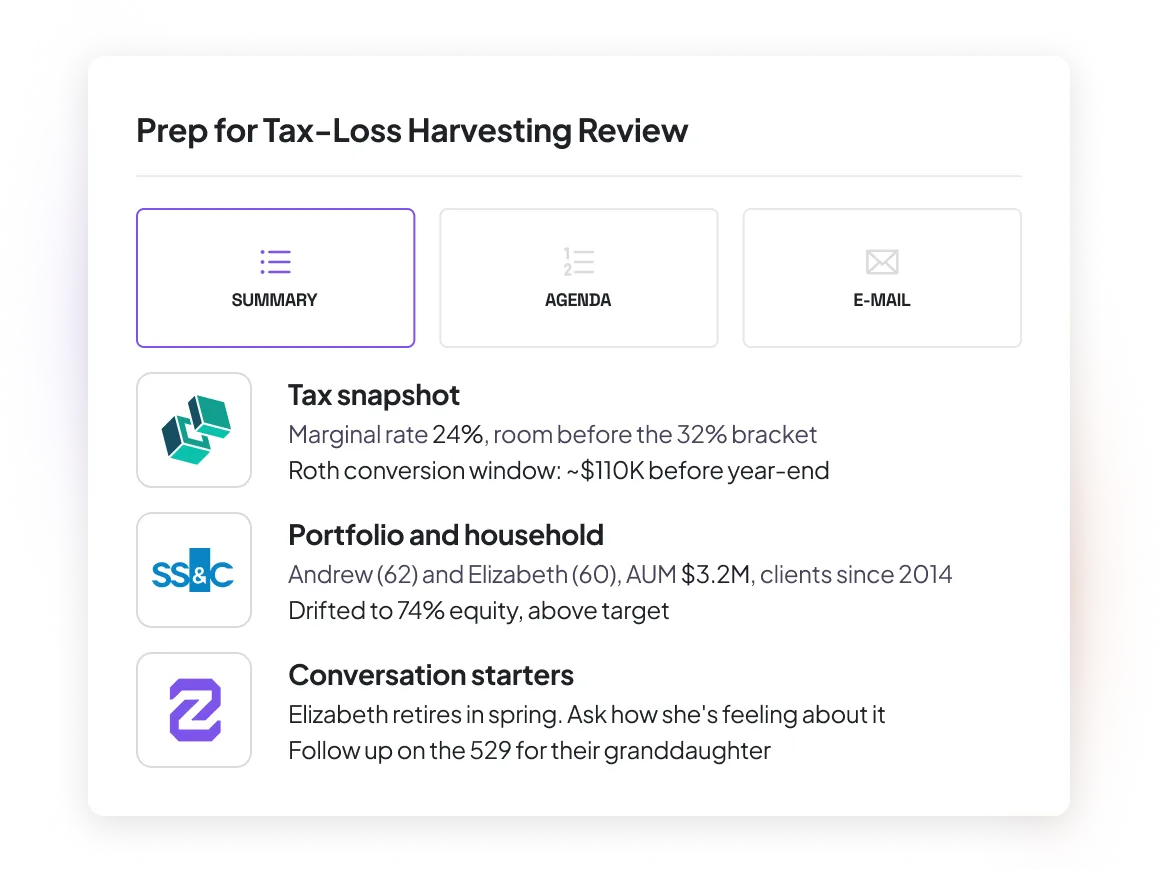
Walk into every meeting with your client’s full tax picture
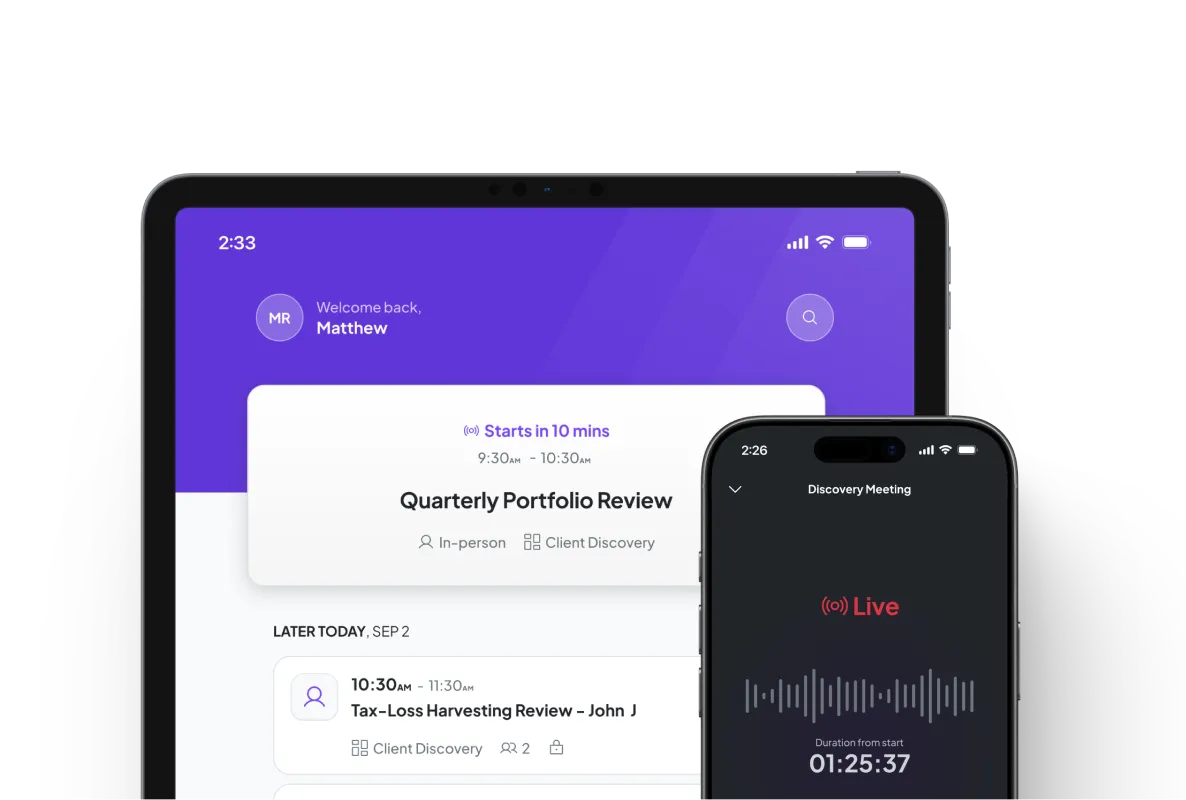
Before a meeting, Zocks pulls the most recent tax analysis, insights, and scenario results from Holistiplan into a meeting prep doc, alongside CRM data, past conversations, and email history. So you walk into every call with a complete picture of their income, deductions, marginal rates, and more.
Capture tax-relevant details from every client conversation
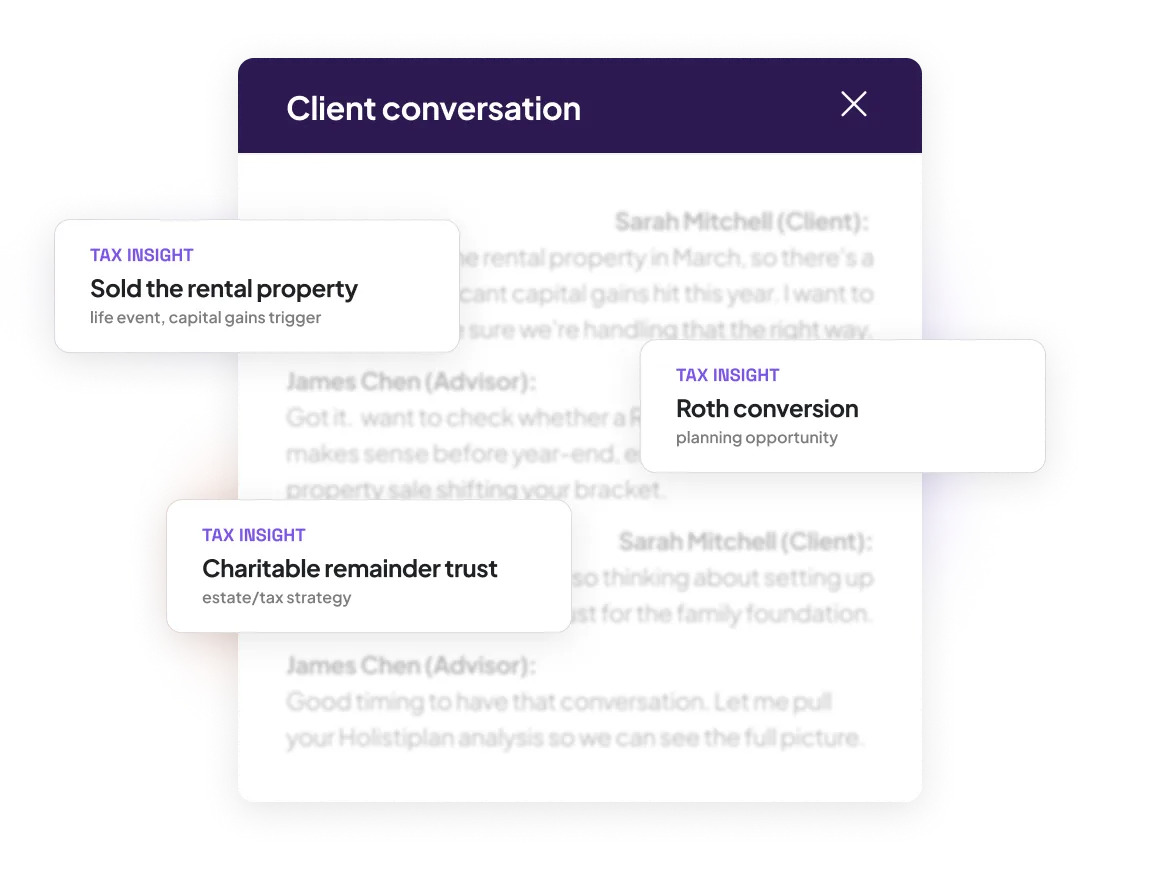
Zocks identifies income changes, life events, business transactions, and other tax-relevant details from your meetings and emails — and structures them for immediate use in Holistiplan.
Ask any tax question during a live meeting
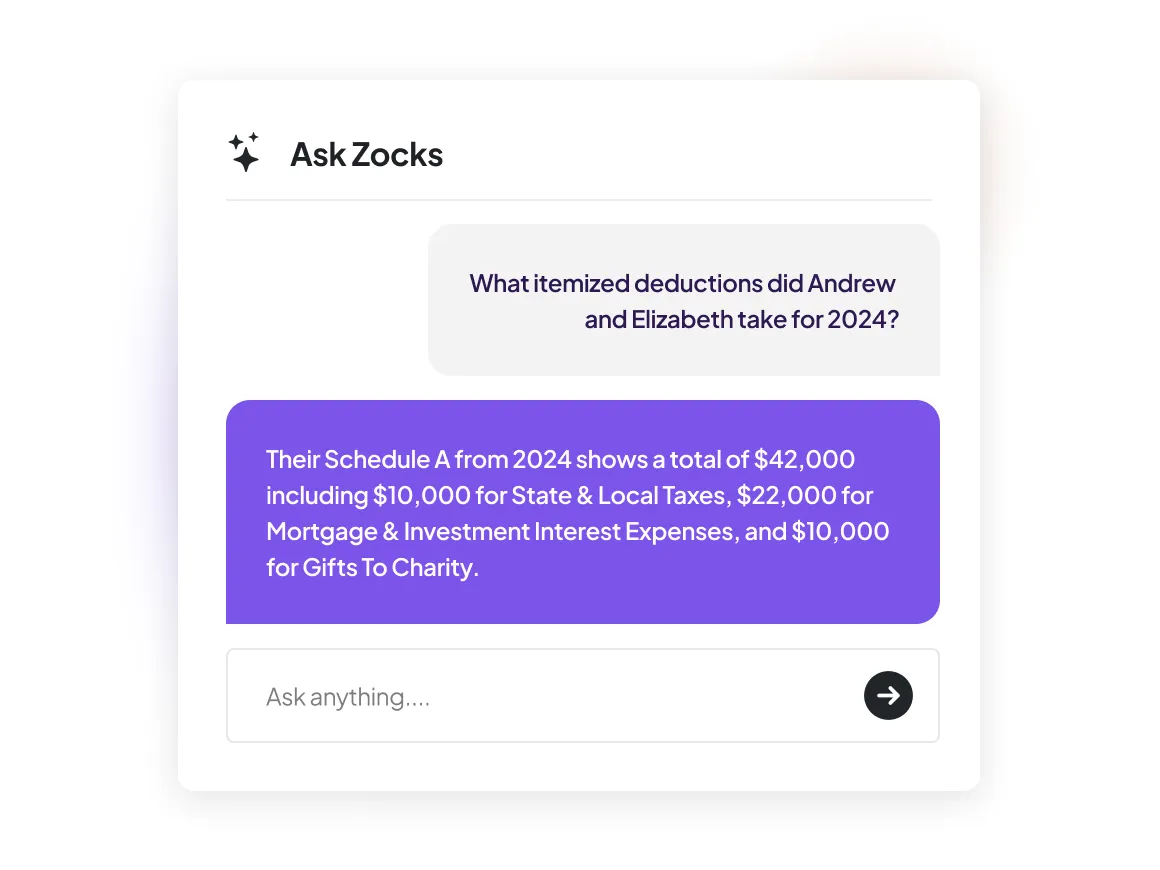
A client asks about their itemized deductions mid-conversation that you didn’t prep for. Use Ask Anything to get the answer instantly. Ask for a breakdown of deductions, check capital gains, or look up carryforward losses. Zocks pulls the answer directly from Holistiplan.
Answer tax questions without pulling up the return
A client asks about their reported interest and dividend income. Zocks pulls their Holistiplan data and automatically drafts a detailed response. You review and send without logging in or pulling up returns manually.
.webp)
How Zocks works with Holistiplan
A two-way connection that puts your tax analysis to work across every client interaction.

Sync Direction
Two-way data synchronization

Read from Holistiplan
Total/adjusted/taxable income, deductions, tax liability, filing status, marginal tax rates, dividends, capital gains, carryforward losses, supporting schedules

Write to Holistiplan
Contact record updates from conversations

Meeting Prep
Pulls most recent tax analysis and insights from Holistiplan

Ask Anything
Query Holistiplan data mid-meeting

Email Drafting
Generate client replies using Holistiplan data

Forms
Fill out forms using Holistiplan data

Integration Status
Live Native Integration. Just click to connect Holistiplan from Zocks.
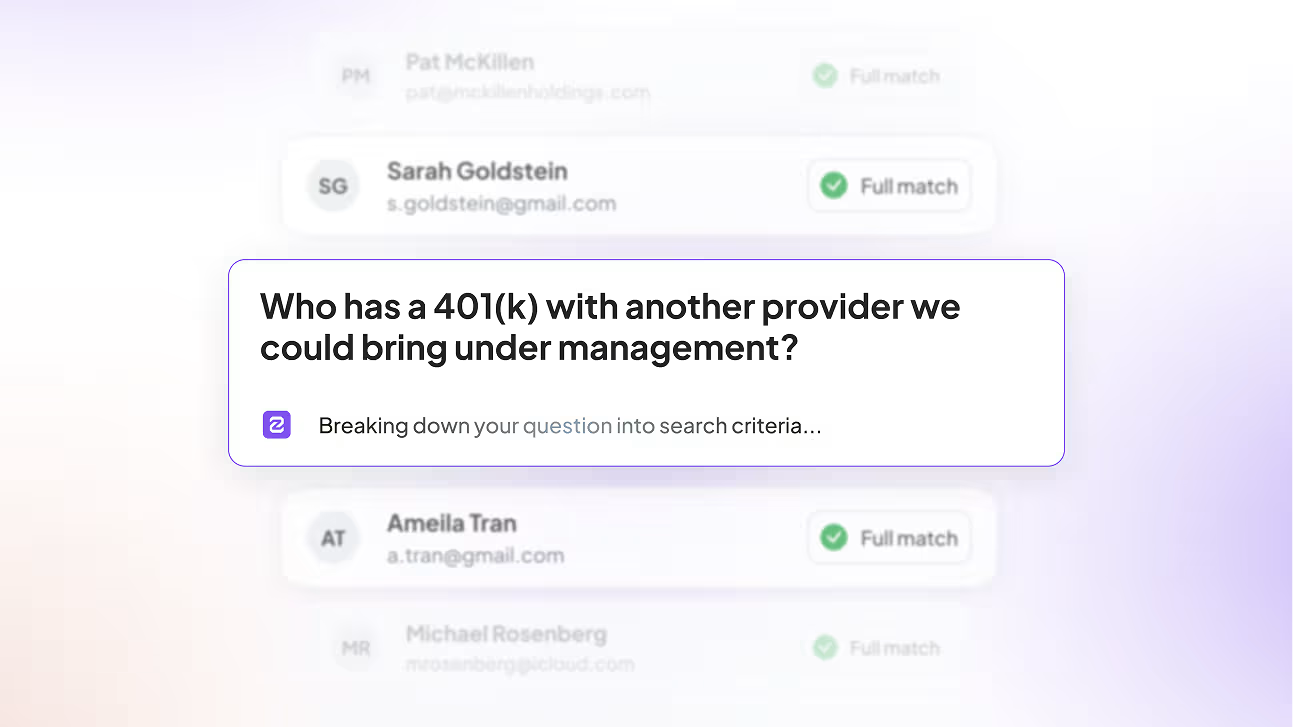
Introducing Zocks Client Queries: Book-wide intelligence for growth and servicing
Rewatch the live product launch of Zocks Client Queries — an industry-first way for advisors to find growth and stay ahead of client needs across their book.

Here’s why we’re rated #1

Get started for free in less than 10 minutes
FAQs
Every query categorizes your book into full matches, no matches, and clients with incomplete or outdated records — so you can see the match quality and supporting details behind each result before you act on it. Queries that use structured system fields (like retirement plan or marital status) pull directly from your data. Queries that require reviewing notes, emails, or documents use deeper AI analysis, and Zocks flags where data may be missing or incomplete.
Client Queries searches across every system connected to Zocks — CRM, financial planning, custodian, portfolio management, tax and estate planning, forms, and client onboarding. It also searches unstructured data like meeting notes, archived emails, and stored document summaries. The more systems you connect, the more complete your results.
Client Queries uses two approaches depending on the question. For queries that can be answered from structured fields —like “which clients are business owners?” — it returns results instantly from your existing data. For questions that require reviewing notes, emails, or documents, it runs a deeper AI Analysis to extract the relevant details. Over time, as your data becomes more structured through regular use, more of your queries resolve instantly.
You control access. Client ownership, data sources, and team roles determine who can run queries and who can see results. Advisors only see clients within their authorized scope unless they’ve been granted broader visibility.