

AI in Practice: Zocks x Claude — Year-End Tax Planning, Prepped in Minutes
Anthropic chose Zocks to bring client conversation data to Claude for Financial Advisors. Now, seven prebuilt skills in the Zocks Advisor Intelligence plugin turn that context into analyses and client-ready deliverables from a single plain-language prompt.
For year-end, see how Zocks and Claude turn a year of tax discussions into one briefing in minutes: what changed, what you recommended, and what to share with their CPA. Your client sees the value of a year of planning, and you see what they need next.
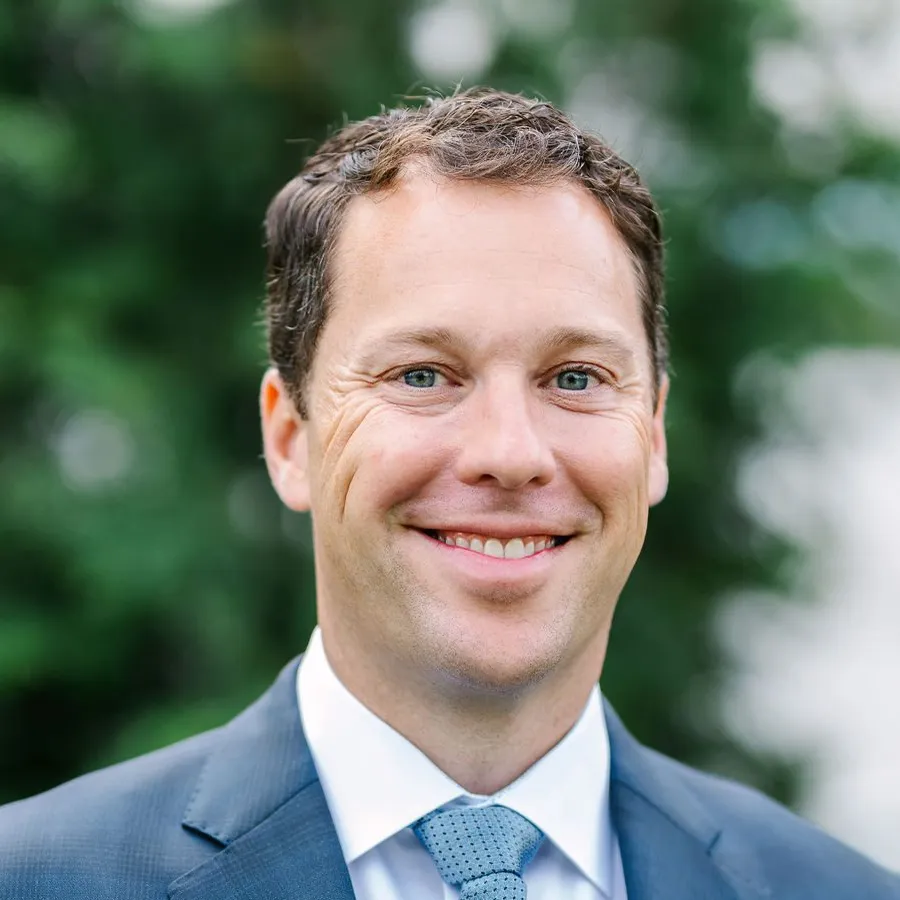
Join the Zocks team and Ryan Nietert, CFP®, EA, CEO of OakCrest Capital, for a live demo and a conversation on how he’s using AI in his tax planning workflow.
- Keep every tax conversation in one place, automatically: Zocks captures and organizes tax topics and life events the moment a client mentions them, from a Roth conversion to an inheritance or a property sale. No more digging through a year of notes or asking clients to repeat themselves before year-end reviews.
- Build the briefing you never had time for: One prompt turns the year’s tax discussions into a briefing on your firm’s template, ready to share with the client and their CPA after a review. It also surfaces the next planning opportunity.
- Plan your practice's next move with AI: Ryan on where he’s seeing AI add value in his practice and where he’s taking it next.
Q&A

AI in Practice: Zocks x Claude — Year-End Tax Planning, Prepped in Minutes
Anthropic chose Zocks to bring client conversation data to Claude for Financial Advisors. Now, seven prebuilt skills in the Zocks Advisor Intelligence plugin turn that context into analyses and client-ready deliverables from a single plain-language prompt.
For year-end, see how Zocks and Claude turn a year of tax discussions into one briefing in minutes: what changed, what you recommended, and what to share with their CPA. Your client sees the value of a year of planning, and you see what they need next.
Join the Zocks team and Ryan Nietert, CFP®, EA, CEO of OakCrest Capital, for a live demo and a conversation on how he’s using AI in his tax planning workflow.
- Keep every tax conversation in one place, automatically: Zocks captures and organizes tax topics and life events the moment a client mentions them, from a Roth conversion to an inheritance or a property sale. No more digging through a year of notes or asking clients to repeat themselves before year-end reviews.
- Build the briefing you never had time for: One prompt turns the year’s tax discussions into a briefing on your firm’s template, ready to share with the client and their CPA after a review. It also surfaces the next planning opportunity.
- Plan your practice's next move with AI: Ryan on where he’s seeing AI add value in his practice and where he’s taking it next.
Q&A