.svg)
Scheduling built around your entire meeting workflow
Everything advisors need to book client meetings, from the first mention to the final reminder: booking links, calendar sync, and one-tap reschedules. All connected to the prep and follow-up you already run.
Booking a time slot is the easy part
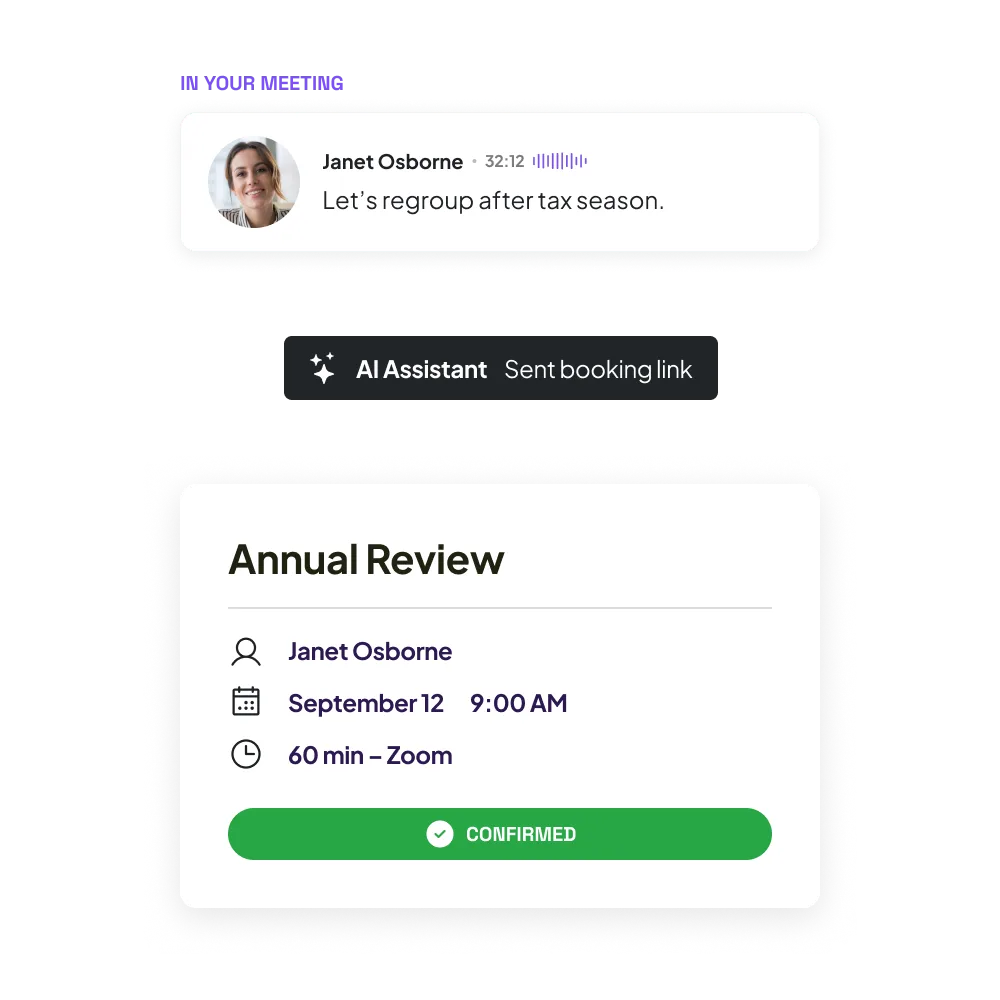
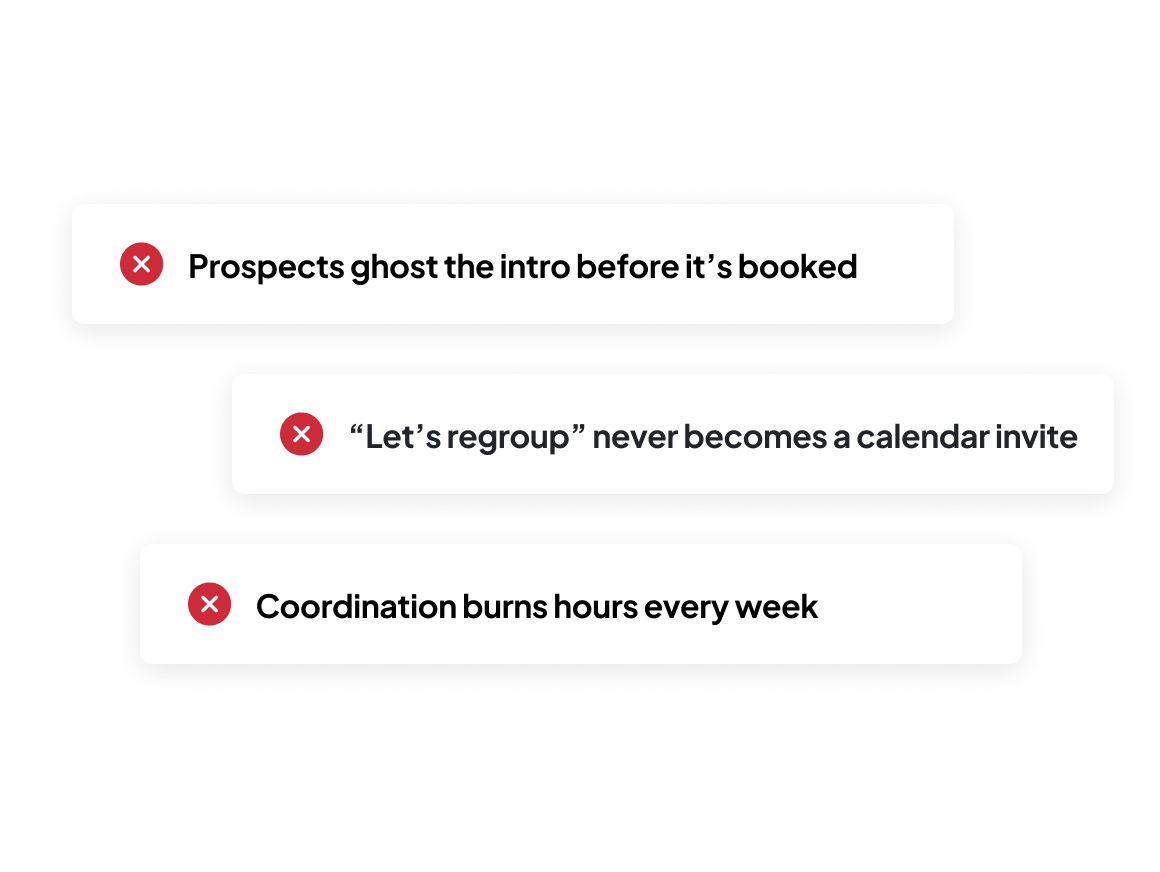
Booking a time slot is the easy part, and Zocks does it, whether clients book themselves or you book for them. The hard part is everything around it: turning a prospect’s interest into a first meeting, or a “let’s regroup after tax season” into a booked, prepped meeting with the follow-up already moving.
Every meeting is a stack of pieces that have to line up: the meeting type, the prep, the follow-up, the CRM update. Most tools drop one piece in your calendar and let the rest pile up across your scheduling tool, inbox, and CRM.
Less time coordinating, more meetings that grow your book
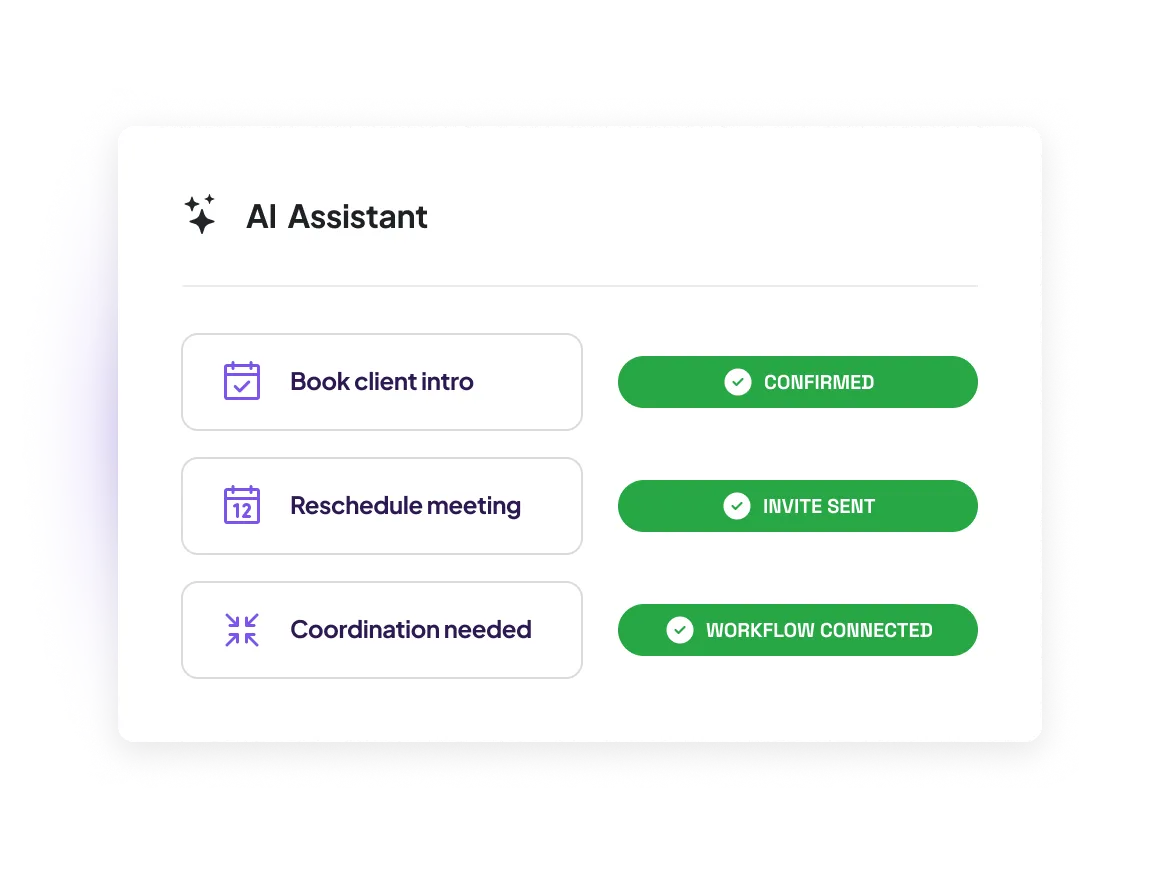
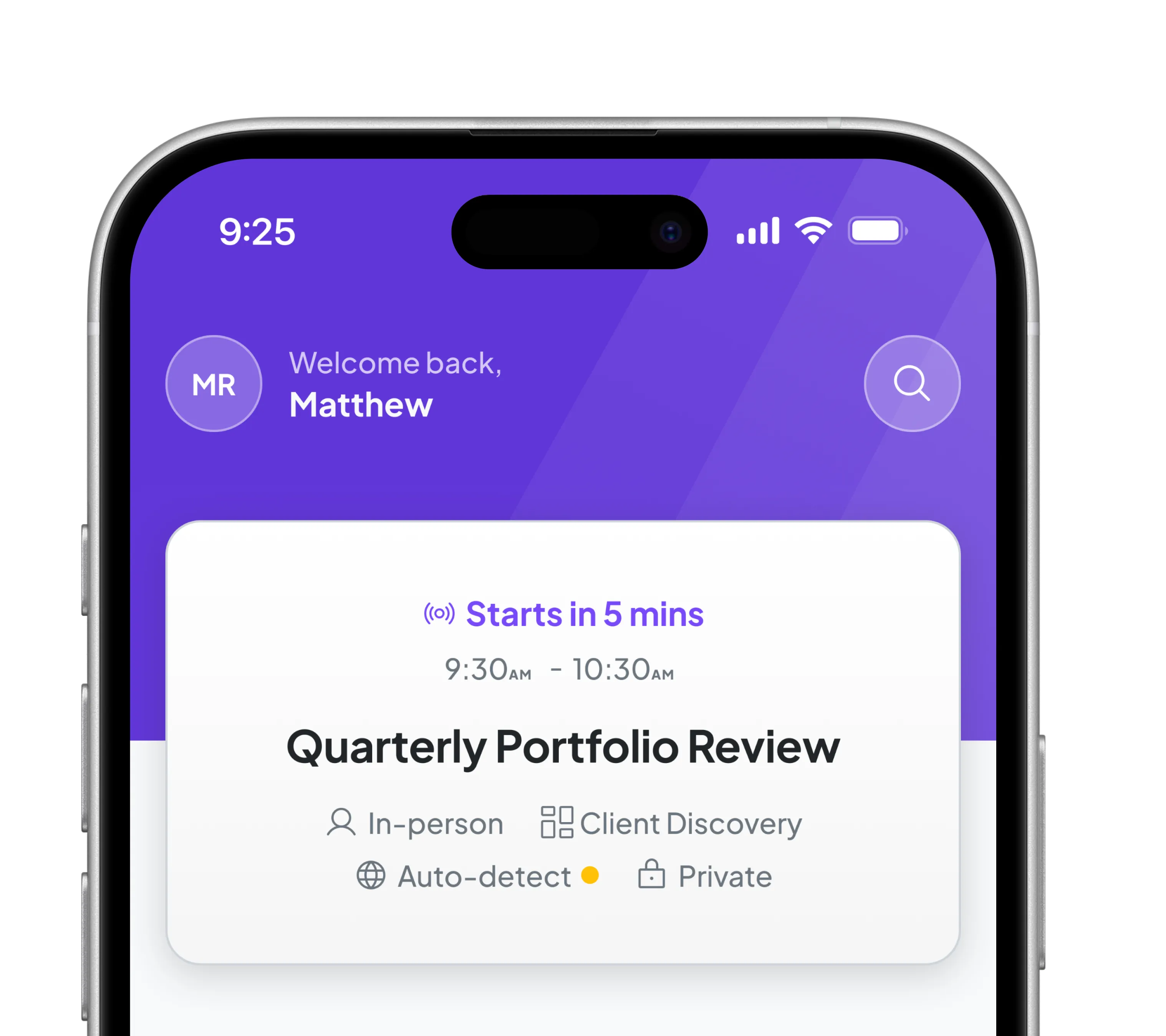
Zocks handles the whole booking, start to finish — drafting bookings from your conversations, creating sharable calendar links, and sending reminders. Whether a client says “let’s regroup” or you’re booking a brand-new referral, Zocks applies the right meeting type and details, ready for you to review and send. Every piece lands in place: the meeting, the prep, the follow-up, and the systems around it, all connected instead of scattered.
Your next meeting, teed up from your last one
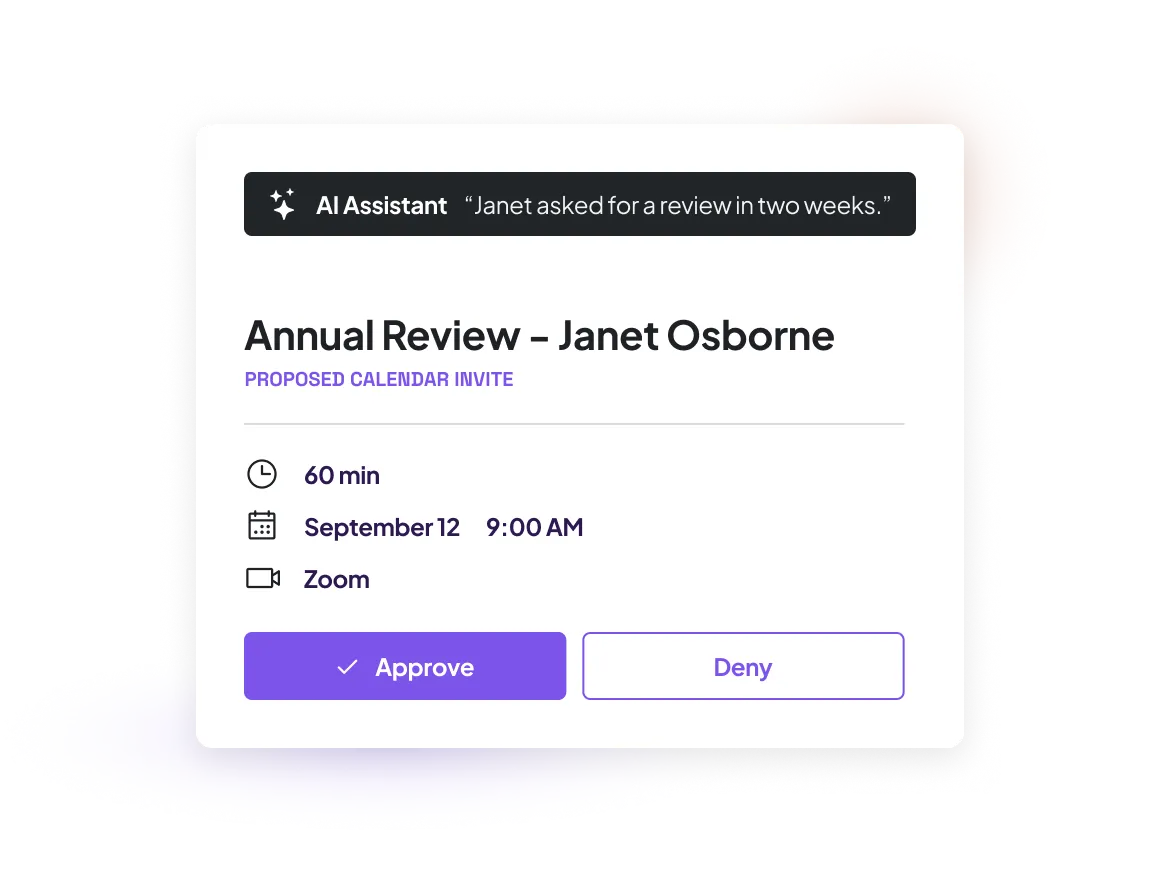
When a client mentions connecting, Zocks reads the meeting, proposes a booking with the right meeting type and context, and hands it to you to review and send — before you’ve opened a scheduling tool. How Zocks proposes depends on what was said:
- When a client names a specific time, like “Wednesday at 2pm,” Zocks drafts the calendar invite, ready for you to send.
- When they give a rough window, like “sometime next month,” Zocks prepares a booking link pre-filled to that window.
- When the plan is just a loose maybe, Zocks readies your booking page so the client can self-select a time.
Every proposal shows where it came from, so you can check it before it goes out.
Book a meeting with anyone, even a brand-new referral
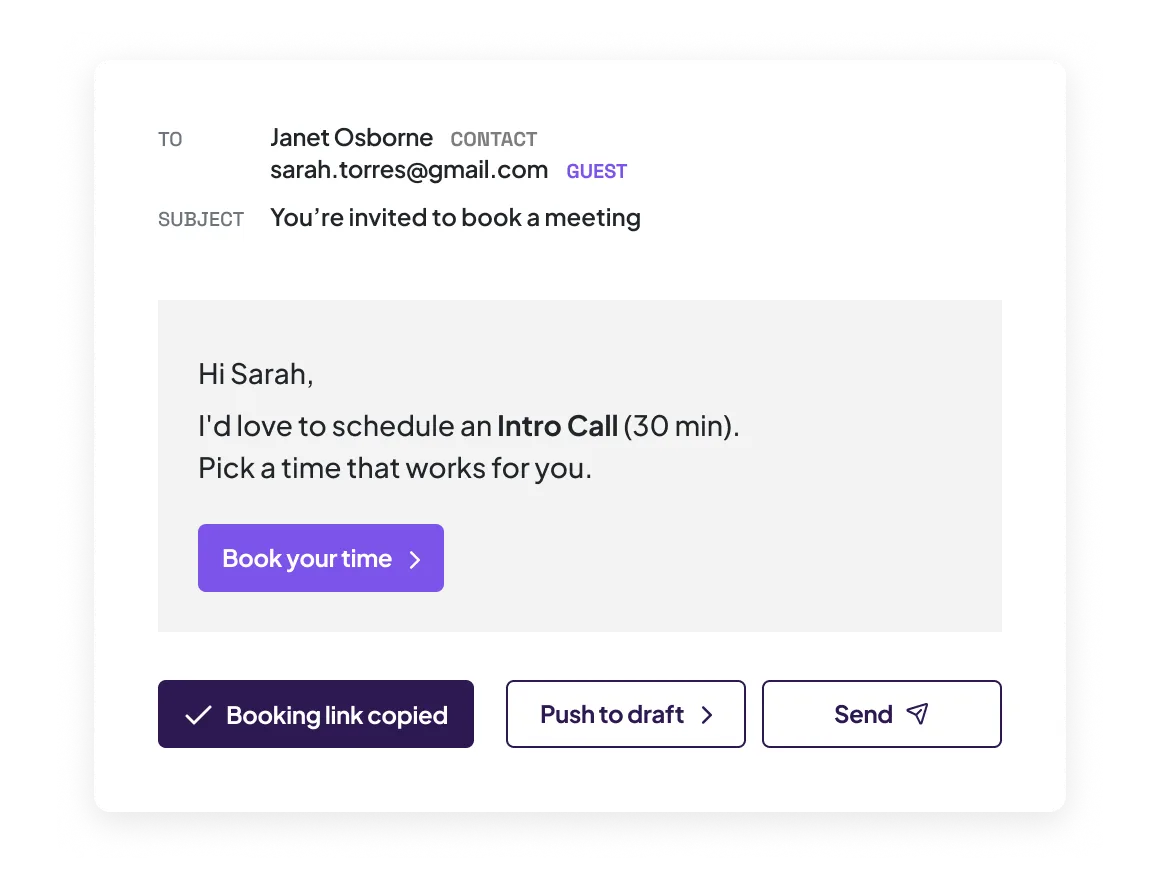
Book a referral before they’re even in your system. Drop in an email address for someone who isn’t a contact yet — no setup, no record required — and send the booking the way that fits:
- Send the invite straight from your connected email
- Push it to a draft to review before it sends
- Copy the link into a text or LinkedIn message
Or send prospects to your branded, mobile-friendly booking page to pick a time themselves — with optional approval and consent collection built in.
Fewer no-shows, without chasing anyone
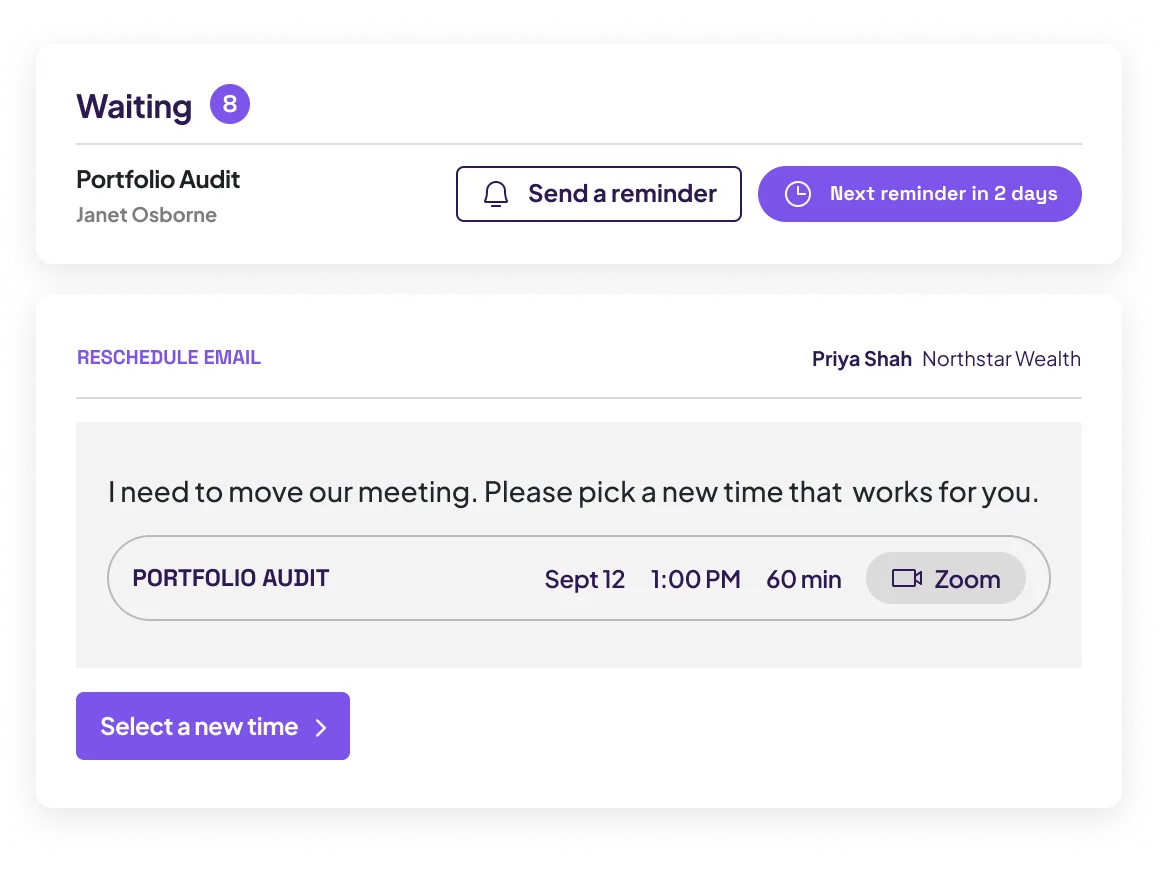
A calendar booking isn’t a completed meeting until someone shows up. Zocks keeps working after the invite goes out, so meetings that used to slip through the cracks stay on the calendar:
- Reminder sequences you set per meeting type (coming soon!)
- Follow-up nudges when a booking invite goes unanswered, stopping once the client books
Meeting reminders ahead of upcoming meetings - One-tap reschedule that saves the meeting instead of losing it
A client who might have quietly no-showed reschedules instead of disappearing.
Every booking flows straight into the meeting
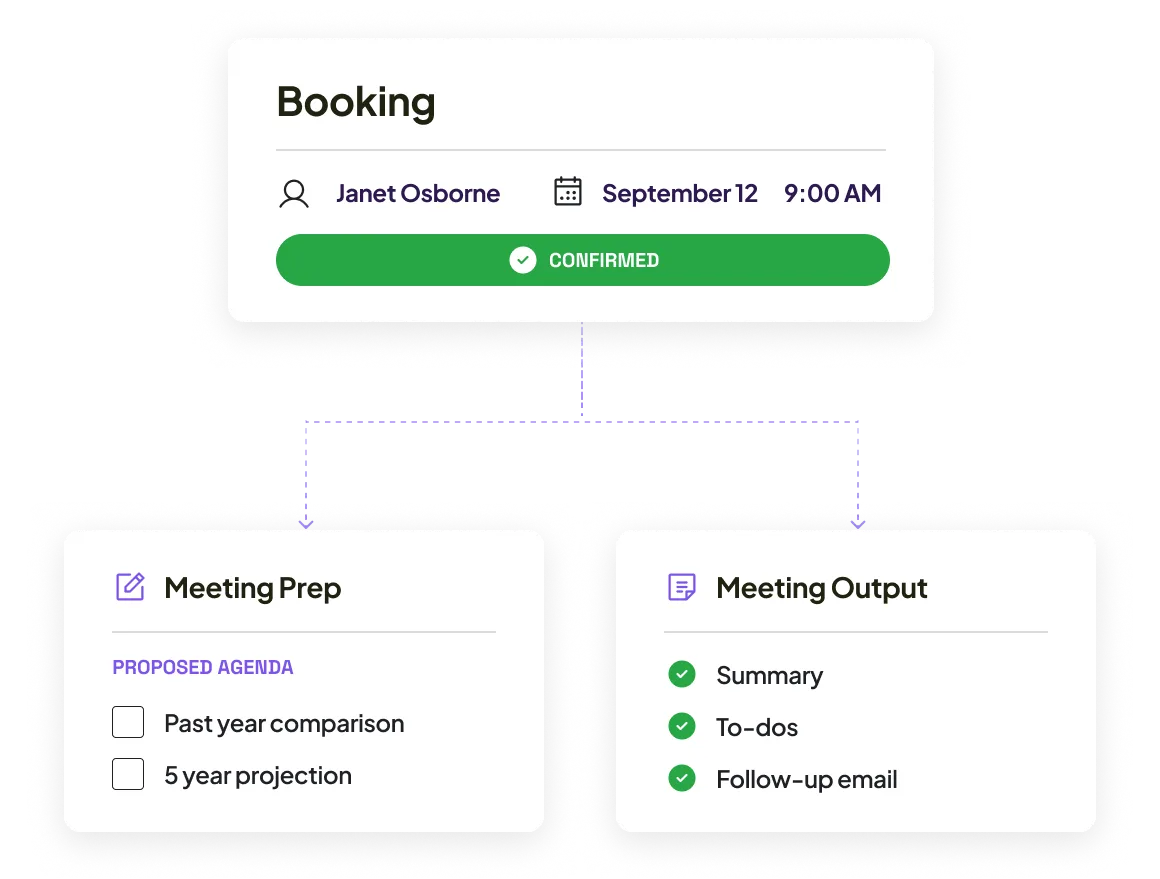
The booking isn’t a calendar entry sitting in a separate tool — it’s the front end of the meeting itself. Each one carries its meeting type, prep, and follow-up, and connects to the systems you already work in:
- Meeting type set automatically: length, in-person or virtual, the right Zoom, Teams, or Meet link
- A confirmed booking opens meeting prep directly
- Prep and follow-up templates map to the meeting
- Two-way calendar sync keeps availability current in real time
You walk in ready and walk out with follow-up handled, nothing re-entered by hand.
Set it up once for the whole firm
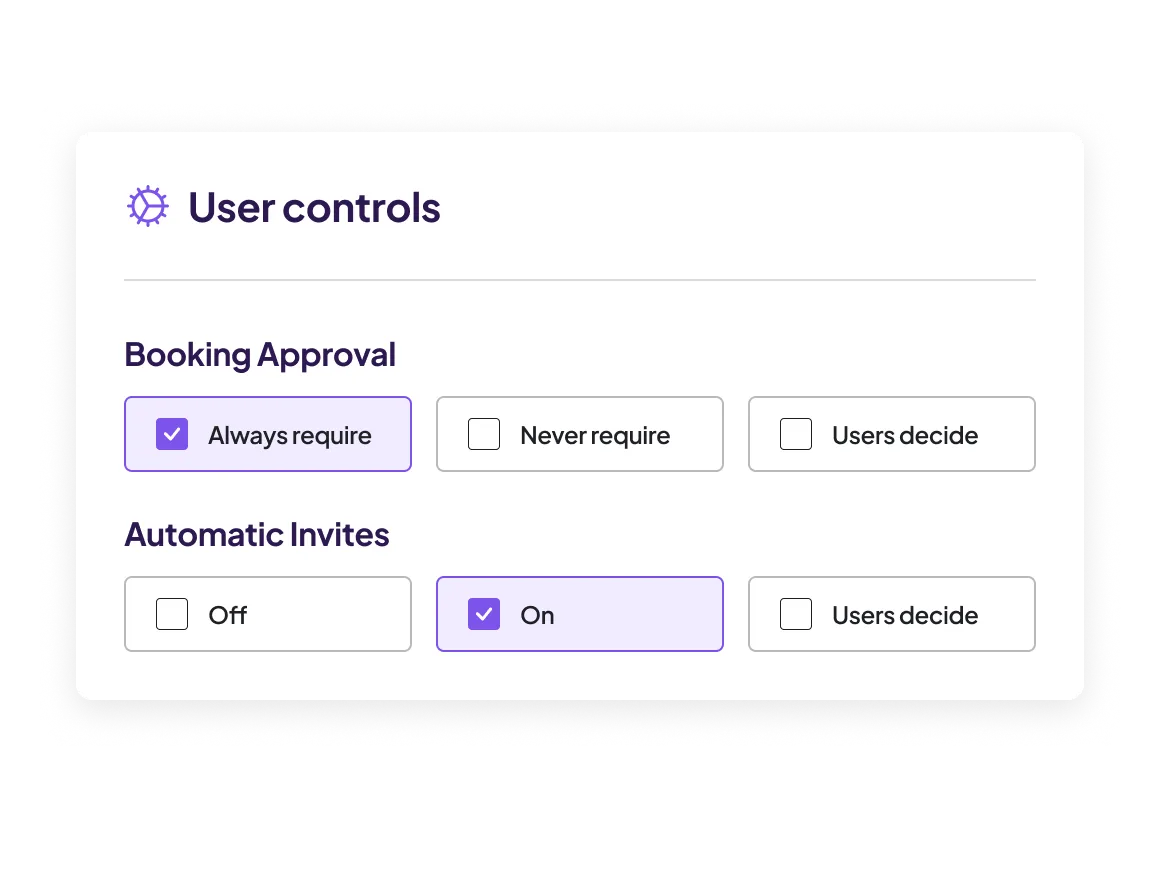
Your firm configures scheduling once, and every advisor inherits it, no building your own from scratch. Built-in controls include:
- Firm-wide event types, availability, and locations advisors inherit and set their own availability within
- Delegation, so an assistant can create and manage bookings in an advisor’s name
- Booking- and reschedule-approval flows
- One control over how much runs on AI: fully automated, manual review, or each advisor’s choice
Enterprise-grade scheduling your whole firm can actually adopt, without every advisor rebuilding their own setup.
FAQs
No. Your AI Assistant suggests bookings from your past meetings — when a client agrees to meet again, the suggestion appears with the context that triggered it, like “client asked to review the portfolio in two weeks.” You approve or reject each one, and you review every invite or email before it sends. Nothing goes out on its own.
Scheduling connects to Google Calendar and Outlook, and sets up meetings in Zoom, Google Meet, or Microsoft Teams. Meeting in person? Mark the event as in-person and no video link is created. Calendar sync runs both ways, so your availability stays current in real time.
Yes. Drop in an email address for a referral who isn’t in your system, and send the booking straight from your inbox, as a draft to review first, or as a link you paste into a text or message. Clients and prospects can also pick a time themselves on your public booking page.
No. Your booking pages, confirmation emails, and calendar invites carry you firm’s branding only — your logo, your colors. Zocks stays invisible.
Clients can reschedule or cancel from the link in their confirmation and reminder emails — no email chain, no phone tag, no pulling you in to move one meeting. The calendar event updates automatically, a new confirmation goes out, and the booking updates on your end. If a booking link goes unanswered, Zocks keeps sending reminders until the client books or you archive it.
Yes. Your firm sets the event types and booking rules once, and every advisor inherits them — advisors set their own availability within them. An account-level control decides how much AI automation is allowed: fully automated, manual review, or left to each advisor. Assistants can also manage bookings on an advisor’s behalf.
Scheduling is available on the Ultimate plan. If you’re on Ultimate, you’ll need a connected Google or Outlook calendar to start — plus a meeting platform (Zoom, Google Meet, or Teams) if you meet online. Not on Ultimate yet? Talk to your Zocks representative about upgrading.
Get started for free in less than 10 minutes