.svg)

Put your Box documents to work inside Zocks
Zocks connects to Box so you can link a client's folder, save Zocks-generated PDFs straight to Box, and pull documents from Box for processing. Your client documents and your work finally live in the same place.
Documents move both ways between Box and Zocks
Link a Box folder to every client
Connect a client's existing Box folder to their contact record in Zocks. Once it's linked, Zocks knows where that client's documents belong, so every file you save or pull goes to the right place automatically.
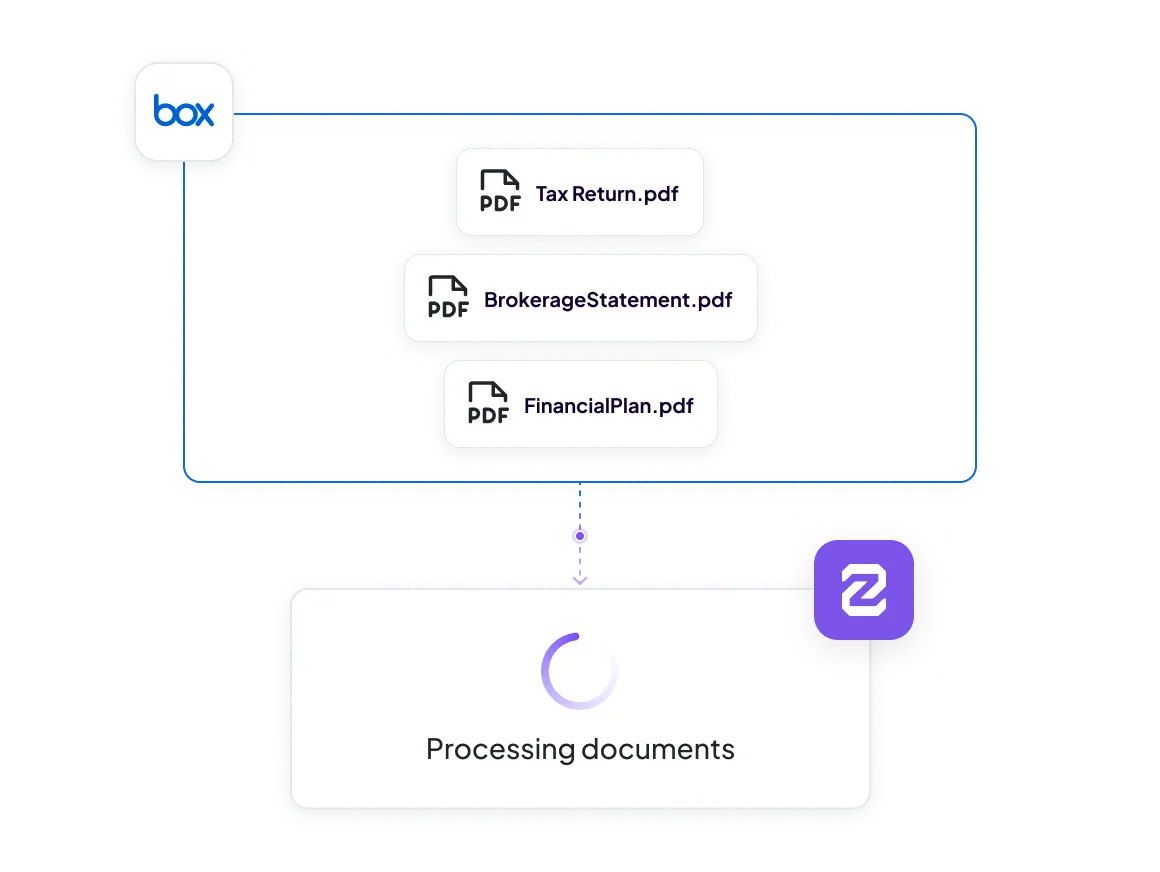
Pull documents from Box for processing
Work from the documents you already have. Instead of uploading from your computer, pull statements, plans, and client files straight from a Box folder into Zocks for processing. Pull what you need from your existing document library without leaving Zocks.
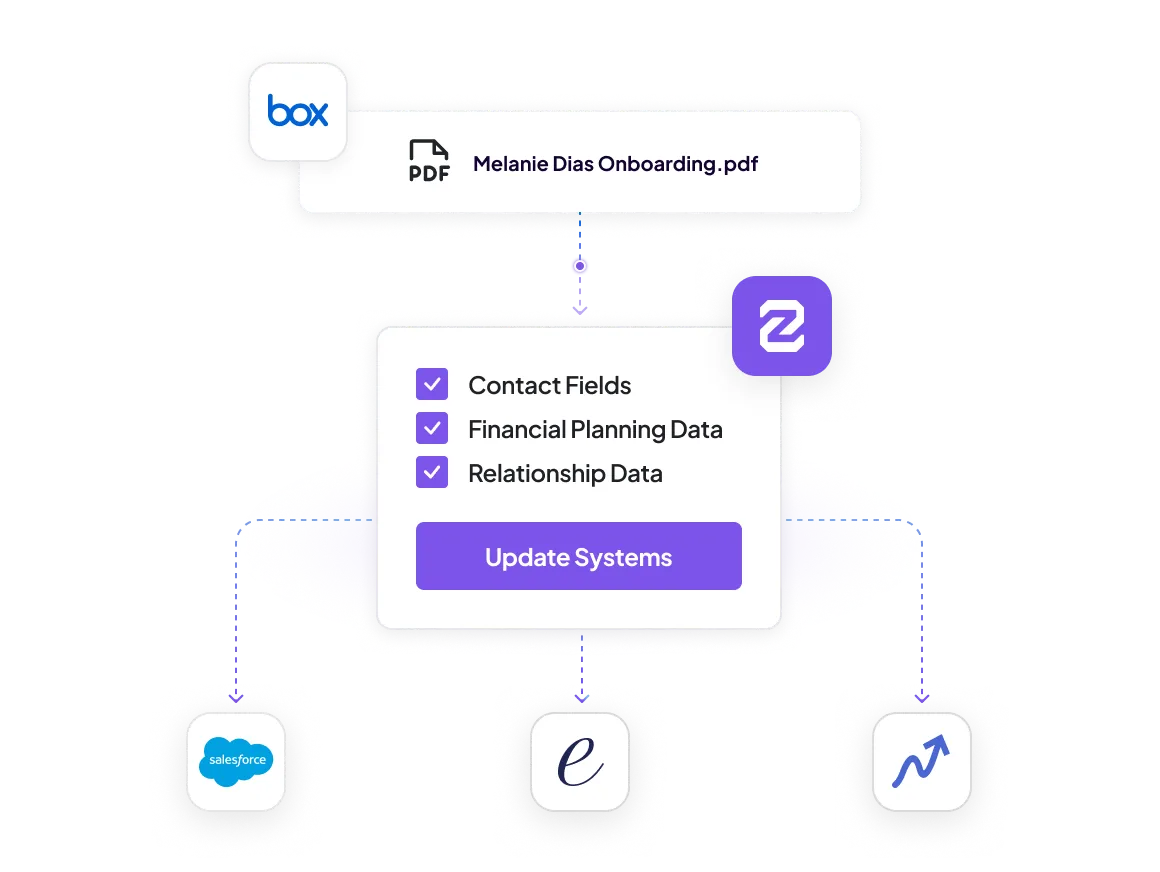
Put your Box documents to work across every connected system
Zocks pulls your documents from Box and extracts the data: accounts, assets, beneficiaries, and more. Review what Zocks found, then sync to your CRM and planning tools with one click. The statements and forms you gather for onboarding or an annual review turn into structured, usable data across your connected systems.
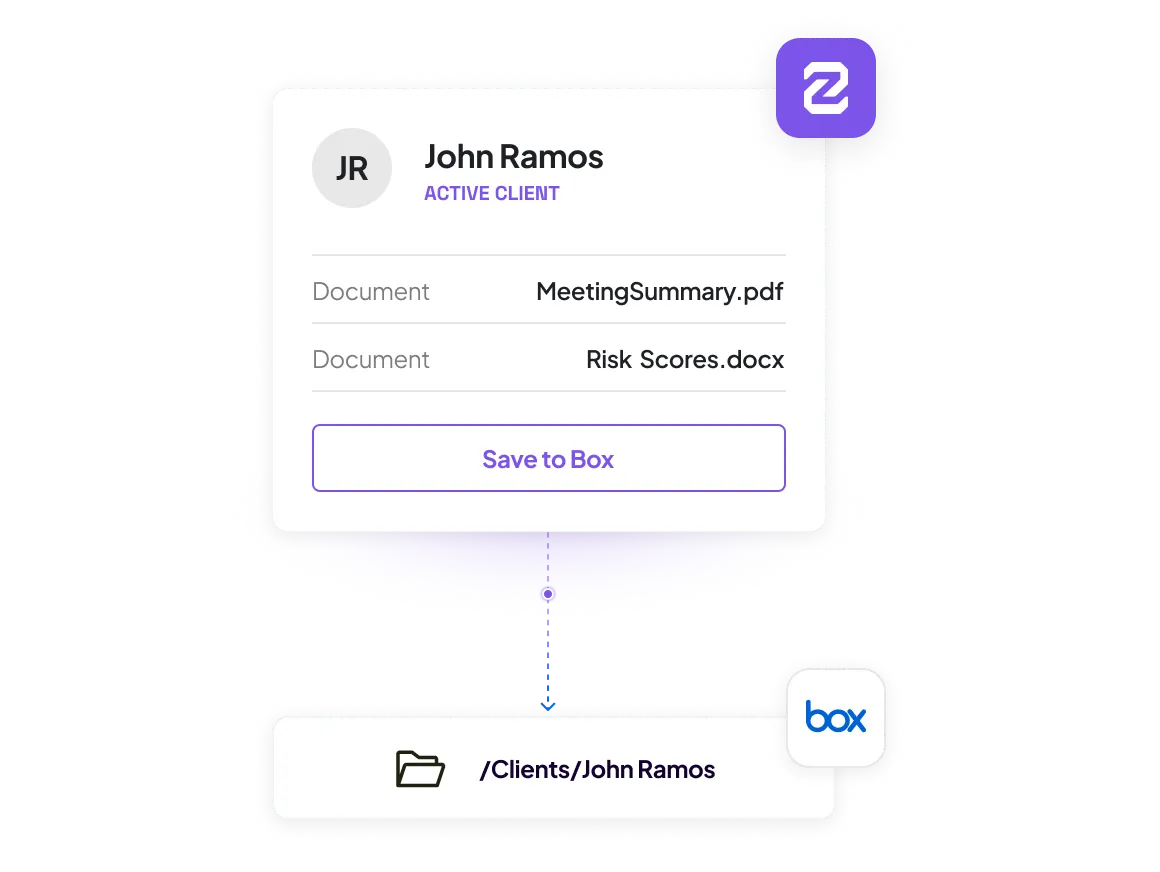
Save Zocks-generated PDFs straight to Box
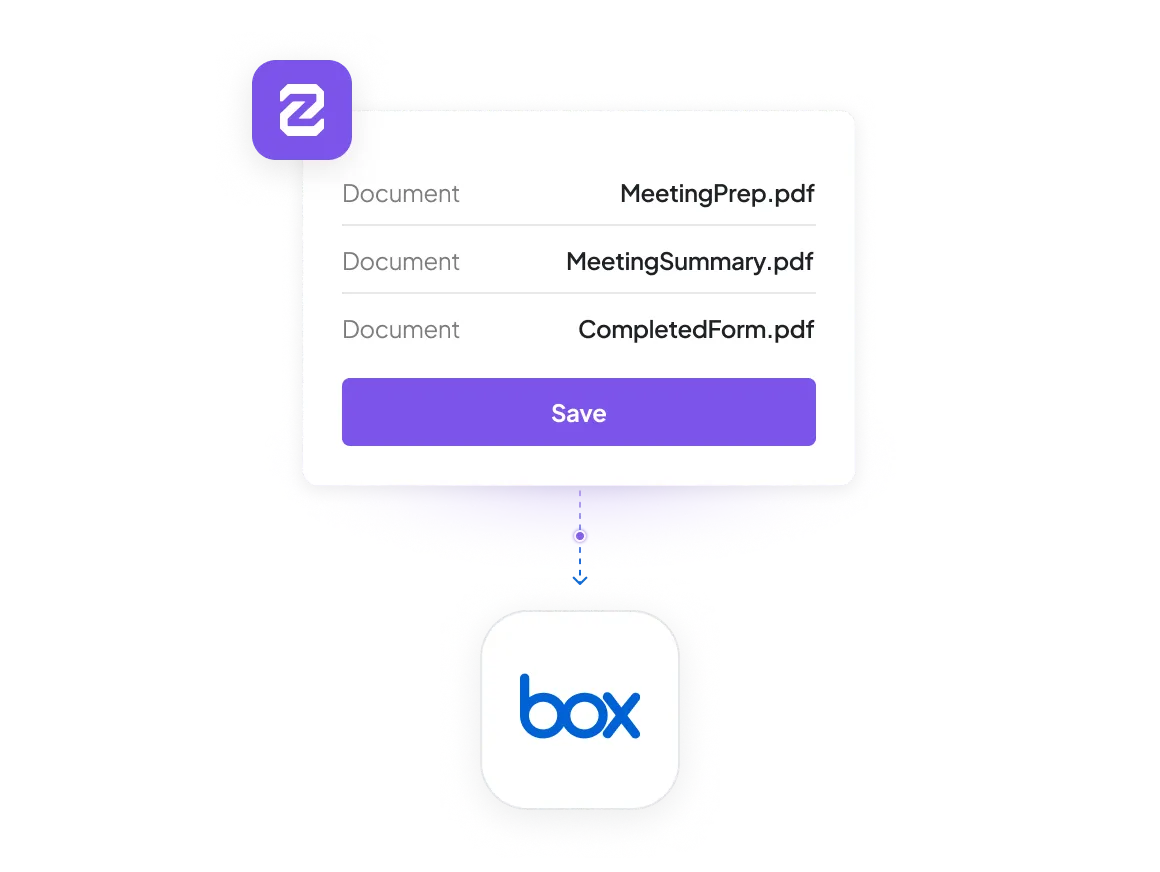
Zocks creates meeting summaries, meeting prep, and completed forms. Save them directly to the linked Box folder in one step. No downloading to your computer. No re-uploading. No hunting for the right folder. The document lands where it belongs.
How Zocks works with Box
A two-way connection between Zocks and your Box document library.

Connection Type
Link a client's Box folder to their record in Zocks

Save to Box (write)
Save Zocks-generated PDFs (meeting summaries, meeting prep, forms) to the linked Box folder

Pull from Box (read)
Pull documents from an existing Box folder into Zocks for processing instead of uploading from your computer

Document Types
Zocks-generated PDFs out; client documents (statements, plans, forms, and more) in

Availability
Available to all Professional and Ultimate plan customers

Setup
Connect Box in Zocks integration settings and link a folder per client
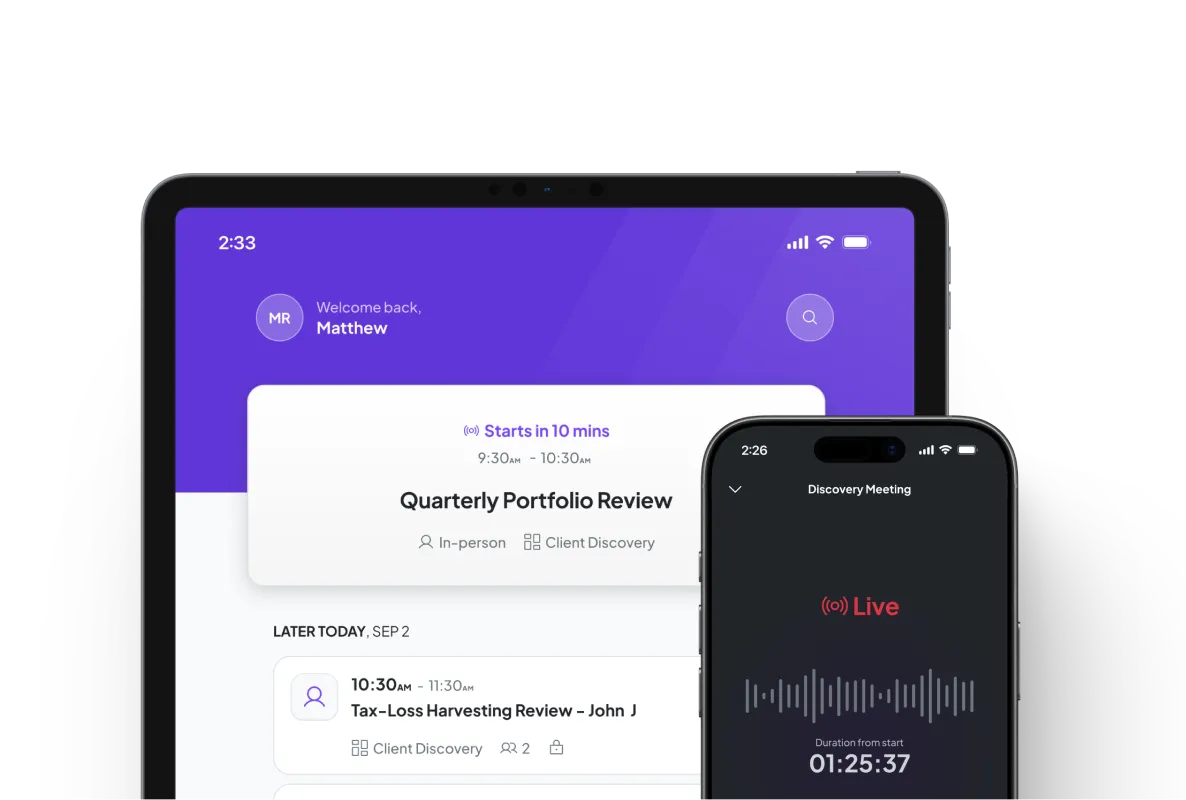
Get started for free in less than 10 minutes

More Integrations



FAQs
It connects Zocks to Box, your document management system. You can link a client's Box folder to their record in Zocks, save Zocks-generated PDFs straight to Box, and pull documents from Box for processing in Zocks. Documents move both ways without manual downloading or uploading.
Yes. Save Zocks-generated PDFs — meeting summaries, meeting prep, and completed forms — directly to a client's linked Box folder in one step. Available on Professional and Ultimate.
Yes. Instead of uploading from your computer, pull statements, plans, and client files directly from a Box folder into Zocks for processing. Available on Ultimate.
Some tools only let you save documents to Box. Zocks lets you save to Box and pull from it for processing, so your full document workflow — retrieve, process, generate, file back — happens without leaving Zocks.
Saving Zocks-generated PDFs to Box is available on Professional and Ultimate. Pulling documents from Box for processing is available on Ultimate.
Connect Box in your Zocks integration settings, then link a Box folder to each client. Once a folder is linked, you can save documents to it and pull documents from it right away.