Why Integration Depth Will Make or Break Your RIA Toolset
The best AI tools for financial advisors write meeting data into your CRM and planning tools. See how integration depth decides your admin load, and how the top tools rank.

Financial advisors spend about 60% of their time on tasks that have nothing to do with clients.
Most of that is the work around the meeting: updating the CRM, filling forms, drafting follow-ups, and re-entering the same data across systems. The AI notetaker you choose decides how much of that work stays on your plate.
Transcript quality and price get most of the attention when advisors compare notetakers. The factor that decides how much admin work you keep is how deeply the tool connects to the rest of your stack.
This guide covers why integrations matter more than transcript quality, the five questions to ask before you buy, how the leading advisor notetakers rank on integration depth, and what changes in your day once the tool does the work for you.
Key Takeaways
- Integration depth, not transcript quality, decides how much admin work stays on your plate. A read-only notetaker hands you text to paste. A connected one updates your CRM, planning tools, and forms for you.
- The WealthTech Integration Score from Ezra Group is a neutral way to compare notetakers on integrations. The industry median is 4.50 on a 10-point scale.
- In Ezra Group's Client Meeting Support category, Zocks ranks first at 9.56, with 40+ two-way integrations across CRM, planning, and portfolio tools.
Why Integrations Decide How Much Admin Work You Keep
An AI notetaker sits in the middle of your workflow. The meeting goes in. What comes out depends on where the tool can send the data.
A read-only tool gives you a transcript and a summary. You still open the CRM, find the client, and type in what changed. You still open the planning tool and re-enter the numbers. The notetaker did the listening. You did the filing.
A notetaker with deep, two-way integrations handles the filing. It reads your CRM and planning data before the meeting so you walk in prepared, then writes the updates back afterward, with you reviewing and approving before anything syncs. Michael Kitces, whose research shapes how advisors buy technology, calls integration the “killer feature” for wealthtech. He is describing this exact split.
Advisors lose hours every week to work that deep integrations handle on their own: CRM updates, form filling, follow-up drafting, and data re-entry across systems. That is the time an integration-first notetaker gives back.
5 Questions to Ask Before You Choose an AI Notetaker
Judge an AI notetaker on five questions. Each one separates a tool that hands you a transcript from a tool that does the work around the meeting.
1. Does it write back to your CRM, or just export a transcript?
Read-only tools export text and leave the data entry to you. Write-back tools update CRM fields directly, so the record reflects the meeting without you retyping anything. Ask whether the tool writes to Wealthbox, Redtail, Salesforce, and Practifi, or whether it only hands you a file to copy from.
2. Are integrations live through an API, or a manual export?
A live API connection keeps your records current the moment you approve an update. A manual export means you are still moving data by hand, with a few extra clicks. Live, two-way connections are the ones that give you time back.
3. Does it reach your planning and portfolio tools, not only your CRM?
This is where most notetakers stop. Ask whether the tool populates eMoney and RightCapital and connects to Orion and Holistiplan. A notetaker that fills planning fields from a conversation removes the slowest part of building a plan.
4. Does it fill forms, or just hand you notes?
Intake forms, fact finders, and account applications are hours of repeat data entry. A notetaker that fills them from the meeting conversation, with your review, turns onboarding from weeks into days. The same client details enter your systems once instead of five times.
5. Does it meet advisor security and compliance standards?
Look for SOC 2 Type 2 compliance, a public API, and a developer portal. Check whether the tool captures full audio and video or only transcribes, because clients often do not want private conversations recorded, and transcription sidesteps the compliance questions that come with storing audio and video.
Zocks answers yes to the hard ones: two-way CRM write-back, live API sync, planning and portfolio depth, form filling, and SOC 2 Type 2 compliance. You stay in control at every step, reviewing and approving before anything reaches your systems.
Read more: AI transcription tools vs. AI meeting assistants
What Is the WealthTech Integration Score?
The WealthTech Integration Score (WTIS) is an independent rating from Ezra Group that measures how well a wealthtech application connects with other systems in the advisor stack. It runs on a 10-point scale that scores each product within its category, with no pay-to-rank. The current industry median is 4.50.
A higher score means broader and deeper integrations than others in the same category. For advisors comparing notetakers, WTIS is a way to check a vendor's integration claims against a neutral third party instead of a marketing page.
How Advisor AI Notetakers Rank on Integrations
In Ezra Group's Client Meeting Support category, which covers the advisor notetakers most firms shortlist, Zocks ranks first. The standings, as of October 31, 2026:
Zocks scores 9.56, more than double the 4.50 industry median, and holds the Superior badge. Jump, another advisor-specific tool, scores 9.37 and also earns Superior. The full field an advisor evaluates sits in this one list, which makes it a useful side-by-side on the factor that decides your admin load.
It’s important to note that Zocks also ranks first in the WTIS AI Assistant category, and is the #1 AI Assistant for Financial Services on G2.
Read more: What makes the best AI note-taker for financial advisors
What Deep Integration Looks Like in a Day of Work
A score on a chart turns into time back. Here is the day-to-day.
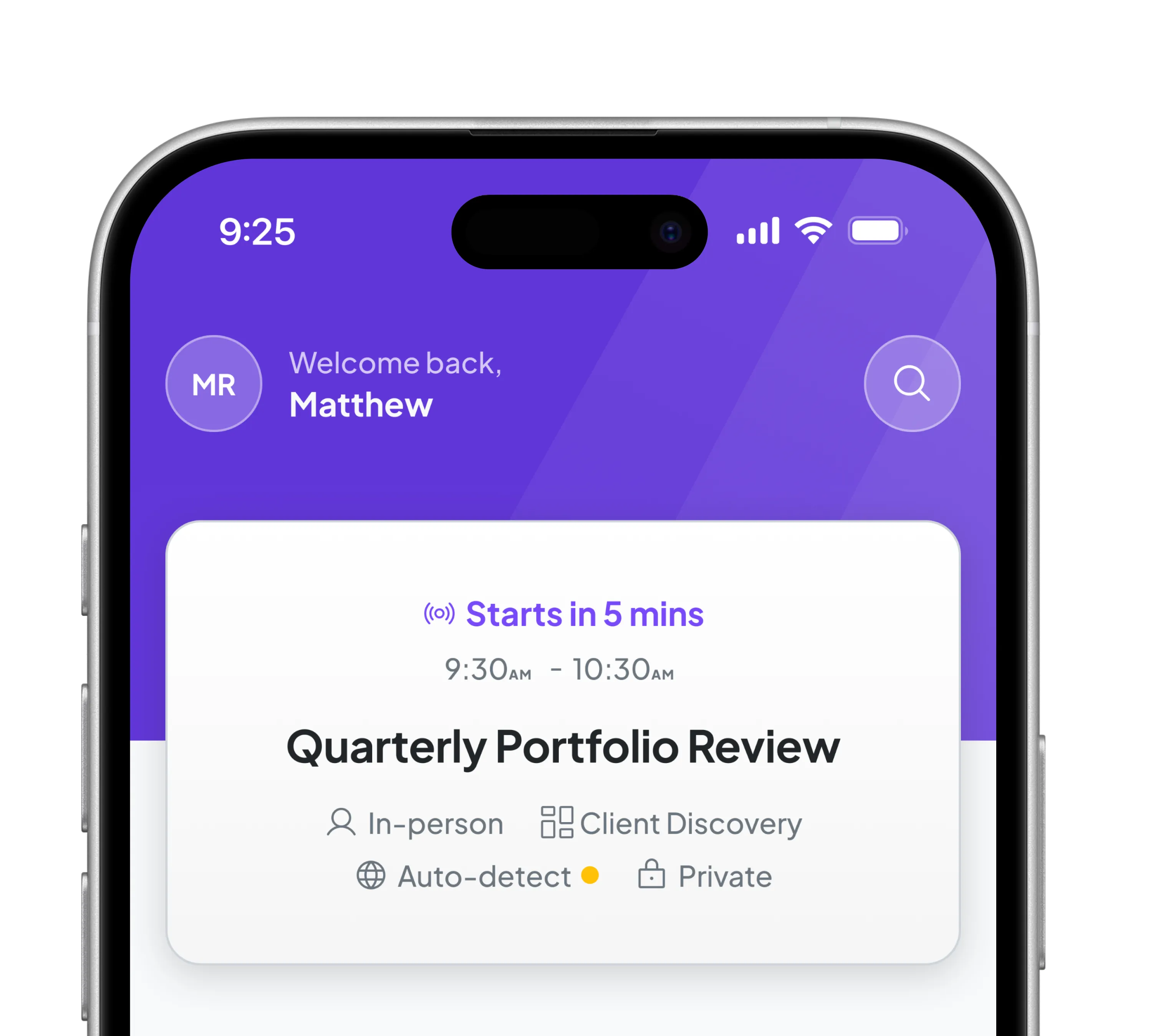
Before a meeting, Zocks pulls data from your CRM, past conversations, and planning tools into a prep doc. You walk in with the full picture.
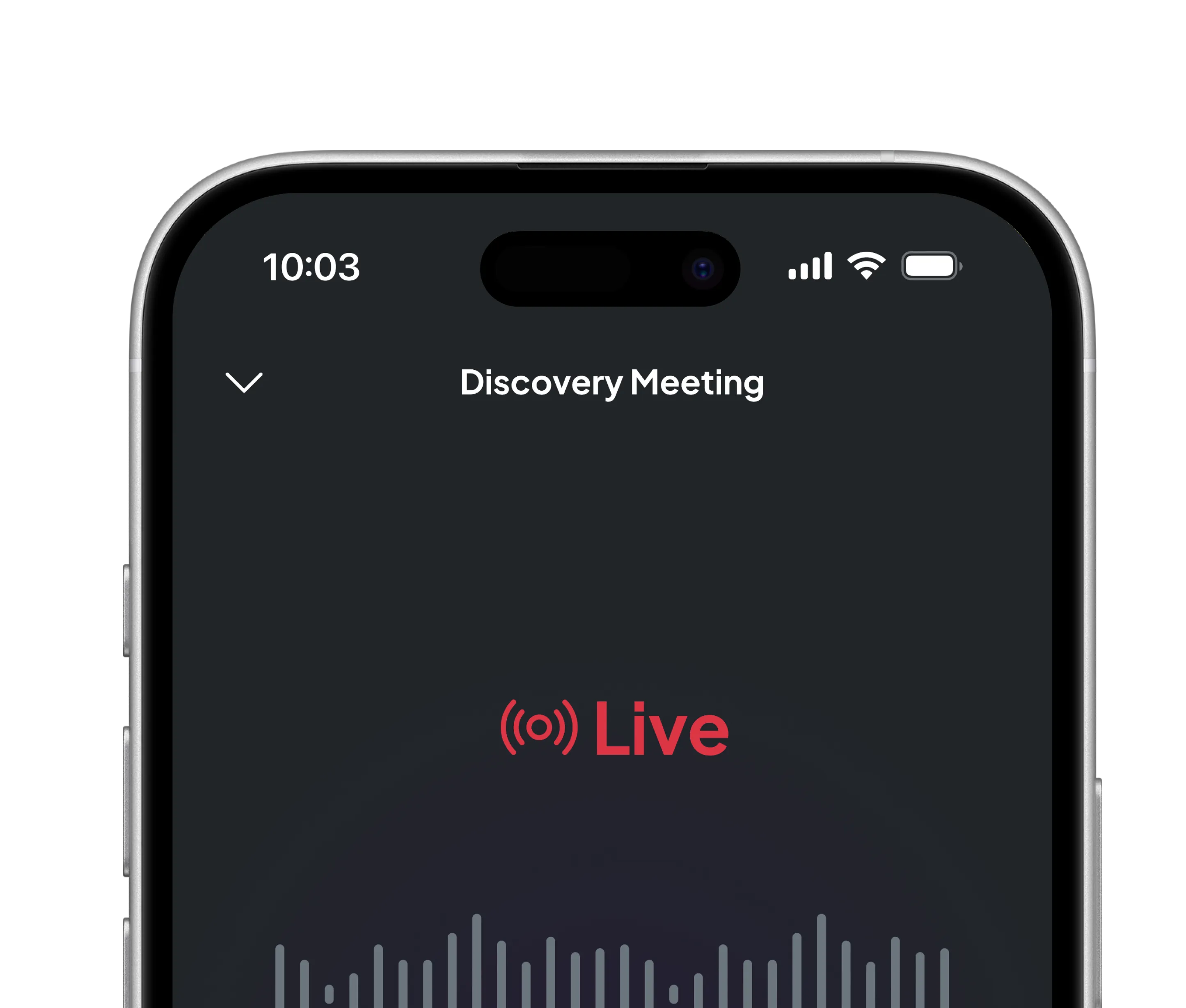
During the meeting, Zocks takes notes with speaker attribution across virtual, phone, and in-person conversations. It transcribes and never records, so there is nothing sensitive to archive or supervise.
After the meeting, Zocks updates your CRM, fills planning fields, and drafts the follow-up email in your voice. It fills 370+ fields into eMoney and 200+ into RightCapital from a single conversation. You review what it captured, edit if needed, and approve. The follow-up goes out in minutes.
For onboarding, the same conversation data fills intake forms, fact finders, and applications. The details enter your systems once and flow everywhere they need to go, so a process that used to take weeks can finish the same day.
Across 40+ two-way integrations, the pattern holds. Zocks does the work across your systems. You decide what reaches the client.
There’s a reason why Zocks is used by 7 out of 9 Barron’s top mega RIAs.
Read more: How AI saves financial advisors 10 hours per week
How to Start Without Adding Another Disconnected Tool
Most advisors who stall on AI try to connect everything at once. Start with the integration that removes the most manual work: CRM write-back.
Bring in an AI assistant for your client meetings and let it update your CRM after each one. Run it for 30 days, watch how much post-meeting data entry disappears, and let the workflow settle before you add anything else.
Add planning-tool depth second. Connect eMoney or RightCapital so discovery conversations fill planning fields on their own. Then let the same data handle forms and onboarding, so a new client's details enter your systems once.
You stay in control the whole way. Zocks prepares the work; you review, edit, and approve before anything reaches the client. Start your free trial with Zocks today.
Frequently Asked Questions
What should financial advisors look for in an AI notetaker?
Look for integration depth first. The tool should write back to your CRM, connect live to your planning and portfolio software, fill forms from the conversation, and has SOC 2 Type 2 attestation. Transcript quality matters, but integrations decide how much admin work you keep doing by hand.
Do AI notetakers integrate with CRMs like Wealthbox and Redtail?
The best ones do, with two-way sync. Zocks writes back to Wealthbox, Redtail, Salesforce, Practifi, and more, updating fields after each meeting once you approve. Many general notetakers only export a transcript, which leaves the CRM data entry to you.
What is the WealthTech Integration Score?
The WealthTech Integration Score (WTIS) is an independent rating from Ezra Group that measures how deeply a wealthtech tool integrates with other advisor systems. It uses a 10-point scale that scores each product within its category, with no pay-to-rank. The industry median is 4.50.
Which AI notetaker has the best integrations for financial advisors?
In Ezra Group's Client Meeting Support category, Zocks ranks first at 9.56, ahead of Zeplyn (9.49) and Jump (9.37). Zocks connects to 40+ tools across CRM, planning, and portfolio systems, and also ranks first in the WTIS AI Assistant category.
Does an AI notetaker replace my CRM or planning software?
No. It connects them. Zocks captures the conversation and pushes structured data into the CRM and planning tools you already use, so the systems you rely on stay current without manual entry. You keep your stack and remove the data-entry work between the tools.
Related blogs
Get started for free in less than 10 minutes